
What devices are you connecting?
Note source and destination by model name.

★★★★★ 5.0 on Google · 151 reviews · Speaker Verhuur Amsterdam
Hire audio cables in Haarlem for microphones, mixers, speakers and playback devices. Choose the connector, signal type and practical cable length together. Compare XLR, jack, RCA and SpeakON options and ask us to check uncertain device combinations.
Choose equipment for your event
Note source and destination by model name.
Check connector and signal job.
Schedule the right number of entries.
Measure the route and test the real source.
XLR cables are commonly used between microphones, mixers and powered speakers, but the task depends on the connected equipment. Specify the source and destination, connector gender and required length before hiring. For a Haarlem event, measure the practical route along the edge of the room rather than a straight line across the floor. If several devices need the same source, confirm the appropriate distribution method instead of assuming any splitter will work.
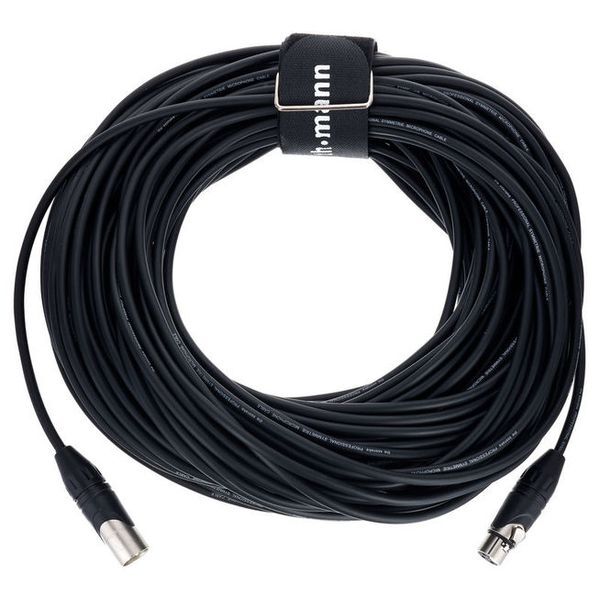
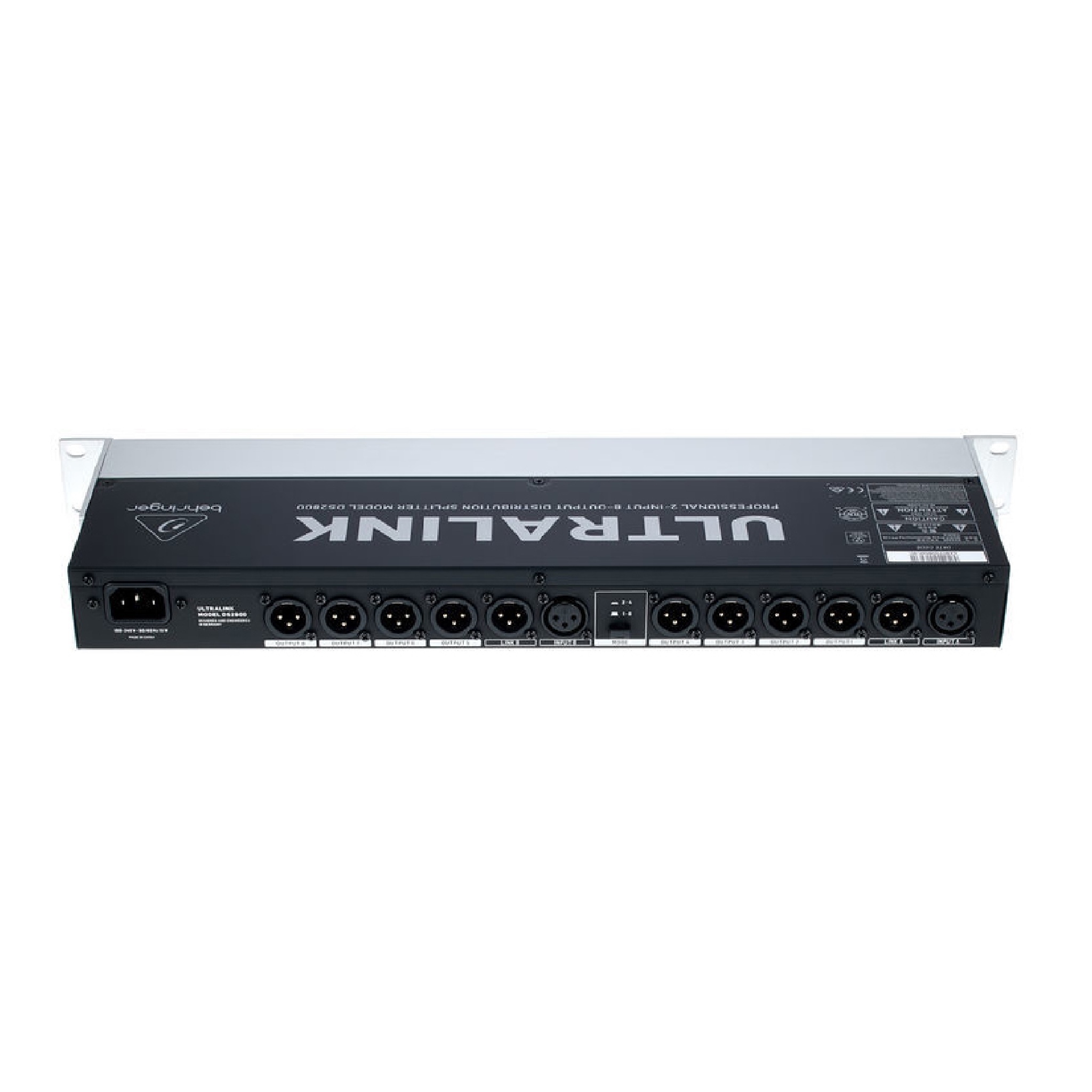
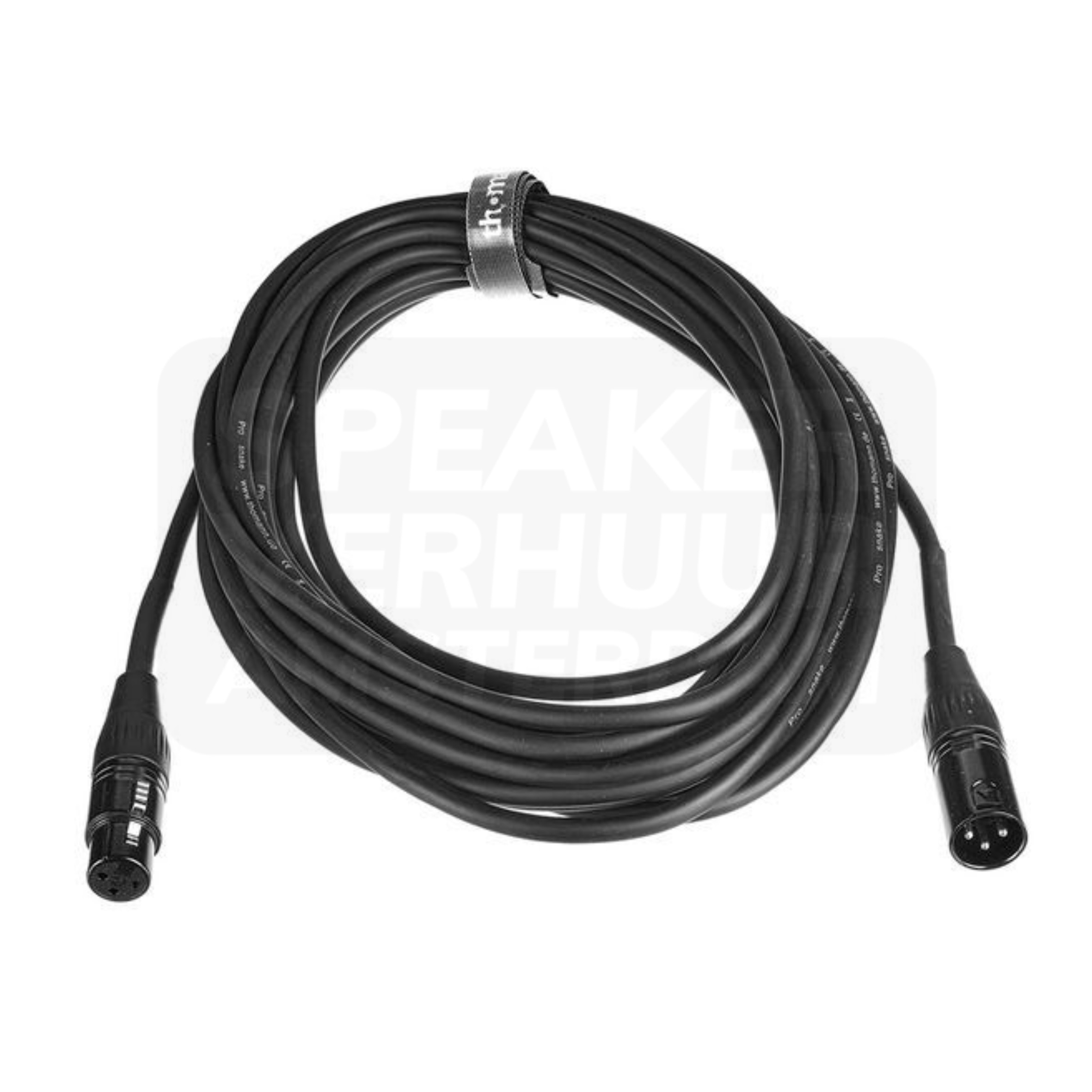
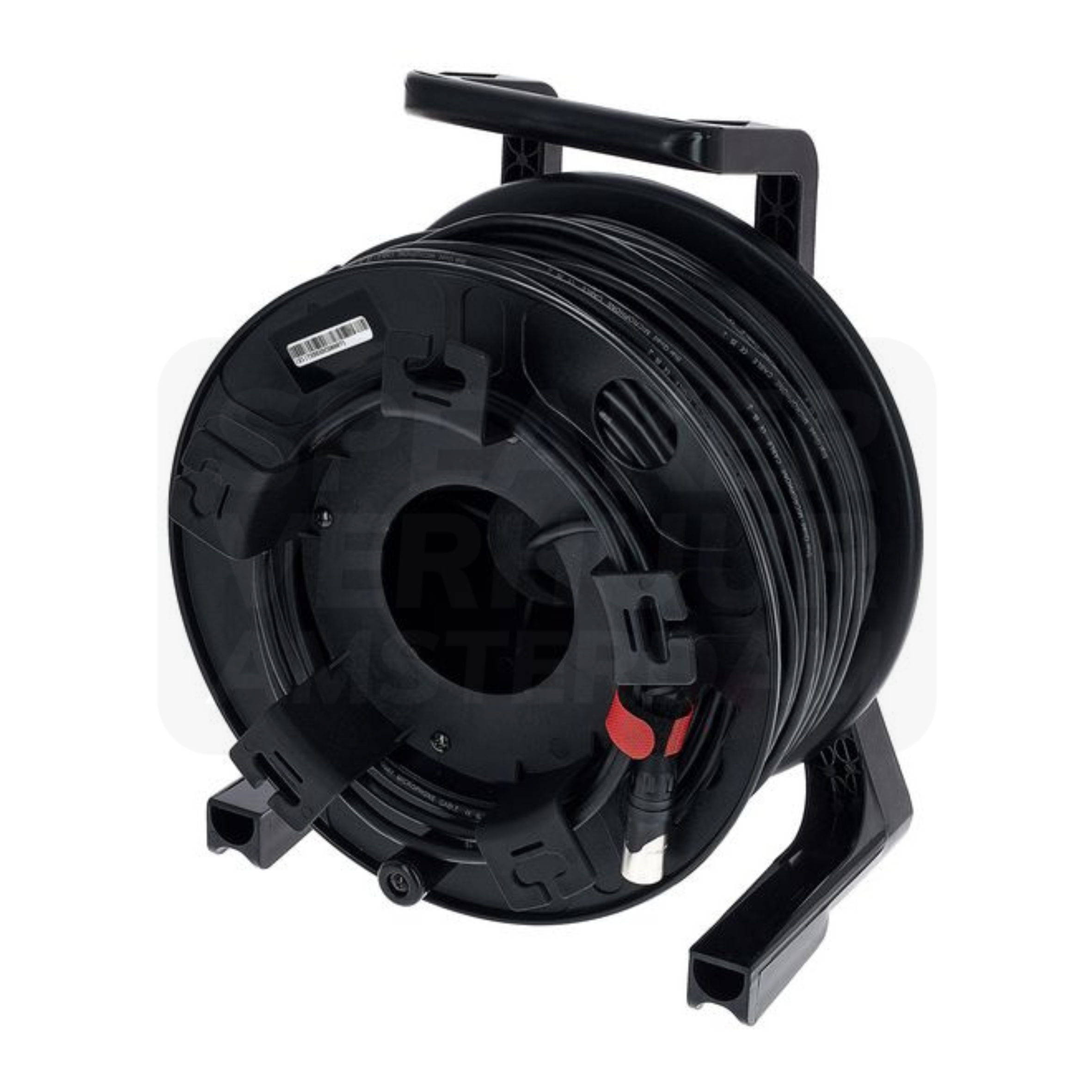
Jack, mini-jack and RCA connectors serve different audio connections. Check the output of your source and the input of the receiving device, including whether the signal is mono or stereo and balanced or unbalanced. An adapter can change the connector shape without converting a digital signal, amplifying a microphone or providing the correct signal level. Send the device models when you need help choosing cables for a hired Haarlem setup.
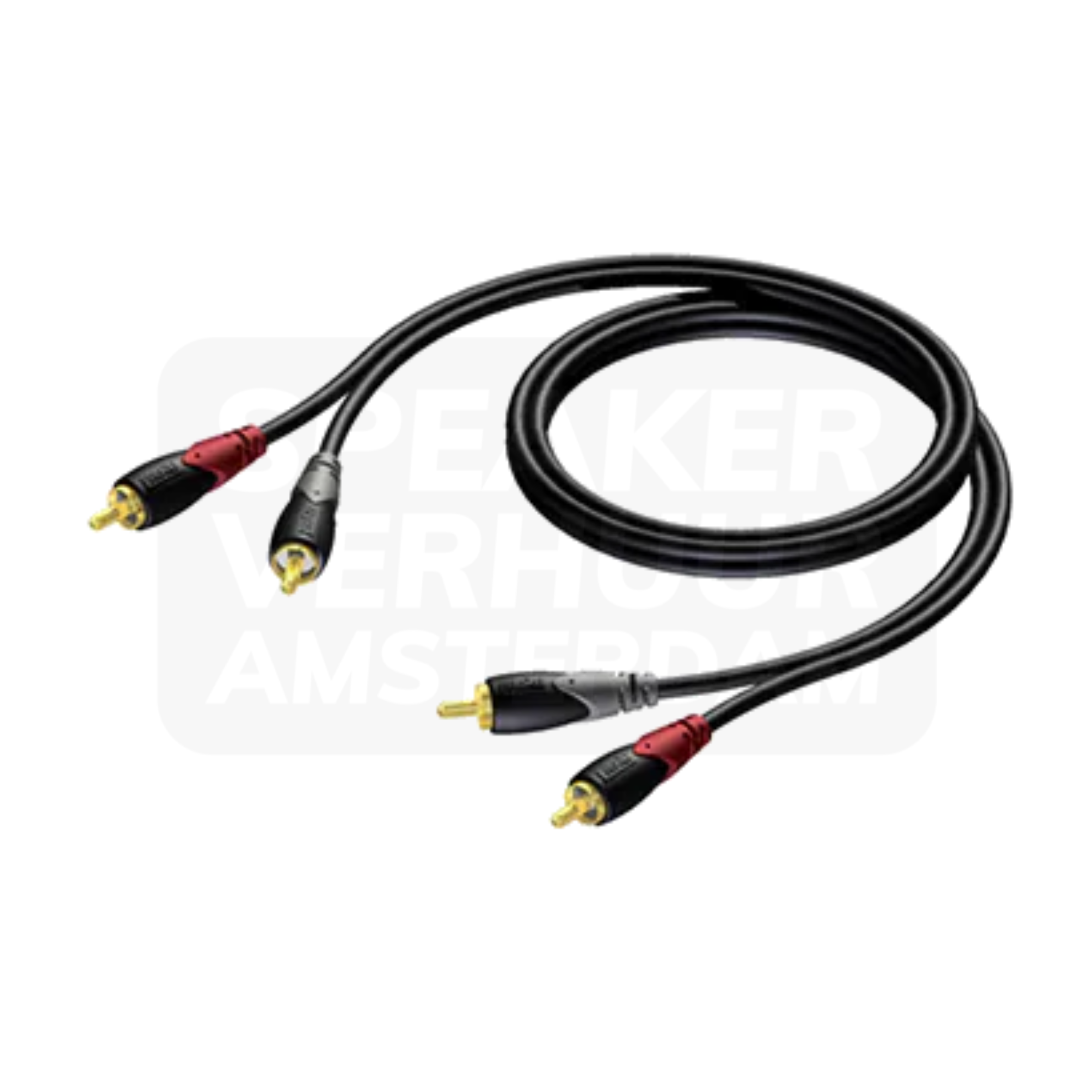
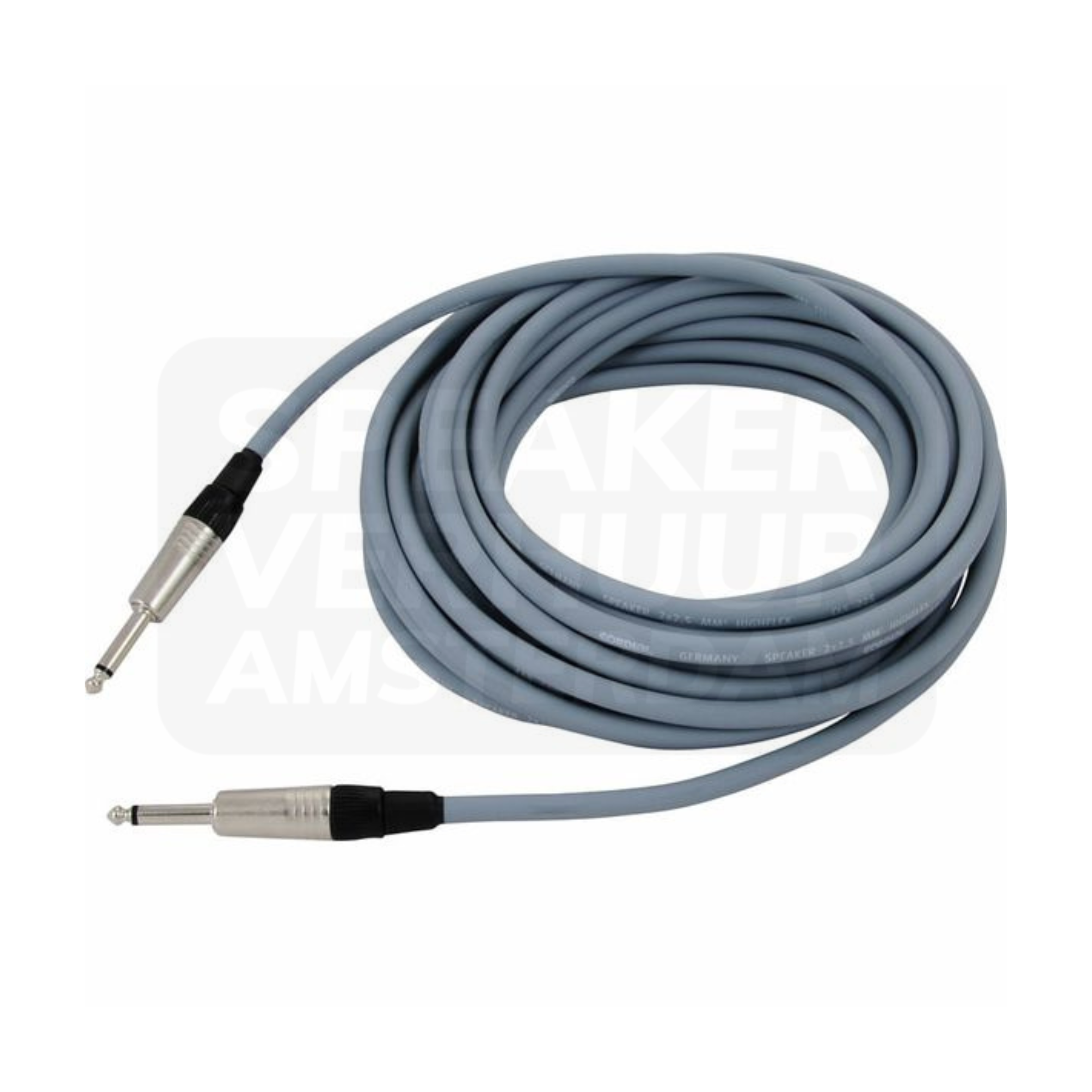
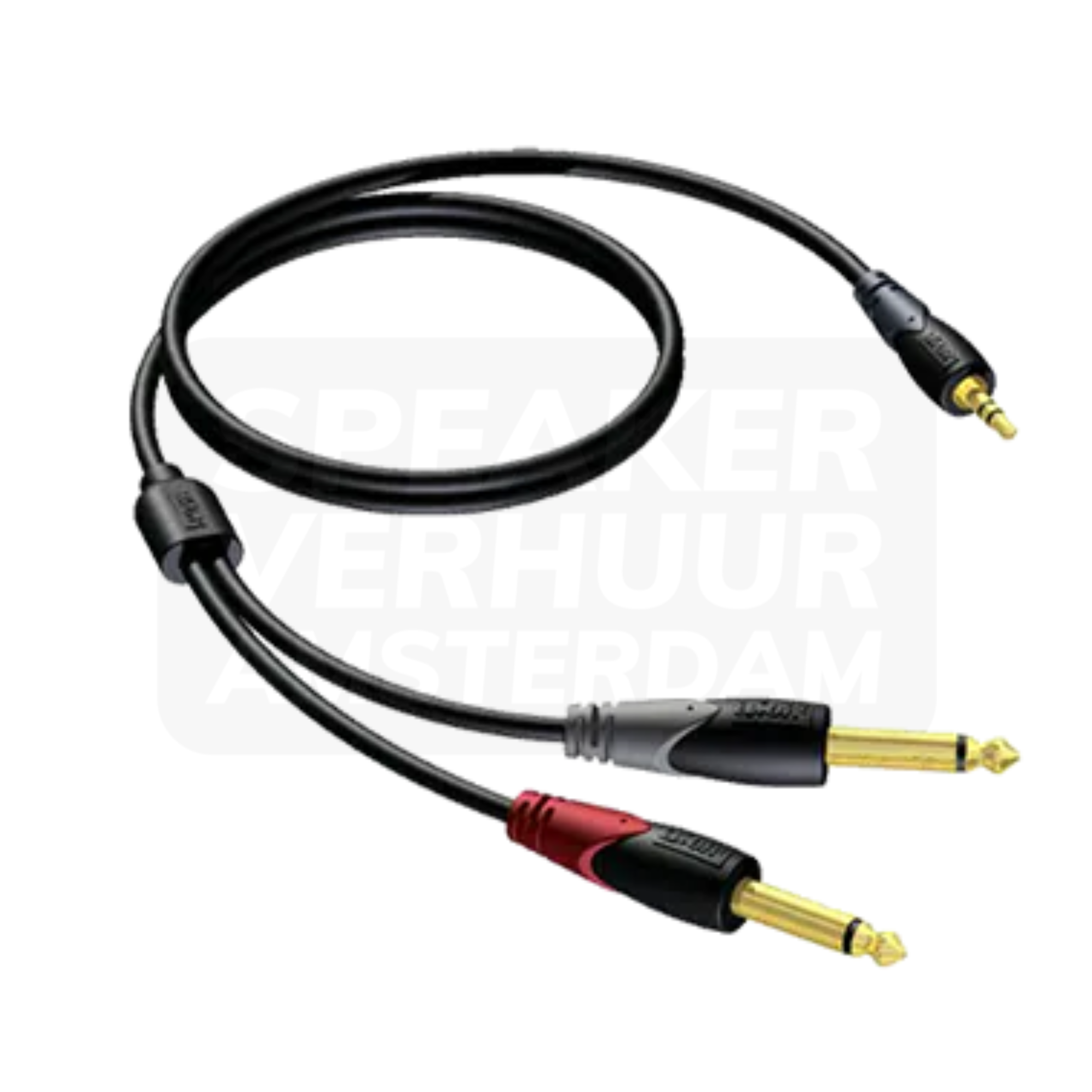
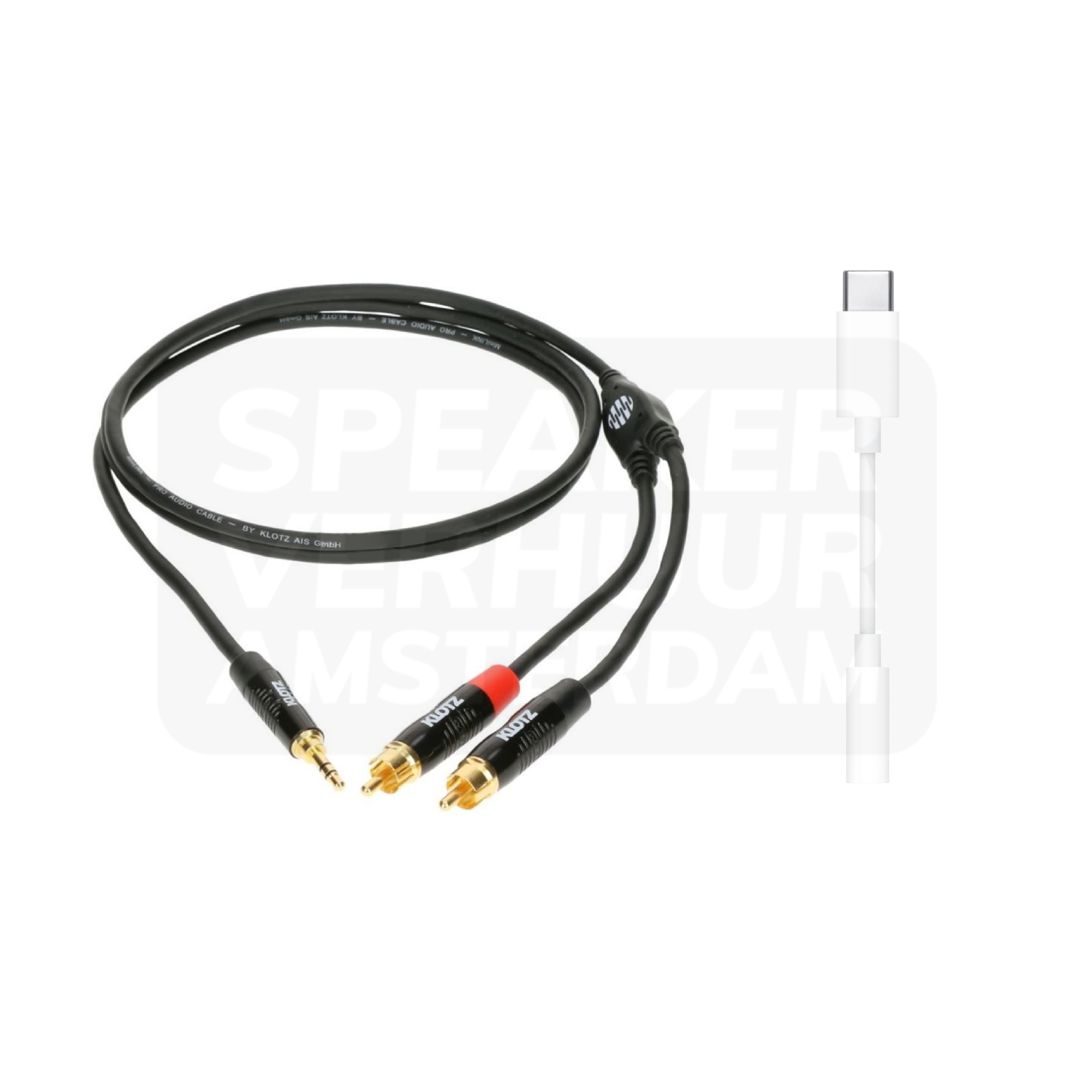
Start with the port on the device you will actually use. A phone may need a compatible audio adapter before it can feed a mixer or speaker, and that adapter is not automatically included with a cable. Check charging requirements and test your playback app with the complete connection. For a presentation or playlist in Haarlem, turn off notification sounds and keep the source device accessible to the person controlling the music.
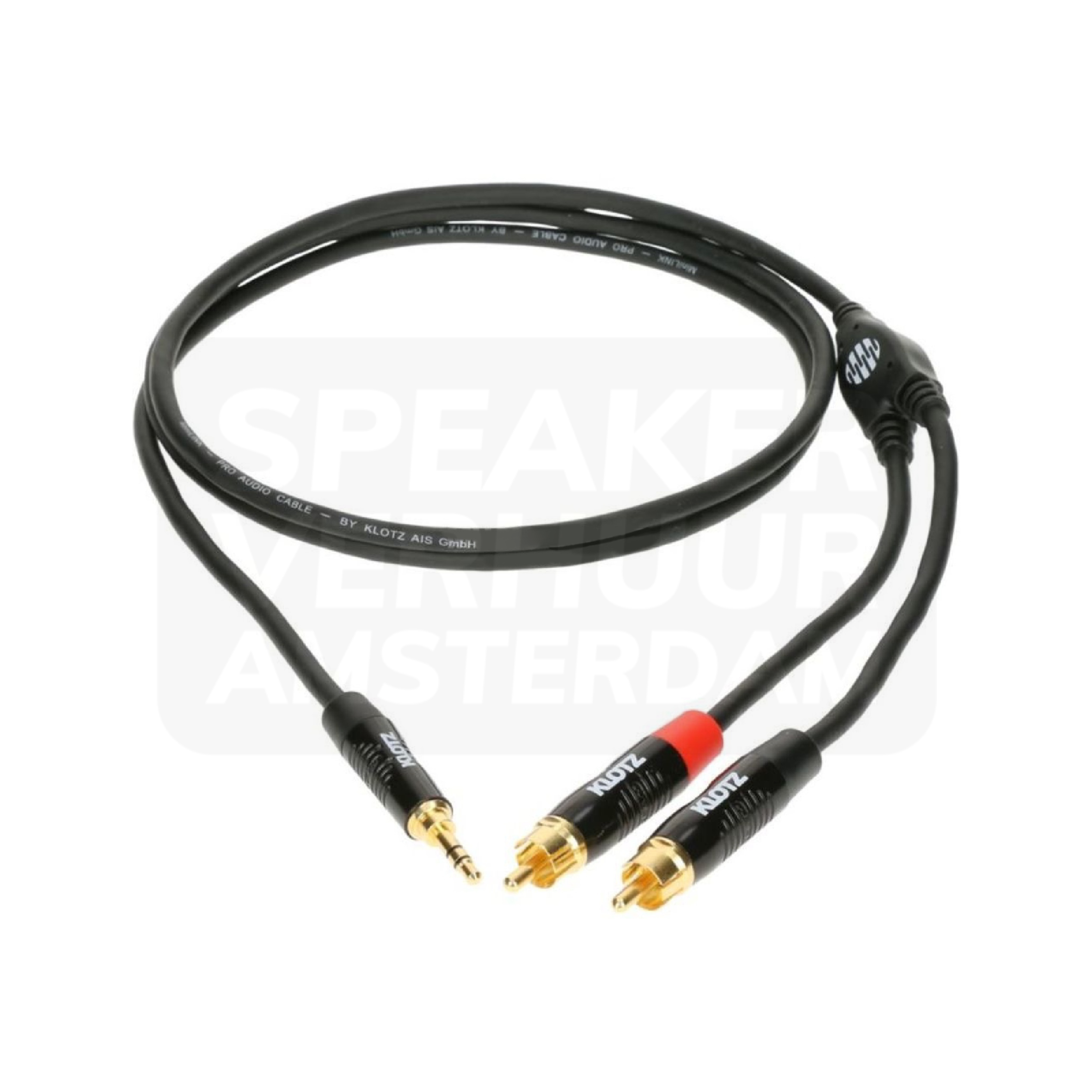
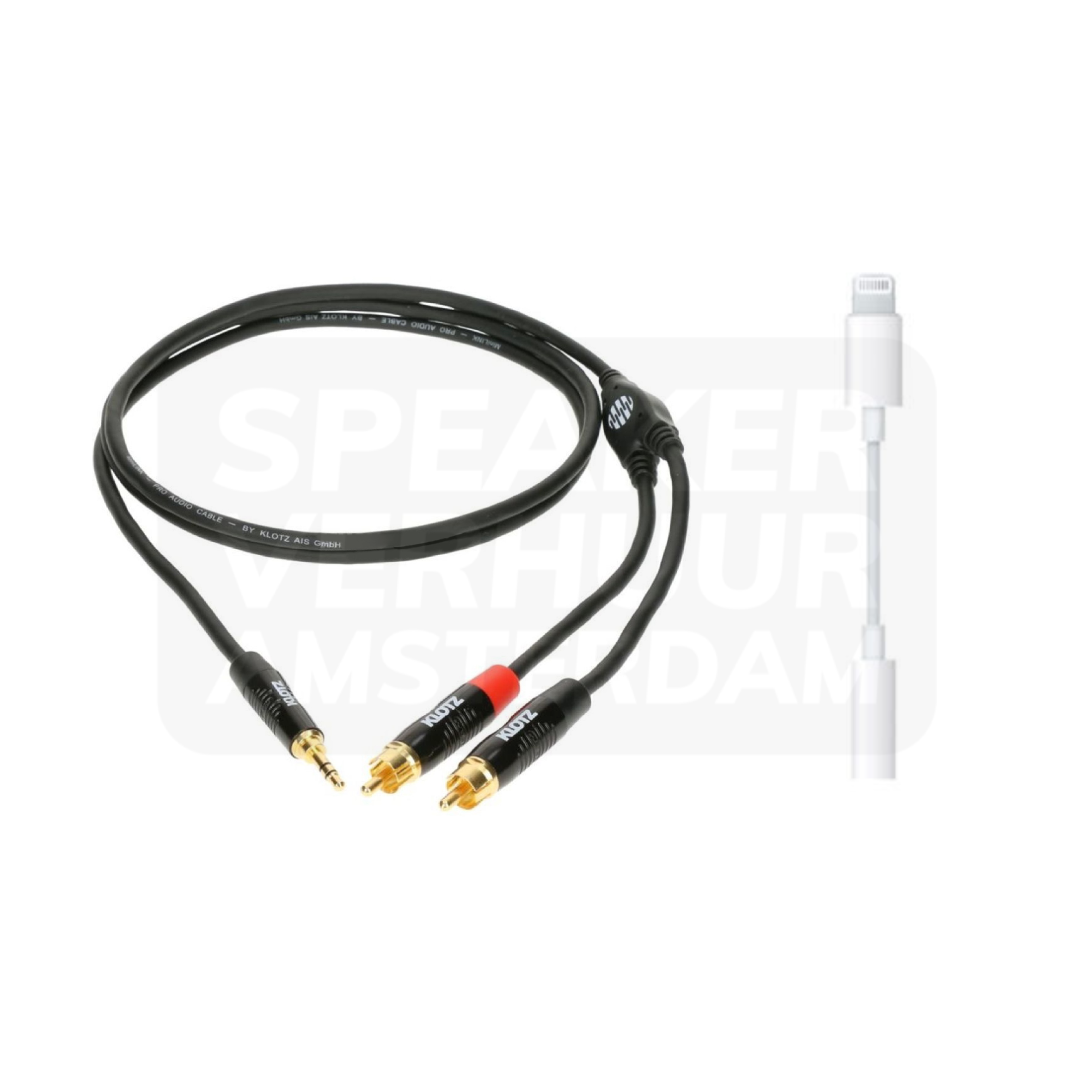
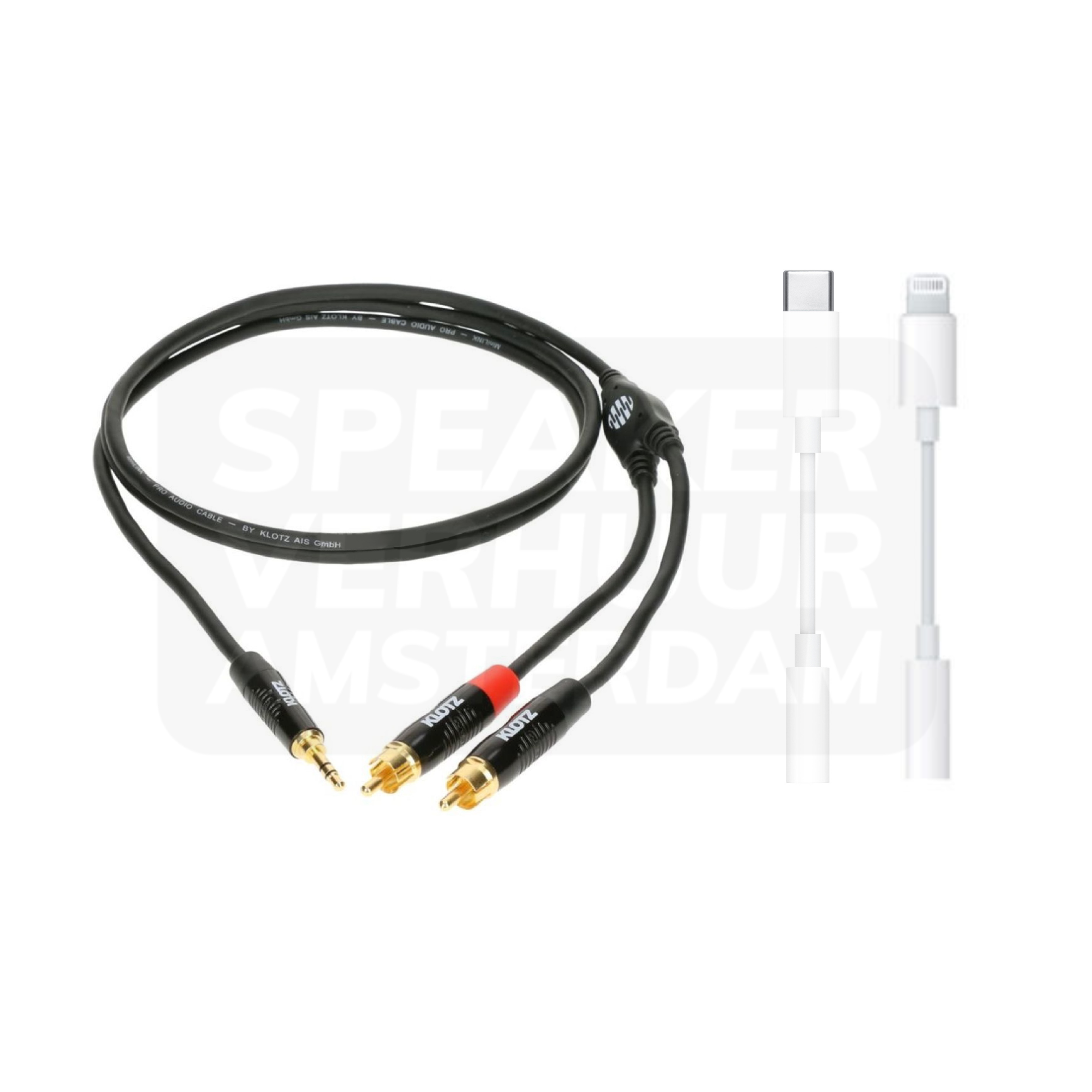
SpeakON cables connect compatible amplifier outputs to passive loudspeakers. They perform a different job from an XLR line connection to a powered speaker. Check the amplifier, speaker, connector version and wiring requirements together. When reserving a sound system for Haarlem, identify whether the speaker is powered or passive before selecting the cable; a matching brand name or similar-looking connector is not enough to confirm the connection.
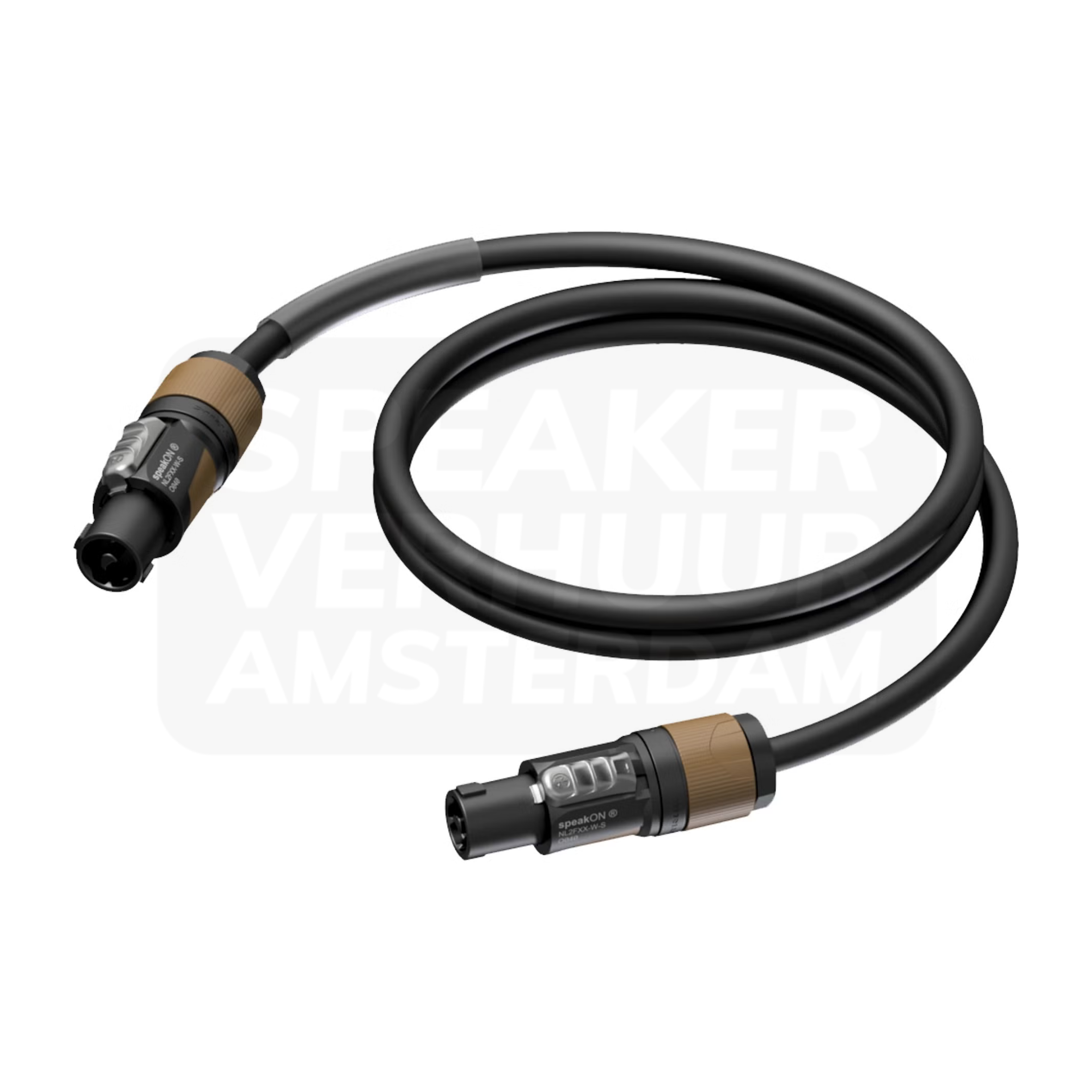
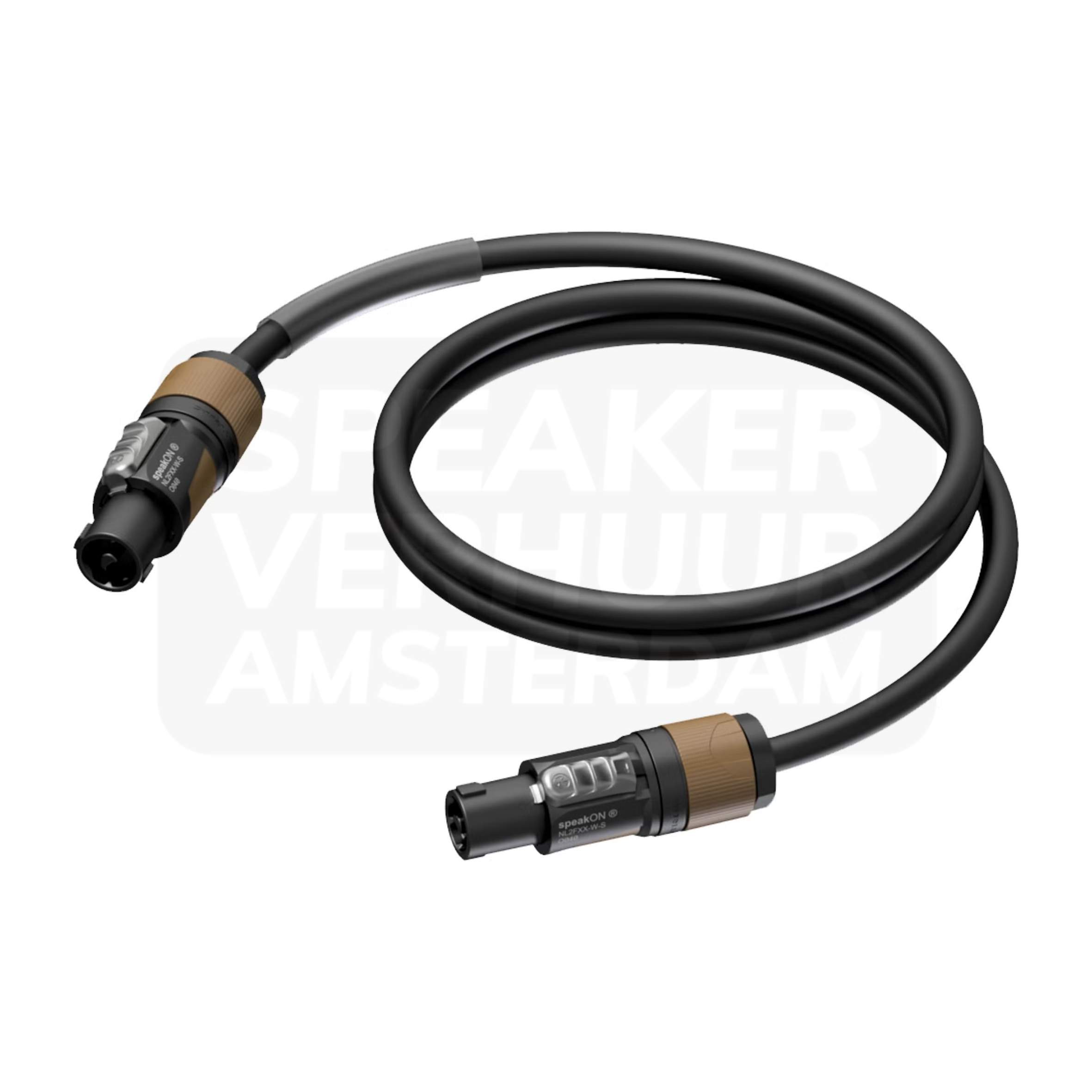
Note the brand and model of the source and destination. Then, see which output you use, what kind of signal comes out of it and what input it should be at. A laptop, DJ mixer, microphone and passive speaker form different situations. For an event in Haarlem you can create a short connection list: from which device to which device, with what length. This prevents a bag with many cables from missing the one necessary connection.
A connector name does not automatically describe all the features of the connection. In jack, configuration and application play a role; in XLR, you need to know if it is the right source and input task. RCA, mini-jack and speaker are also equal solutions. Check the signal level and the supported connection of both devices. A adapter cable can change the plug shape, but does not automatically replace active conversion, preamplification or suitable signal distribution.
A stereo music source has a left and right channel. How to connect it depends on the destination: a suitable stereo input and two separate inputs are other setups. Do not improvise with any splitter to merge outputs. See which cable and control is part of the concrete equipment. For background music and speeches in a Haarlem room you want to know in advance where music volume and microphone volume are controlled, so that you do not have to rebuild connections during the program.
Measure the route along walls, stage edges or other useful places. Reserve enough length for accessible connectors and prevent a cable from being voltaged because the device is too far away. Keep passageways free and discuss appropriate protection where audience passes. In a Haarlem indoor location with multiple spaces, a map helps to determine distances. Describe the used source and input when connected; only fifty meters of cable requests does not give a complete connection plan.
When preparing, connect the actual phone, laptop or DJ source. Check audio output, adapter, volume control and destination together. Load the source and prevent interruptions due to notifications or unexpected source change. For a presentation in Haarlem, you can also test the microphones and music transitions before guests enter. If in doubt, pass the models or clear photo connections. This allows you to select the missing connection.
See the design, applications and connection of this particular product.
Read the rental guideSee the design, applications and connection of this particular product.
Read the rental guideSee the design, applications and connection of this particular product.
Read the rental guideTalk to us about your setup
Tell us what you are organizing in Haarlem or around the world. We will help you with the choice of equipment, a quote and the delivery appointment. Do you need anything last-minute? Please contact us to discuss the possibilities.
Send your plans or ask your question right away.
Open WhatsAppinfo@speakerverhuuramsterdam.nl
Send an e-mail020 308 6033
Call usAnswer before you rent
Find answers about equipment choices, setup and rental arrangements.
This depends on the source, speaker version and any mixer or amplifier. Check the full signal route and connections of the concrete models.
No. Check the output and input for which the connector only does not provide sufficient information about the complete connection.
The offered speaker cables have a different application than a line connection from a mixer. Check amplifier, speaker and connector configuration together.
Check if the mixer has a suitable stereo input or if separate inputs are needed. Choose the cable from that specific layout.
No. Changing a plug does not automatically solve differences in signal level, power supply or necessary conversion.
Please pass on the phone model, port and destination. Please check that the specific adapter supports the required audio connection.
No. Implementation and application may differ. Please check the concrete source, input and cable instead of using only the name jacket.
There are different lengths and reel versions in the offer. Please indicate the actual route and equipment used at the Haarlem location.
Do not use any cable combination. Check which appropriate mixing or distribution solution the equipment requires.
Measure along the executable route and keep space for accessible connecting points. A straight line through the public is often not the route you're going to use.
Check the composition and the desired setup. A recorded cable does not need to be automatically suitable or long enough for another layout.
Installation is possible. Please pass on the complete equipment, cable routes and source devices and tune in the work.
Continue Choosing
Plan your event
Check out the versions, choose your rental period and make your selection. Please pass on the space and your program if you want advice about the combination or installation.
Check out the versions, choose your rental period and make your selection. Please pass on the space and your program if you want advice about the combination or installation.