
Screen and support already present
Compare a remote stand-alone beamer and connections.

★★★★★ 5.0 on Google · 151 reviews · Speaker Verhuur Amsterdam
Projector hire in Haarlem for presentations, film nights and events. Compare individual projectors and complete packages by screen size, ambient light and throw distance. Check the inputs, screen and sound equipment before choosing your rental dates.
Choose equipment for your event
Compare a remote stand-alone beamer and connections.
View the contents of a beamer package.
Compare TV screens as an alternative.
Plan projection and the desired sound reproduction.
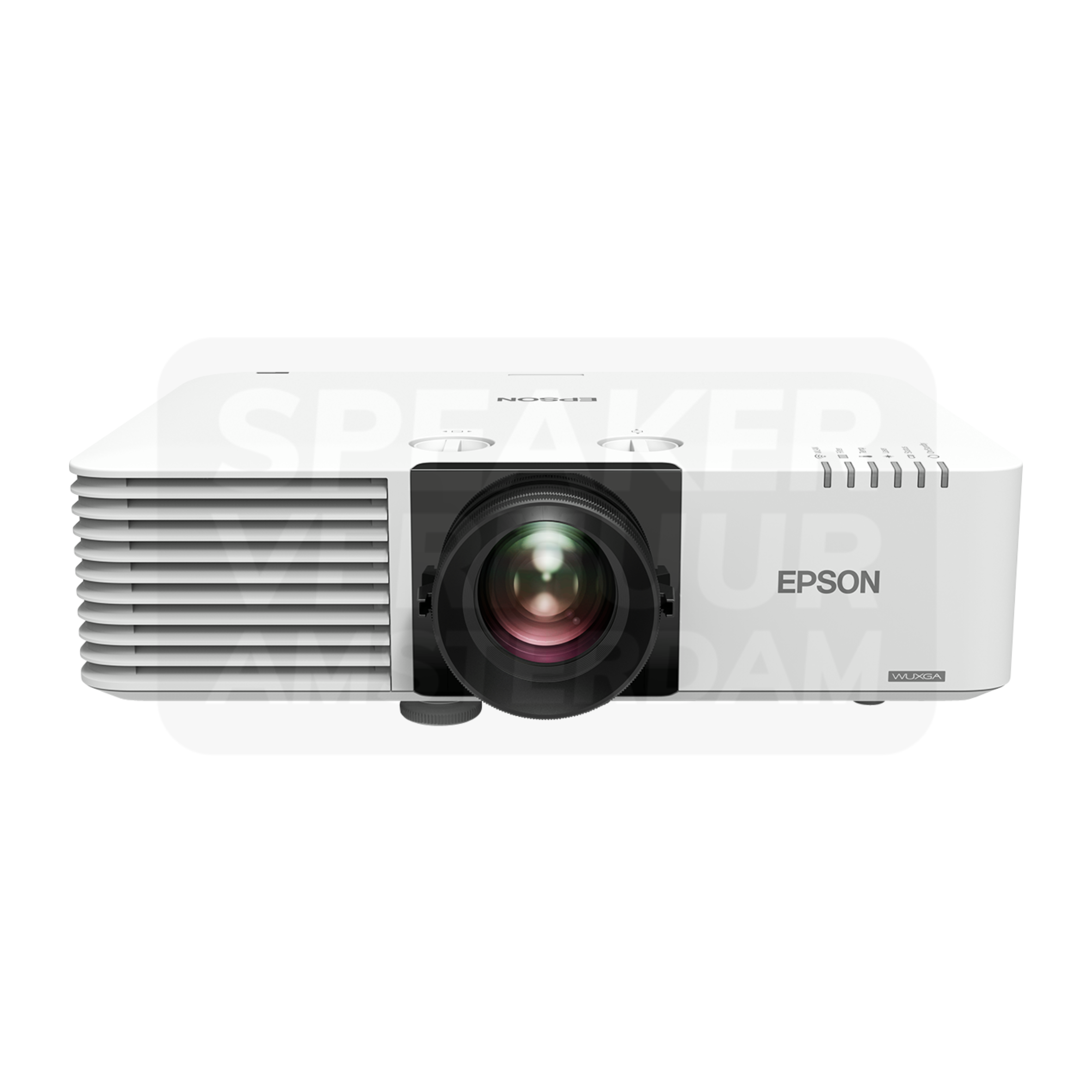
Hire a projector on its own if you already have a suitable screen, playback device and sound system. For a presentation in Haarlem, start with the screen width and the available distance between lens and screen. Then compare brightness, resolution and inputs. A brighter model cannot correct an unsuitable lens distance, while a 4K input does not necessarily mean the projector displays a native 4K image. Check the exact model specification before booking.
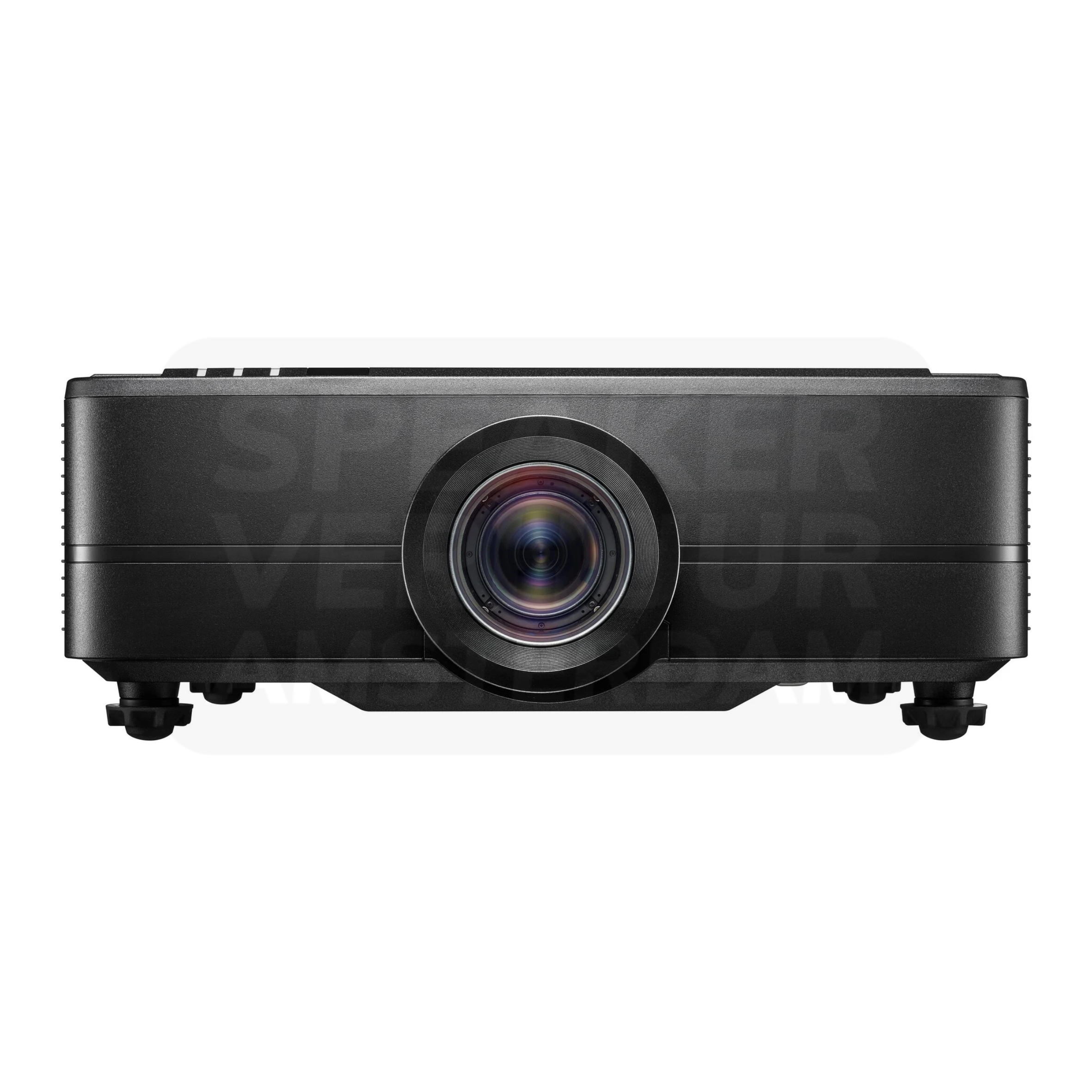
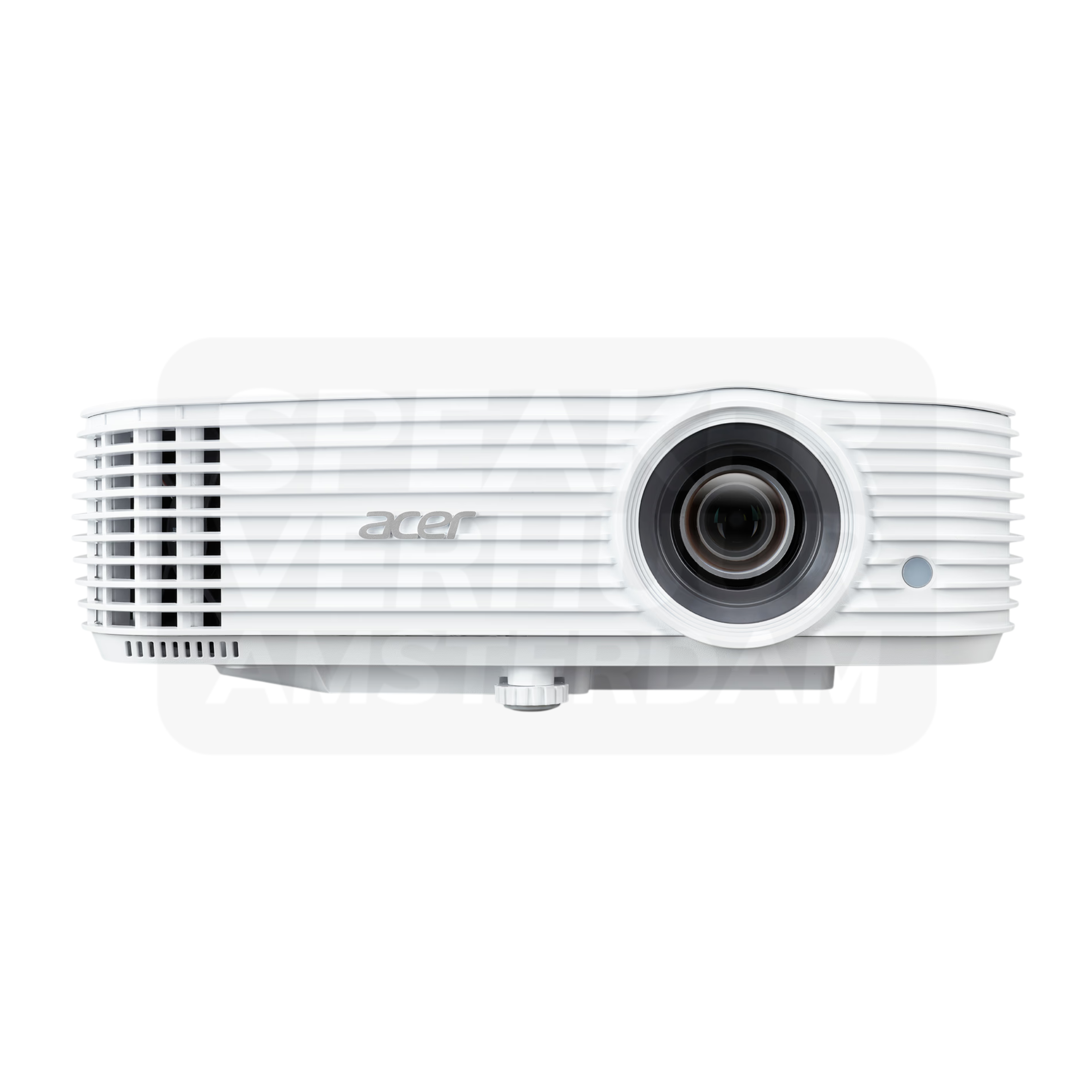
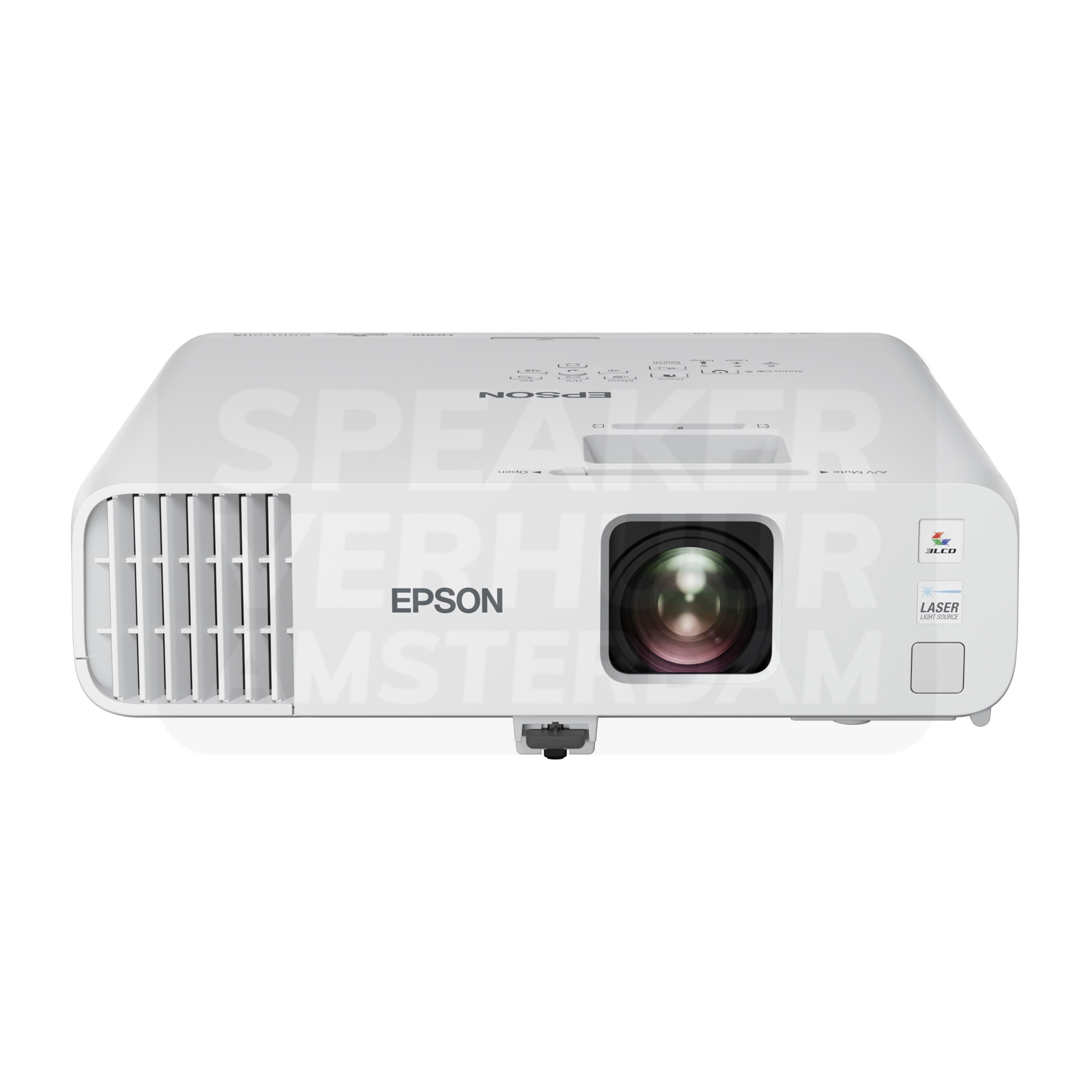
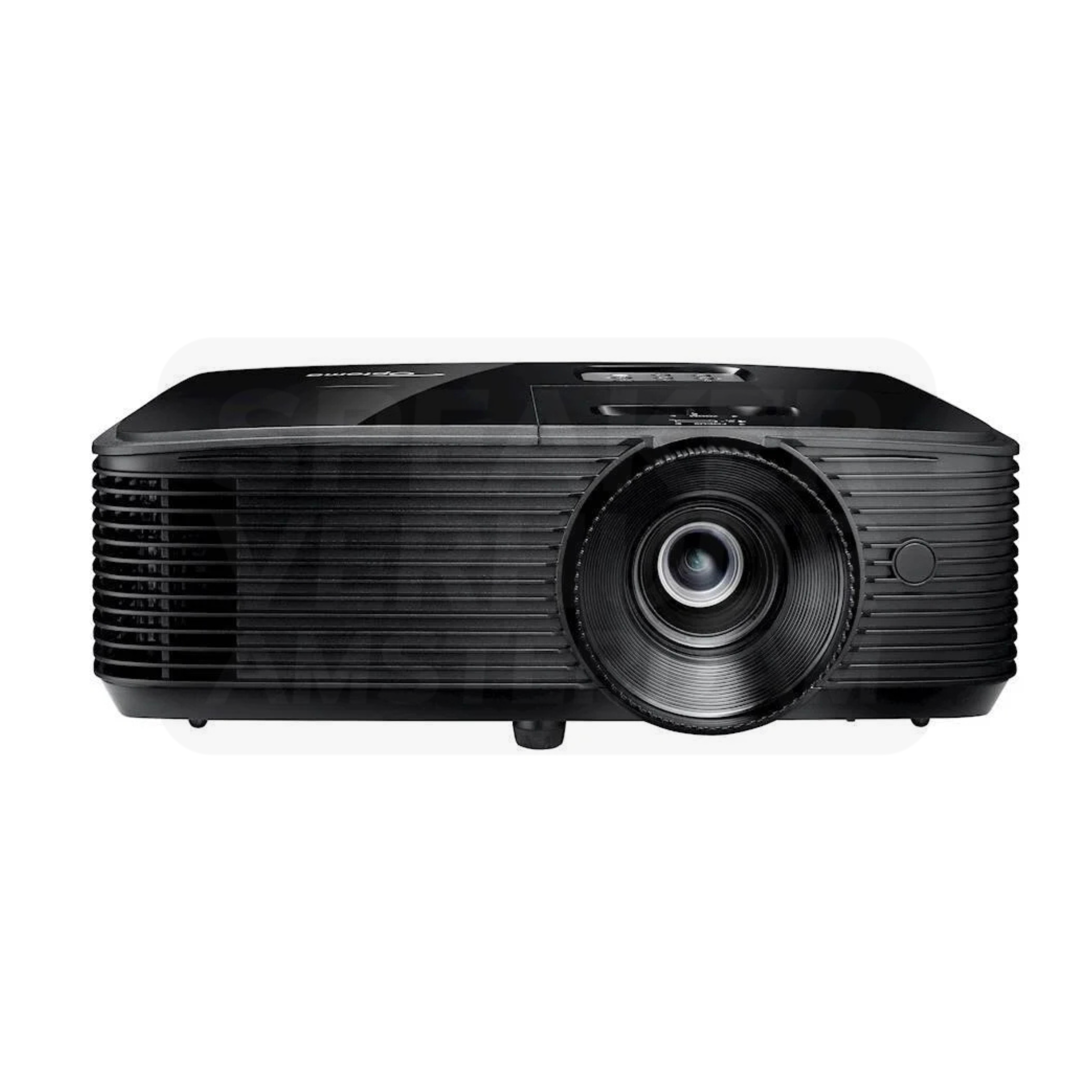
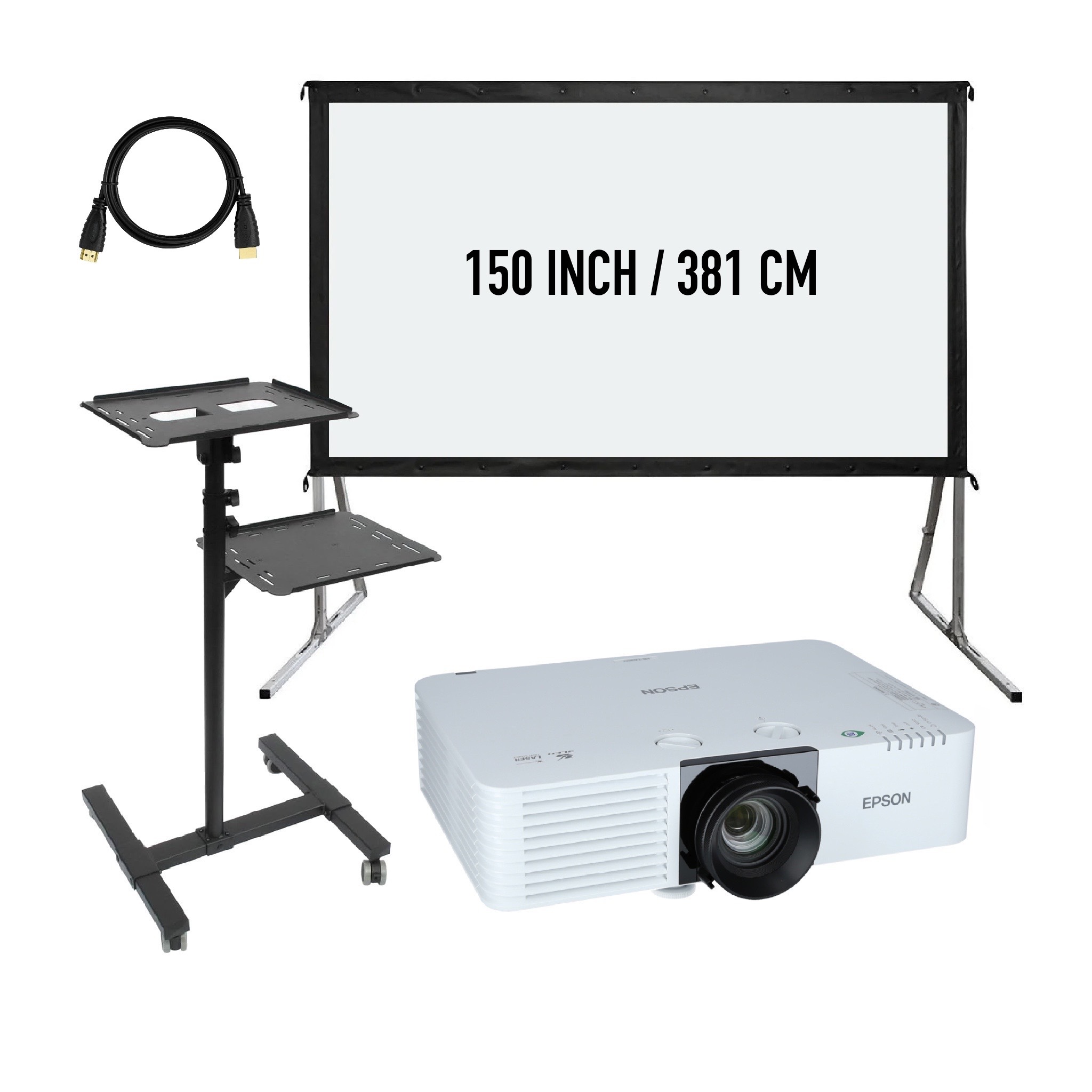
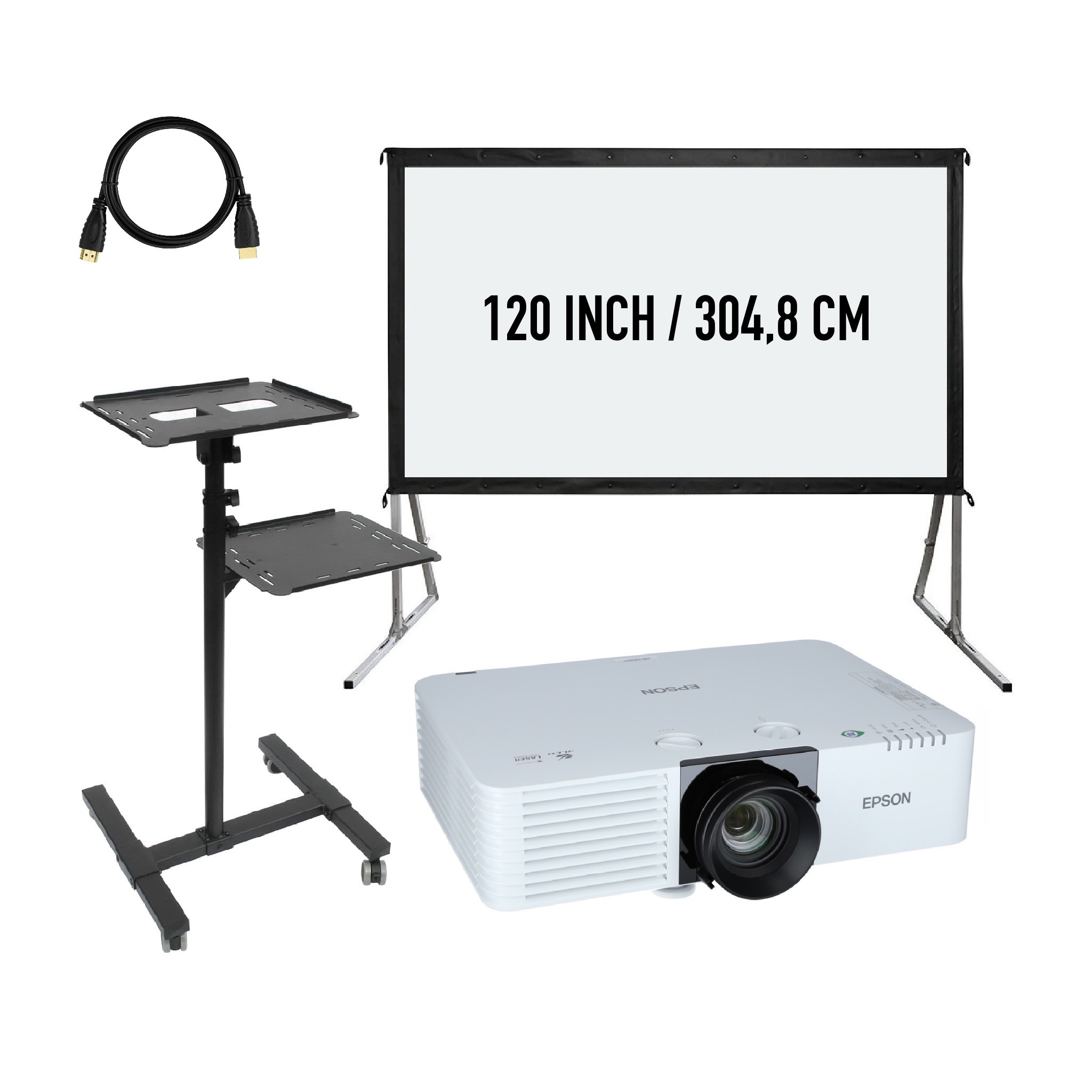
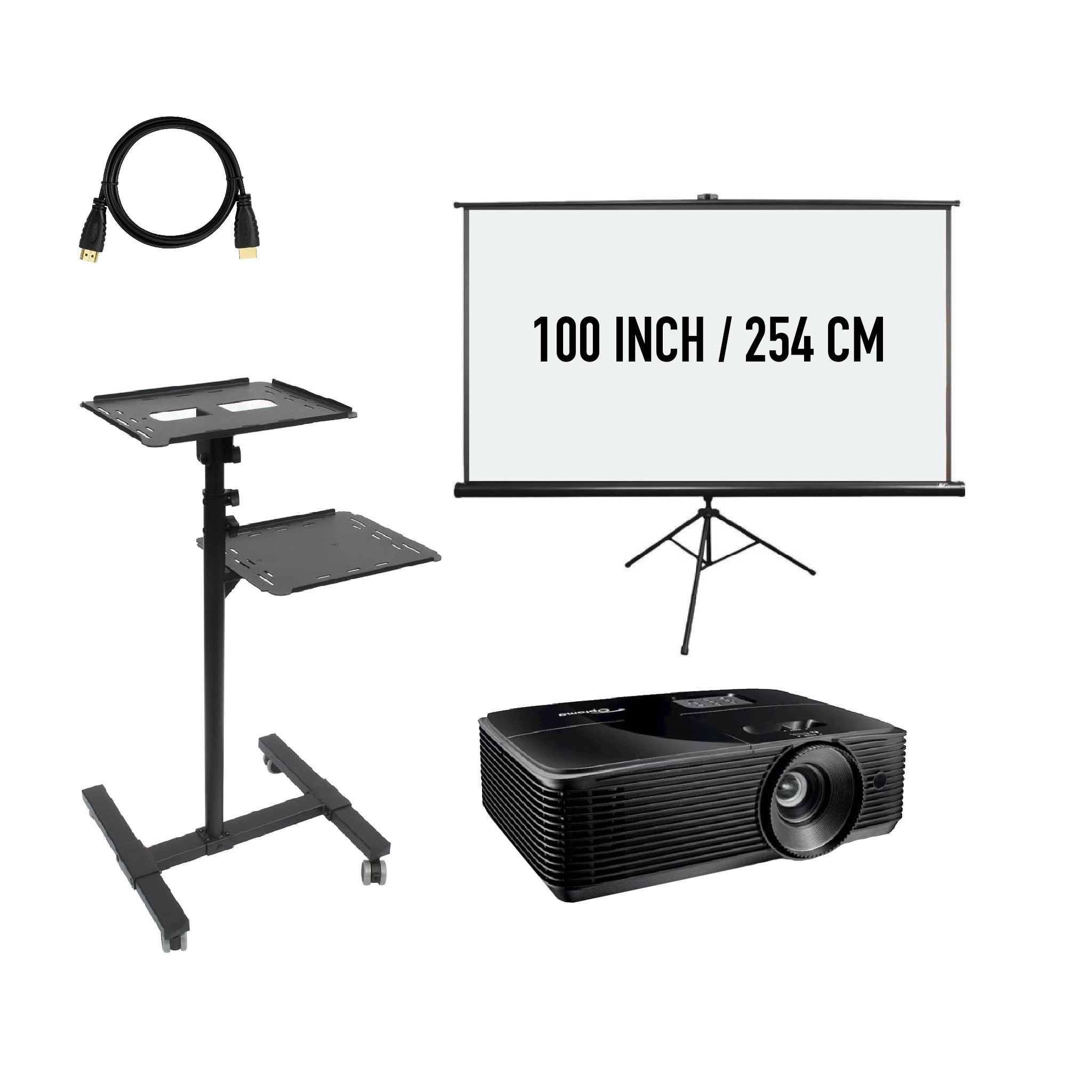
A package can simplify a booking when you need both projection and the supporting equipment. Open the product to check the listed screen, projector and audio components rather than relying on the audience number in its name. For a Haarlem meeting or film night, plan where the laptop will sit and how its image and sound reach the audience. Measure the room with the seating in place and allow time to test your own file before guests arrive.
Talk to us about your setup
Tell us what you are organizing in Haarlem or around the world. We will help you with the choice of equipment, a quote and the delivery appointment. Do you need anything last-minute? Please contact us to discuss the possibilities.
Send your plans or ask your question right away.
Open WhatsAppinfo@speakerverhuuramsterdam.nl
Send an e-mail020 308 6033
Call usBeamer rental: light, sharpness and placement
When presenting around the Spaarne or in a hall in the centre of Haarlem, windows, ceiling height and the free lens distance are more important than just the number of visitors. First, measure the image width and assess the slides from the rear row. A compact setup prevents the projector from taking a passage.
Lumens describe a projector’s light output; lux describes the light reaching a given area of a surface. Resolution describes the pixel count, so it answers a different question from brightness. Compare manufacturer figures measured under the same standard, such as a stated ANSI or ISO method. Then consider screen size and ambient light: a large number on its own does not tell you whether a presentation will be readable in your room.
There is no reliable lumen advice based on the number of guests. For a first selection, you can think of about 1,500.2,500 lumens for a small, darkened film setup, with limited light invaders of about 2,500.3,500 lumens and with an illuminated presentation space of about 4,000 lumens or more. These are orientation bands, no guarantee of suitability. Image surface, screen material, image mode and real ambient light determine the result.
Read the explanation about lumens and lightA projector lamp provides the light to a lamp beamer; a laser projector uses a laser light source, sometimes in combination with phosphorus. That in itself does not say anything about the resolution, lens or available connections. Laser is not another word for 4K and a lamp model is not automatically less sharp. Compare the exact device on light output, image display and placement options.
Laser projectors can be attractive for long or repeated use because many models have a long specified light source life and do not require a periodic lamp change. Start-up behaviour and functions vary per model. For one rented presentation, especially important is whether the device offered fits your space and content. Therefore, ask for the concrete version instead of just the type of light source.
Read the explanation about laser and lampFull HD has 1920 × 1080 pixels; 4K UHD describes 3840 × 2160. The difference can be visible with detailed content and a large projection viewed up close. At larger viewing distance or with simple slides, a good Full HD setup can be sufficient. Readability also depends on font size, focus and contrast. Additional pixels do not resolve a table that is too small.
A projector can accept a 4K signal and convert it to a lower output resolution. Therefore, read both the supported input signals and the specification of the projected image. Within 4K there are also different imaging techniques, including pixel shift. If in doubt, ask for the exact model. A large 4K logo at a source input alone does not tell enough about the image that appears on the screen.
Read the explanation about Full HD and 4KConfigure your image setup for Haarlem with Projection screen hire in Haarlem and TV screen hire in Haarlem. Pick-up is by appointment in Amsterdam Sloterdijk. Delivery and installation on location are possible.
Answer before you rent
Find answers about equipment choices, setup and rental arrangements.
Pass on the image size, projection distance, light invader and the type of content that helps more than just a guest number or a lumen value.
No. Light output and image resolution describe different properties. Both must match the screen size, content and conditions of the presentation.
This depends on the supported projection ratio and lens of the exact model. Measure the lens distance and desired image width and compare it with the product data.
The colour, structure and flatness of the wall influence the image. Check the real subsurface or choose a suitable projection screen.
Depending on the setting and conditions. Limit any troublesome light where possible, but keep necessary lighting available. Test the contents with the lighting that remains on during the program.
No. With a loose beamer, the screen is only included when it is explicitly included in the rental content. Complete packages have their own composition.
Check the actual image and audio route and the source settings. An appropriate image signal does not mean that the sound reproduction is already regulated for the public.
This depends on the output of the concrete laptop and the input of the selected projector. If you want to coordinate the connection, pass on both models.
Outside light and the equipment's conditions of use require additional requirements. Describe the time, the protection and the desired image size. Do not rely on the same operation as in an embezzled interior space.
Plan the lens position, the screen and the walkways at once. The lightway should remain clear and the cables should be outside the passageways.
Delivery and installation are possible. Send space dimensions and photos and indicate which source you use.
Use the same rental period and compare all the necessary components: projector, screen, support, connections and sound. A loose device price is not a complete package comparison.
When presenting around the Spaarne or in a hall in the centre of Haarlem, windows, ceiling height and the free lens distance are more important than just the number of visitors. First, measure the image width and assess the slides from the rear row. A compact setup prevents the projector from taking a passage.
Continue Choosing
Plan your event
Check out the versions, choose your rental period and make your selection. Please pass on the space and your program if you want advice about the combination or installation.
Check out the versions, choose your rental period and make your selection. Please pass on the space and your program if you want advice about the combination or installation.