

★★★★★ 5.0 on Google · 151 reviews · Speaker Verhuur Amsterdam
MacBook hire in Haarlem
Rent a MacBook for temporary work, an event or as a bridge during repair. Compare the available versions and prepare apps, accounts and connections. Pick-up is by appointment in Amsterdam Sloterdijk.
✓ Free collection by appointment in Sloterdijk✓ Delivery, installation and collection available✓ Price or advice via WhatsApp within 10 minutes
Choose your rental period below
Clear choice and complete rental
What do you need for your application?
Rent a MacBook for temporary work, an event or as a bridge during repair. Compare the available versions and prepare apps, accounts and connections. Pick-up is by appointment in Amsterdam Sloterdijk.
Compare MacBook models
Check the versions and rental prices offered. Check the exact configuration and accessories provided when a specification determines your application.
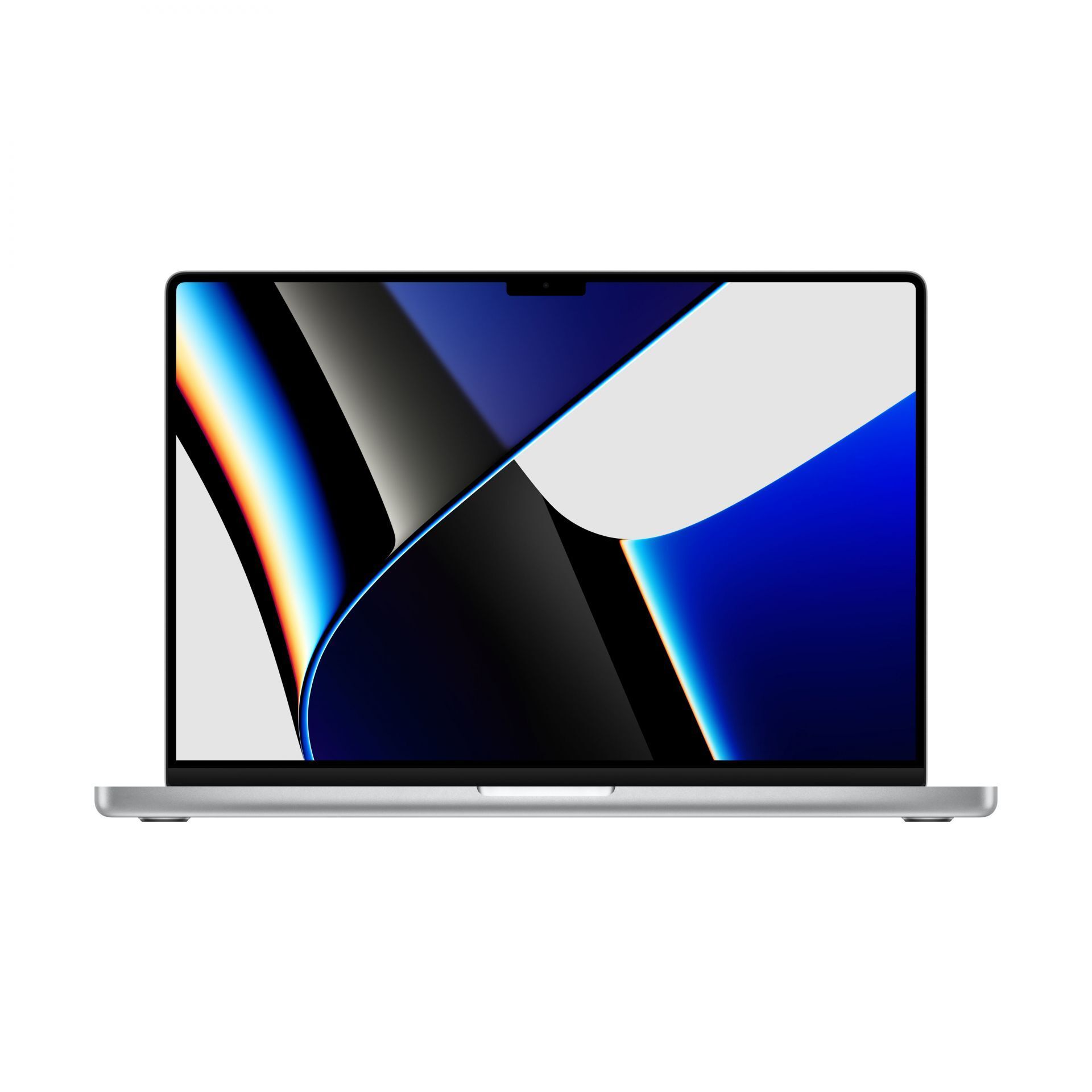
Apple Macbook Pro 16" M1 Pro 10-core 32GB 512GB SSD
€75,00 / 24 hours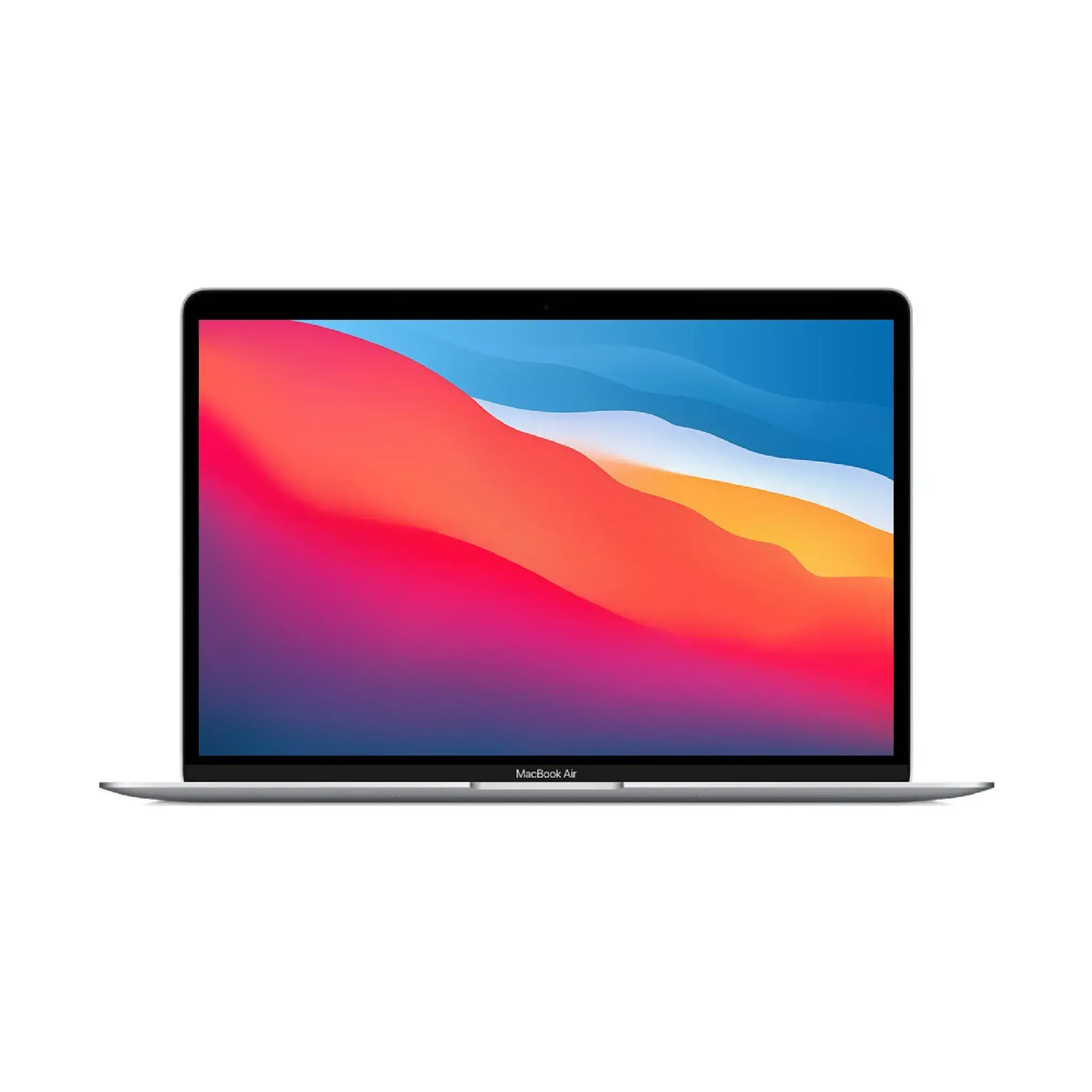
Apple MacBook Air M1 8GB 128GB SSD
€50,00 / 24 hours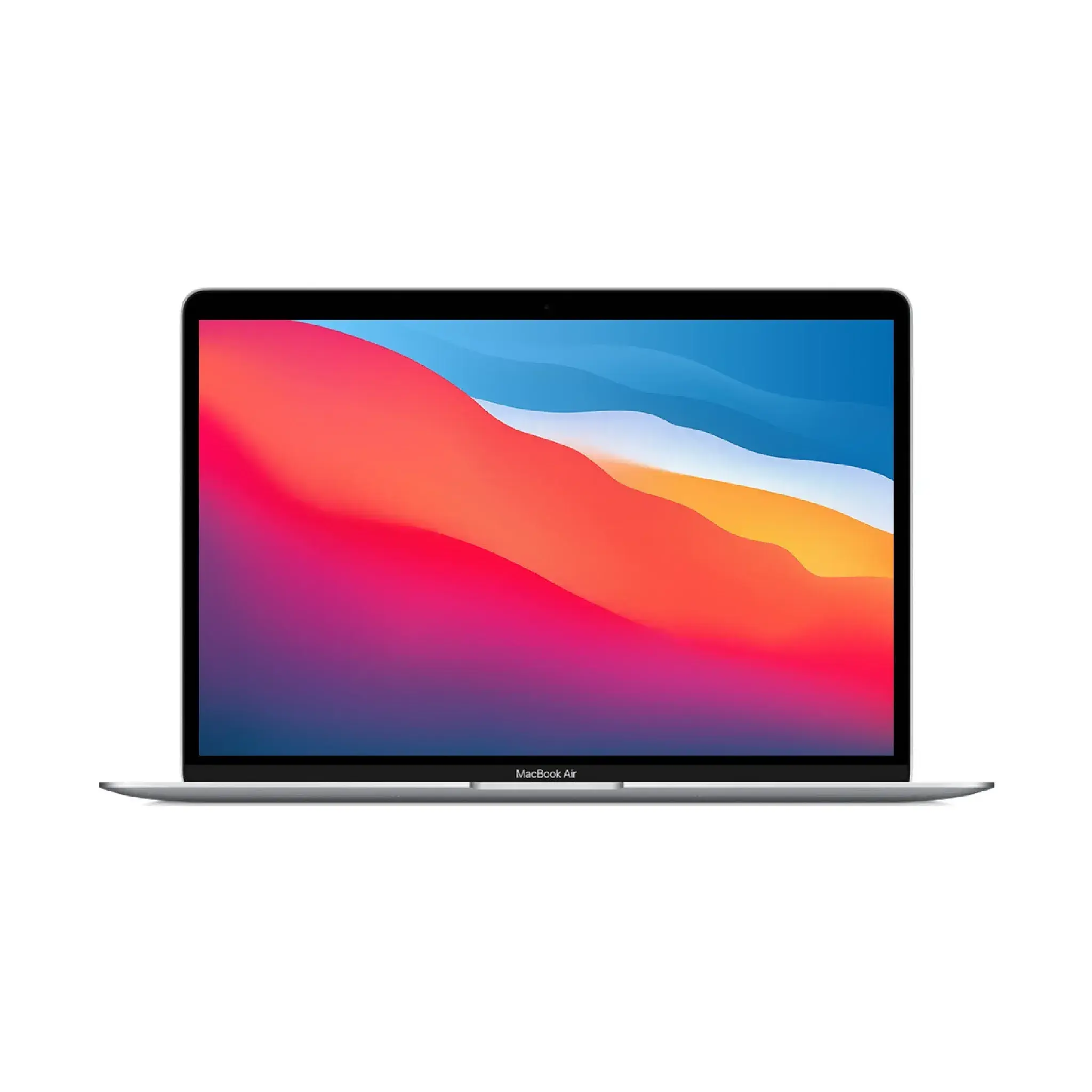
Apple MacBook Air M1 8GB 256GB SSD
€52,50 / 24 hoursMacBook rental for a presentation in Haarlem
A MacBook can be the playback source for slides, video and documents. Check the real presentation, fonts, media and software before you start for the public. The connection to TV or beamer depends on model, port and adapter. Select that connection along with the screen and test video sound. Renting a laptop does not mean that the entire indoor technique or all software licenses are included.
View Presentation equipment with screens in Haarlem and MacBook rental check for work and presentations.
Temporary work on repair
For a defective or damaged work laptop, start with the required program scripts, accounts and files. Check with your organization whether the rental device can be used and how you can access it safely. A copy of documents does not replace a valid software license or working login. The M1 models offered use Apple silicon; check compatibility of the specific app and any plugins with that architecture and the installed macOS version.
In case of a damage, you agree to any compensation yourself with the insurer or employer. The rental is not a repair service and does not take over an insurance decision.
Compare MacBook Air or MacBook Pro
Choose a MacBook around the applications you need to run. Browser-based work, video editing and software with specific plug-ins have different requirements for memory, storage and ports. Check the listed configuration rather than assuming that a Pro model supports every workflow. For a Haarlem event or temporary replacement, test your login, files and external display before you need to start work.
Pre-order accounts, software and data
Check app requirements and rights of use before booking. A rental selection device does not include ticket software, business subscriptions, internet or a personal account. Use appropriate account rights for the task and do not share passwords with unauthorized employees. Please agree which data may be entered on the device and how to delete it after use.
Retrieve, use and return
Pickup can be done by appointment Theemsweg 40, 1043 BJ Amsterdam SloterdijkFor use in Haarlem, please enter the rental period and application. Check the accessories received and test the device before your program. Report damage or malfunctions according to the rental agreement. Please make a copy of your own work and vote out before surrender, device links and data removal; do not reconfigure a managed rental device without an appointment.
Practical rental guides for this choice
Answer before you rent
Frequently asked rental questions
Find answers about equipment choices, setup and rental arrangements.
Can I rent a MacBook for an event in Haarlem?
Yes, compare the performances offered and check app requirements, connections and rental content in advance. The task determines which device is appropriate.
Are software and internet included?
Not automatic. Check software licenses, subscriptions, account rights and the Internet separately. Renting a device is not a fully managed app or data service.
Can I rent during damage or repair?
This can be done as temporary replacement when configuration and availability fits. You can arrange compensation and permission separately with insurer, employer or repairer.
Where do I pick up the device?
Pick-up is by appointment in Amsterdam Sloterdijk at Theemsweg 40. Discuss delivery in Haarlem if you need it.
How do I turn in the device with my data?
First, make a copy of your own work and vote log out, account links and data removal with the landlord. Also check the accessories received.
Is the chosen model suitable for my app?
Check the current requirements of the app and the installed system version. Please enter the app name and desired functions; general device names are not a compatibility guarantee.
Talk to us about your setup
Need questions or last-minute equipment?
Tell us what you are organizing in Haarlem or around the world. We will help you with the choice of equipment, a quote and the delivery appointment. Do you need anything last-minute? Please contact us to discuss the possibilities.
WhatsApp us
Send your plans or ask your question right away.
Open WhatsAppMail us
info@speakerverhuuramsterdam.nl
Send an e-mailCall us
020 308 6033
Call usPlan your event
MacBook rentals in Haarlem for your program
Pass on your program, location and desired rental period. We help you choose the devices and connections as one suitable combination.
Pick up in Amsterdam Sloterdijk · Delivery by appointment