DJ works with computer
Check controller, software, and laptop.

★★★★★ 5.0 on Google · 151 reviews · Speaker Verhuur Amsterdam
Rent DJ players, mixers, all-in-one systems, turntables or a suitable booth. Start with the DJ's working method and compare the exact models. Complete the music source, connection to the room sound, monitoring and workspace together.
Choose equipment for your event
Check controller, software, and laptop.
Also plan mixer and connections.
Watch turntables and matching DJ mixer.
Bring booth, monitoring, and room noise.
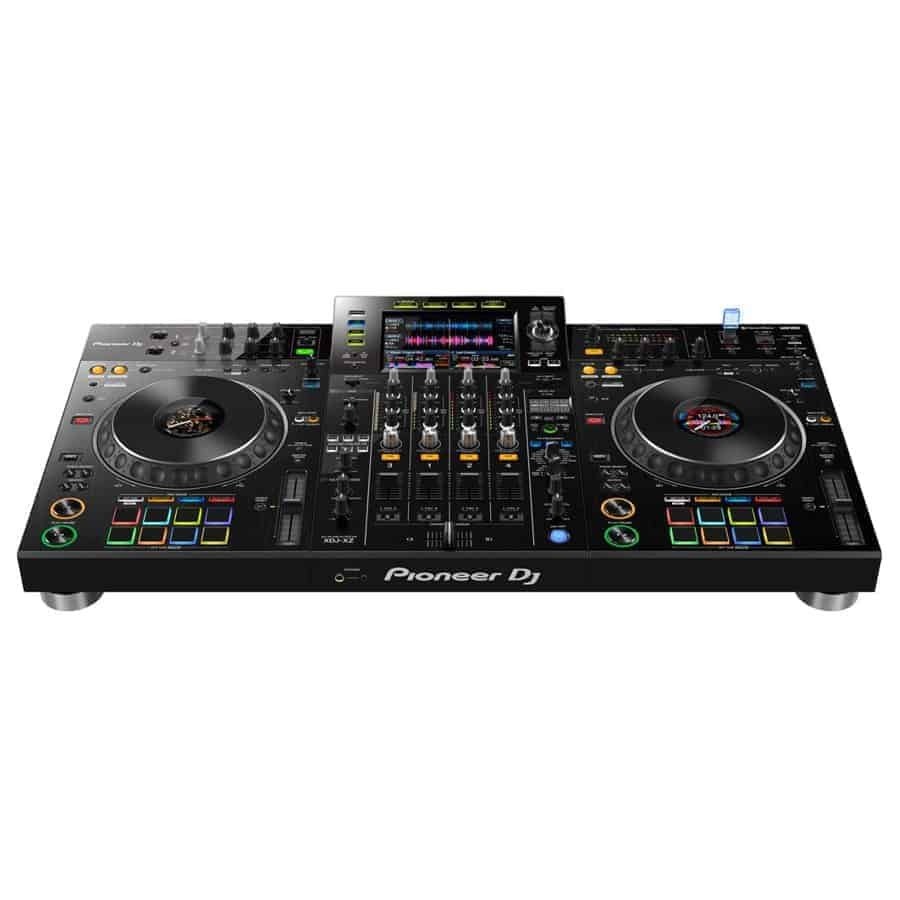
Compare the XDJ versions and the DDJ-400 on their own working methods. A computer controller is a different choice than a suitable standalone setup. Check source files, storage, software and the concrete connections before booking. Pioneer and AlphaTheta DJ set hire in Haarlem or ask for advice on this choice.
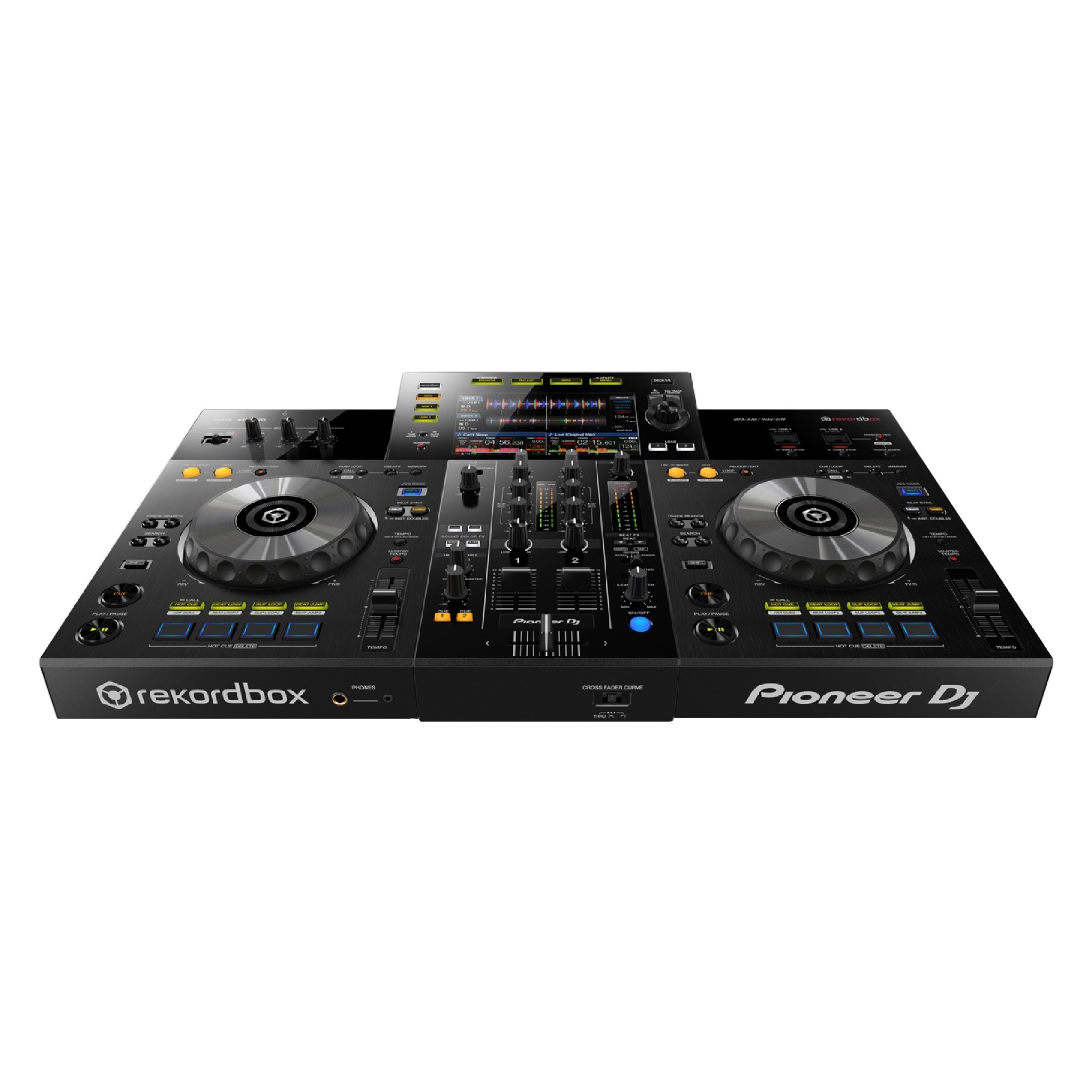
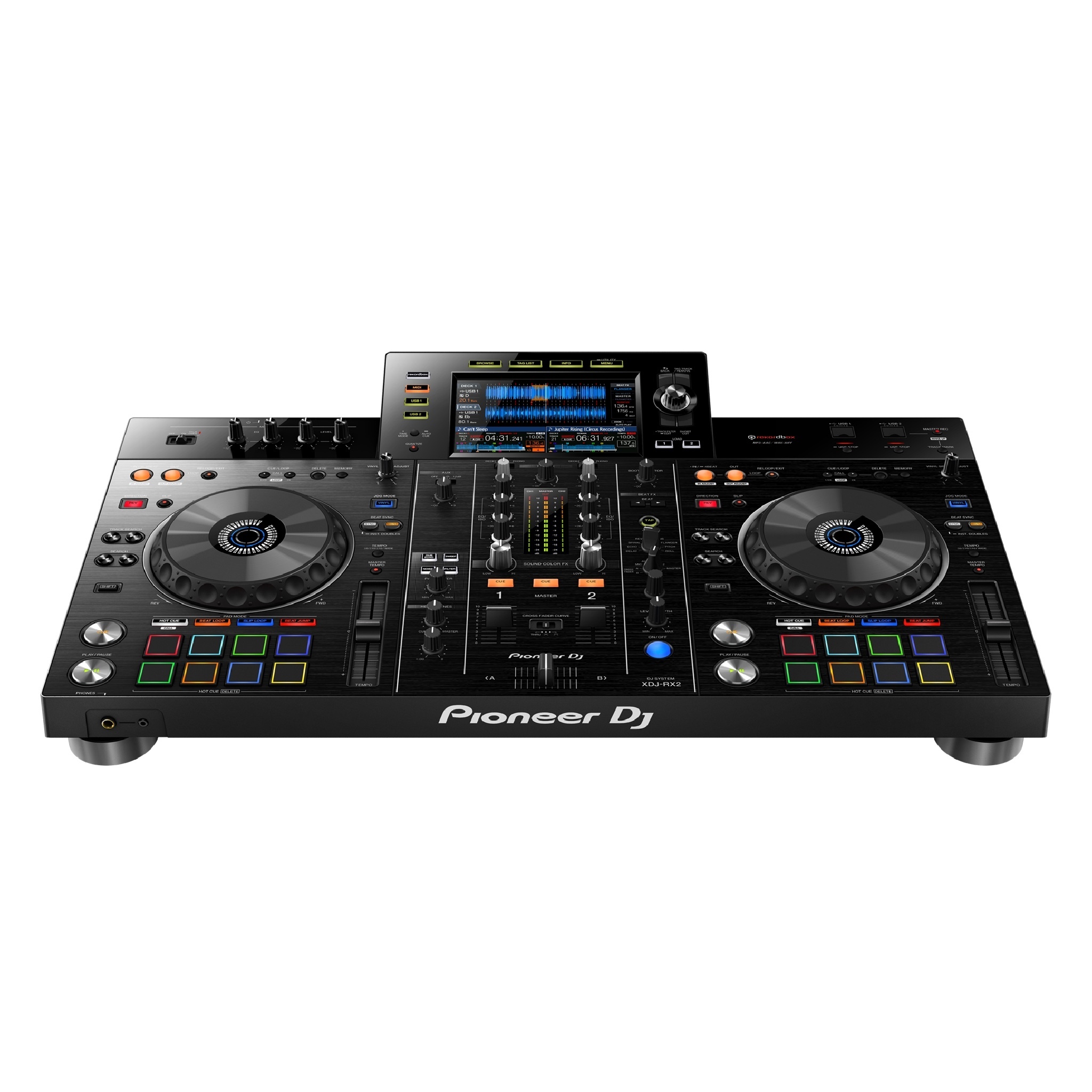
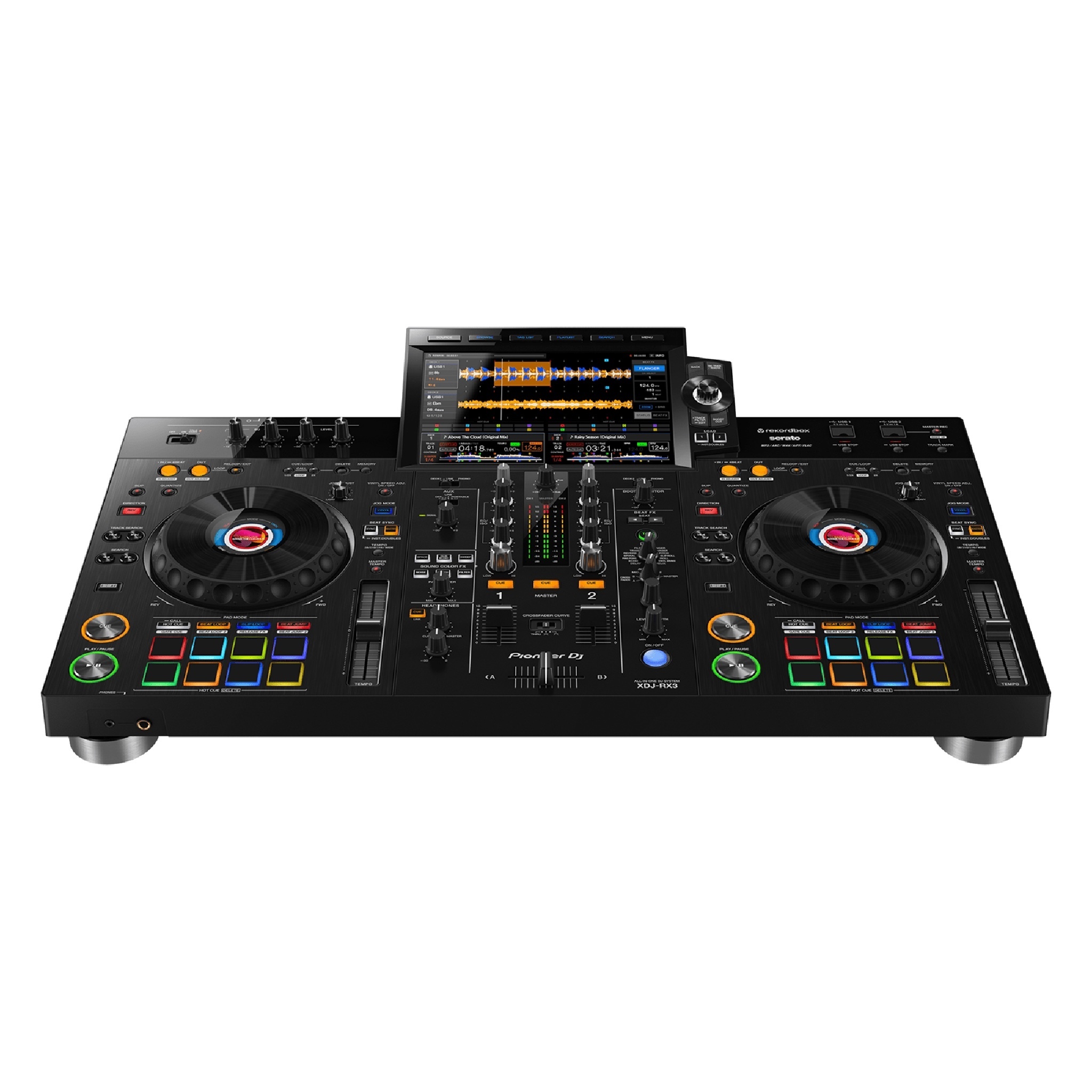
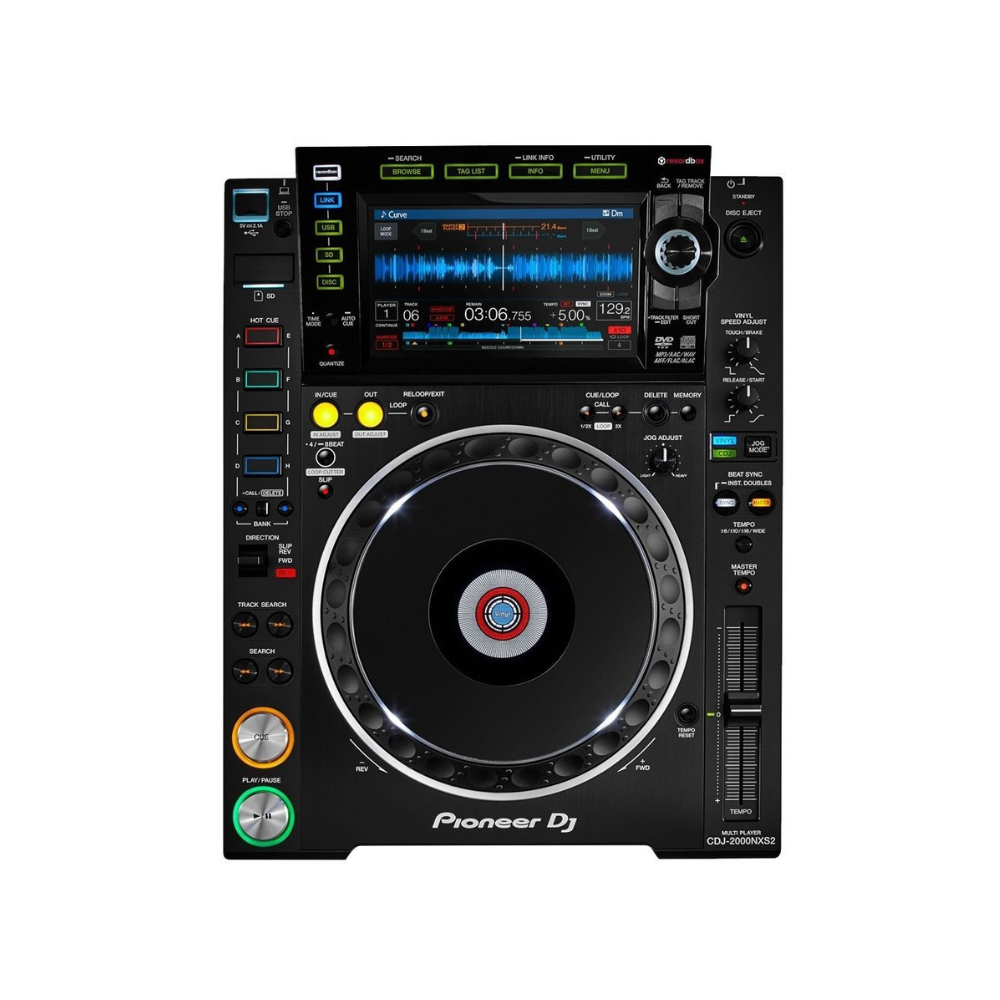
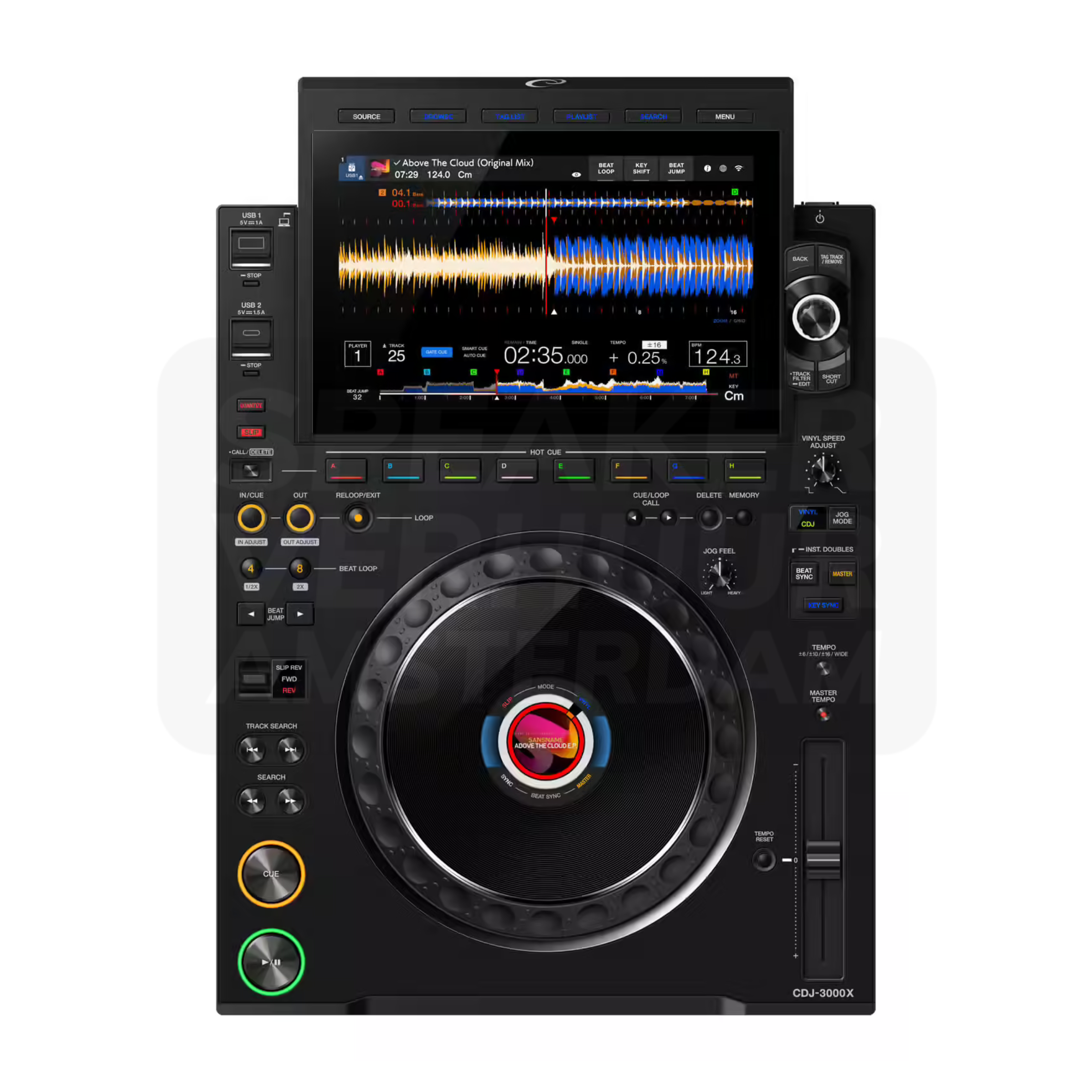
A single CDJ player is not a complete combination with mixer. Check out the single models and the offered sets with two players. Let the exact model choice connect to the preparation and equipment the DJ expects. Pioneer and AlphaTheta DJ set hire in Haarlem or ask for advice on this choice.
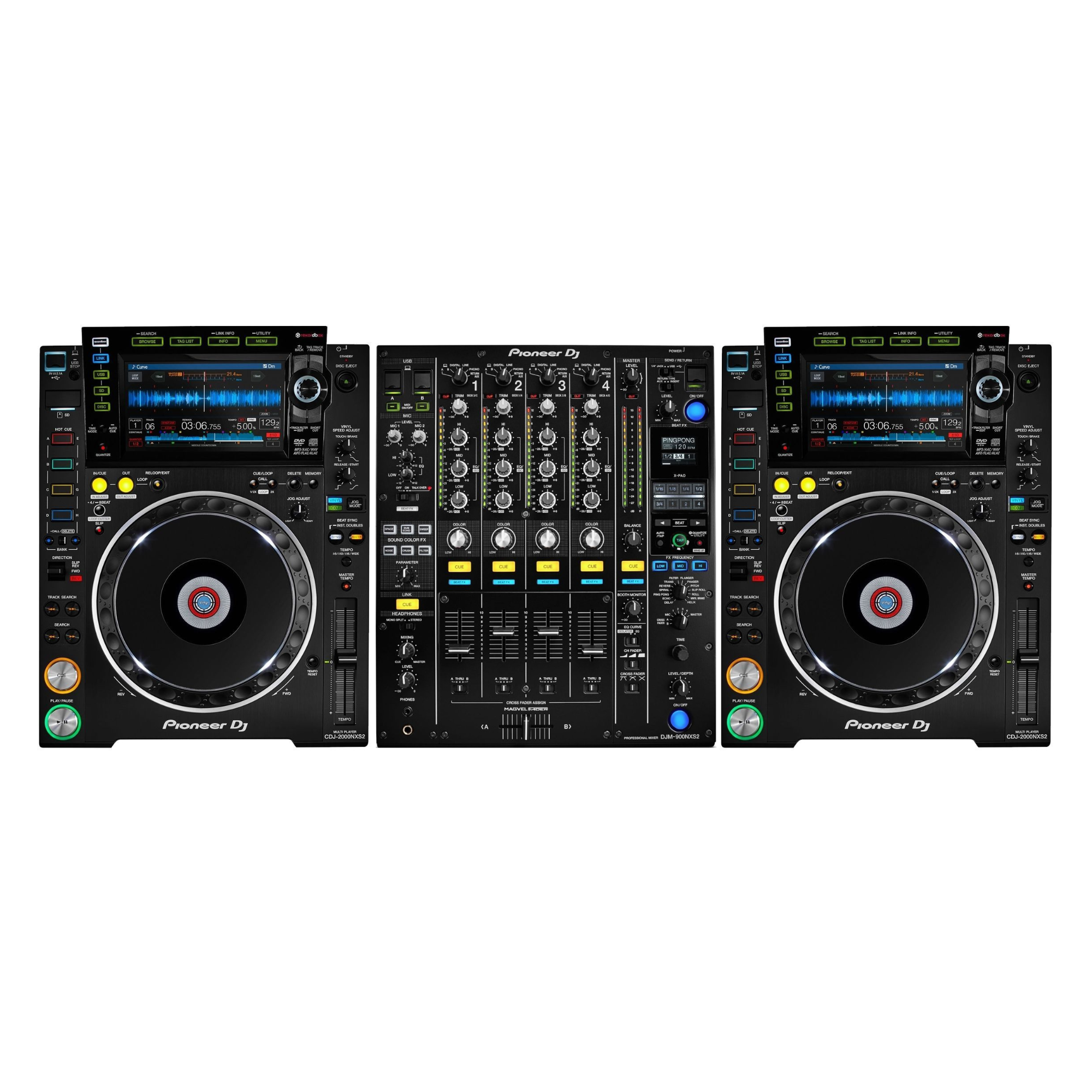
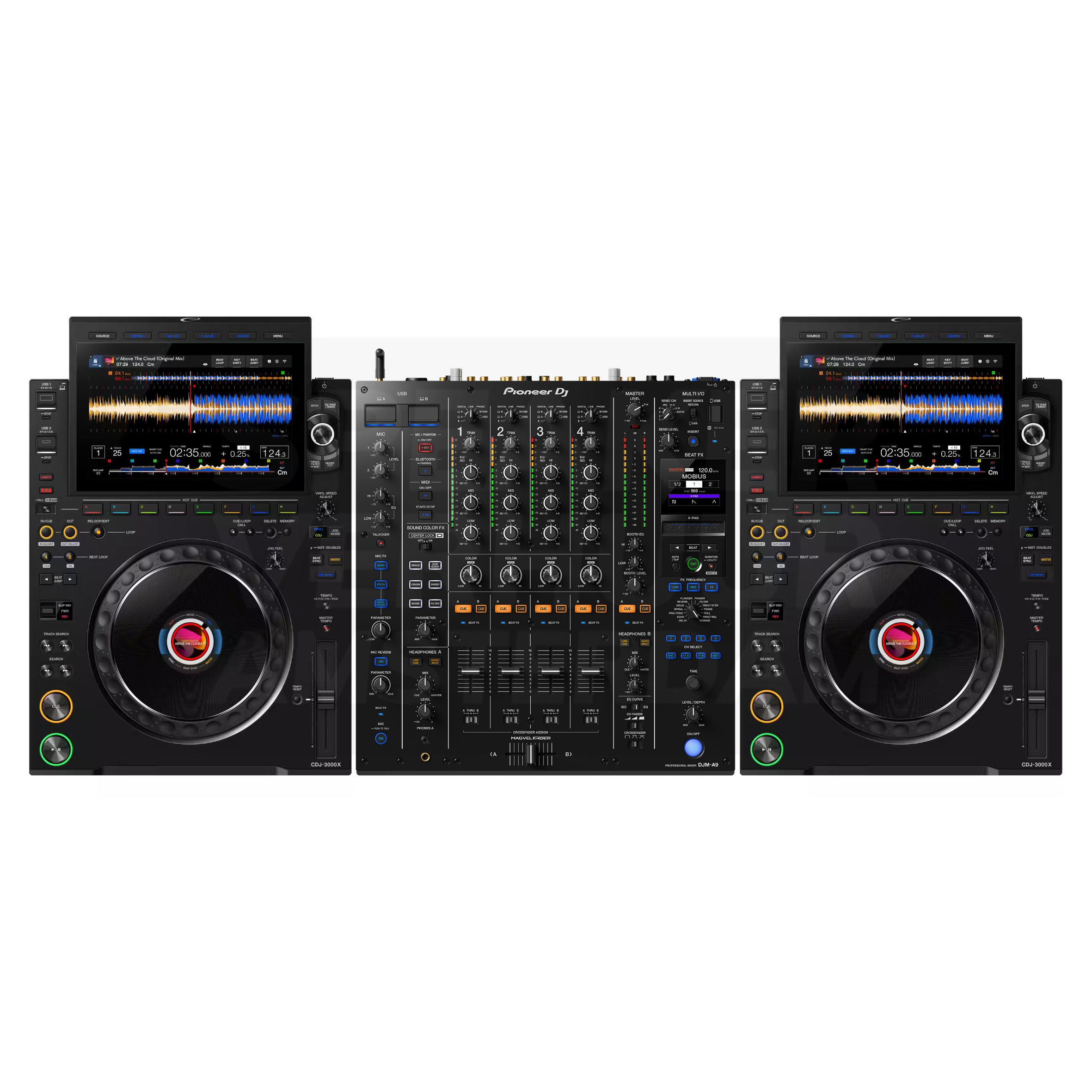
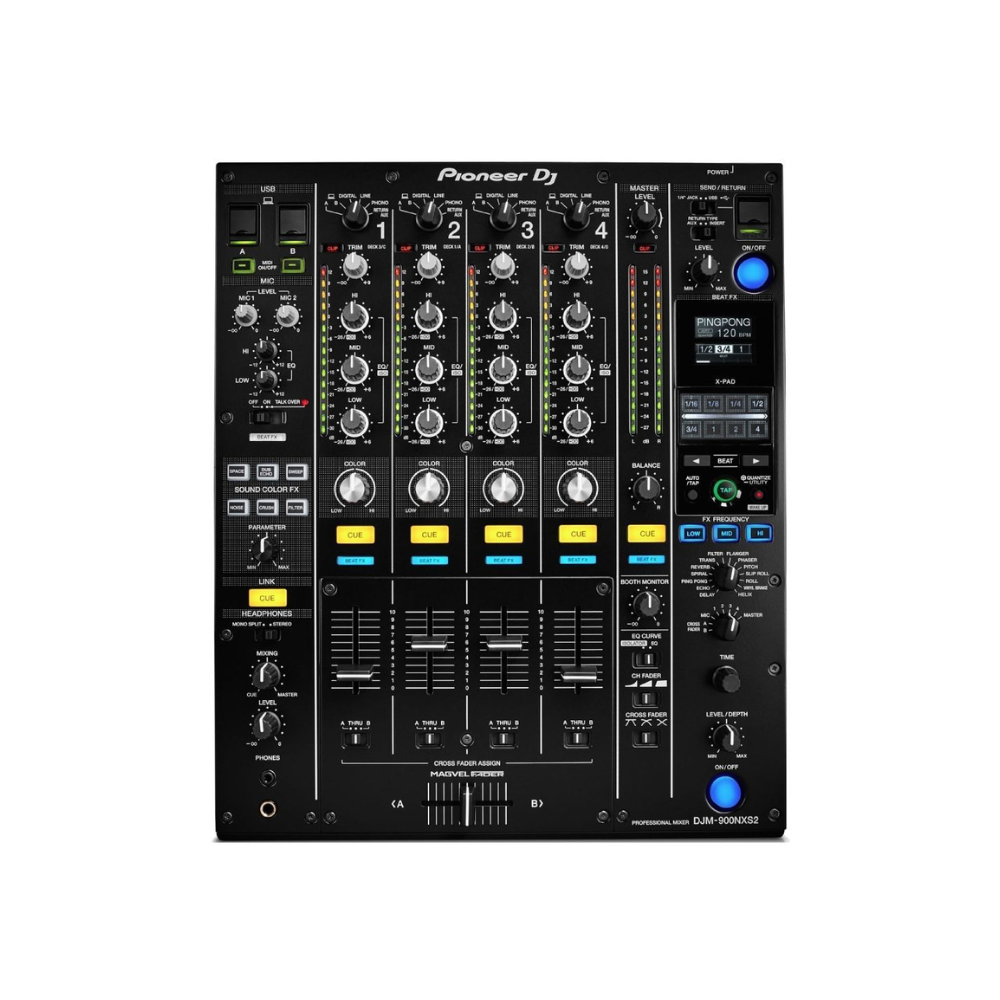
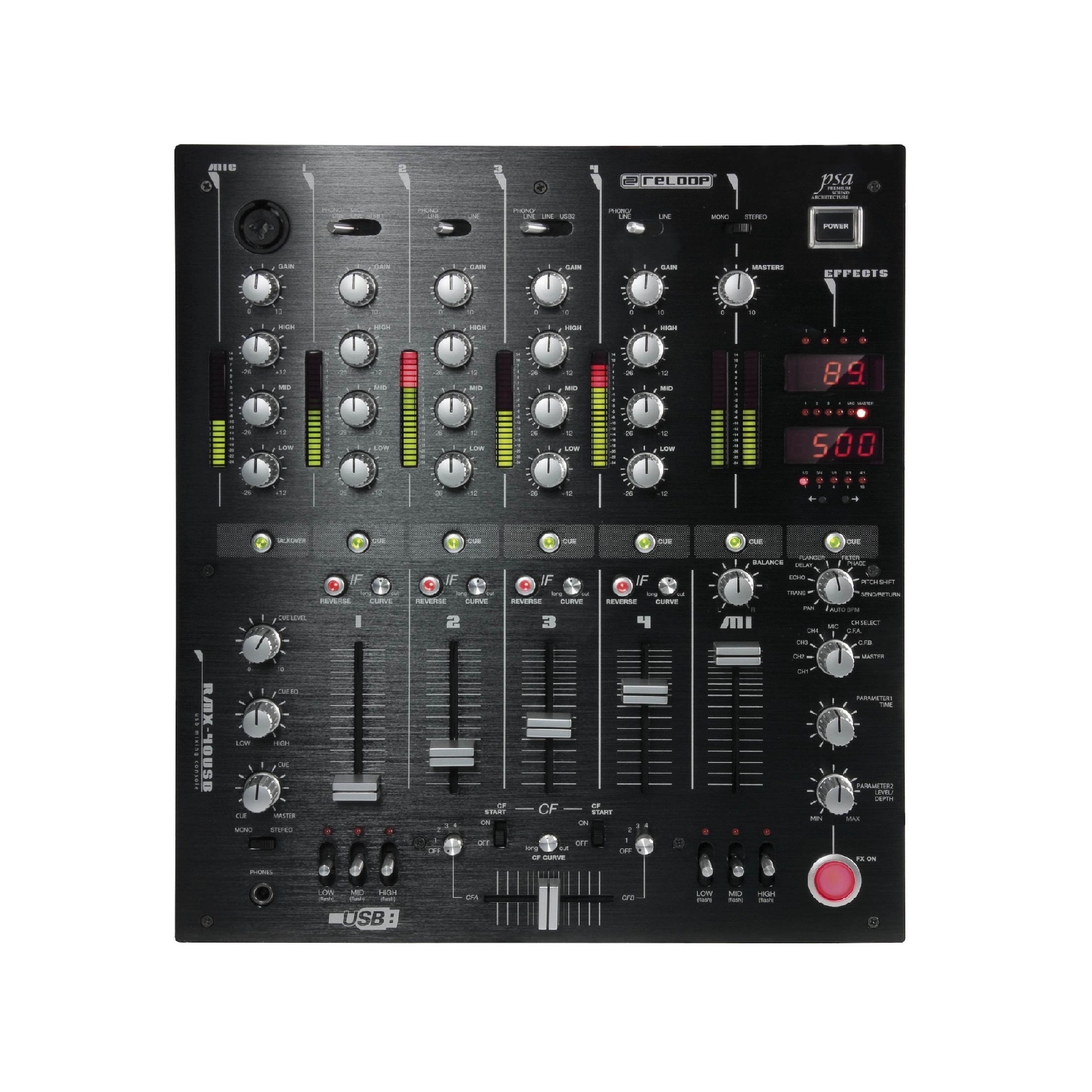
A DJ mixer controls the connected sources and outputs. Compare the real model, the connections and the necessary working method. The number of channels alone does not tell which complete playback setup you have. Mixing desk hire in Haarlem or ask for advice on this choice.
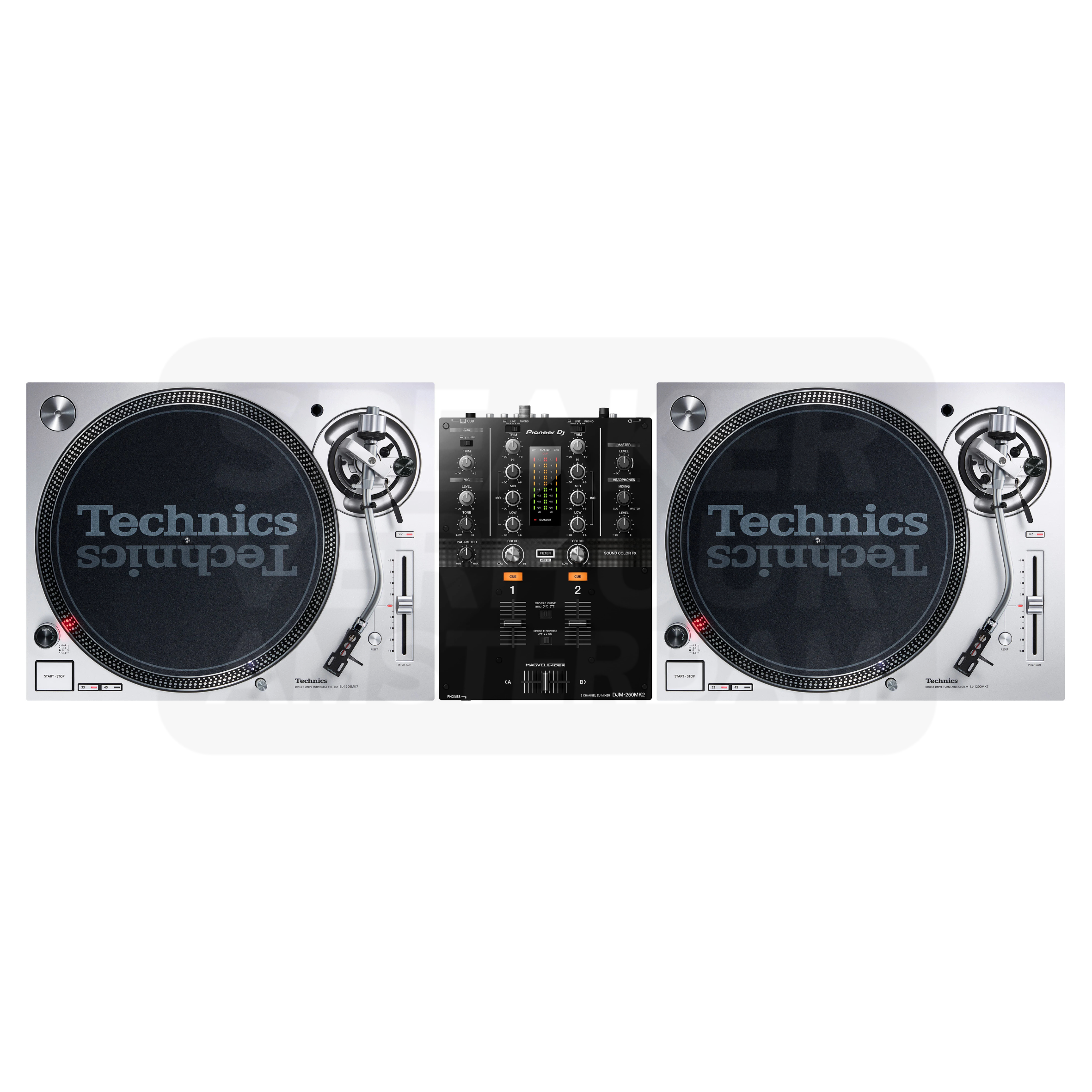
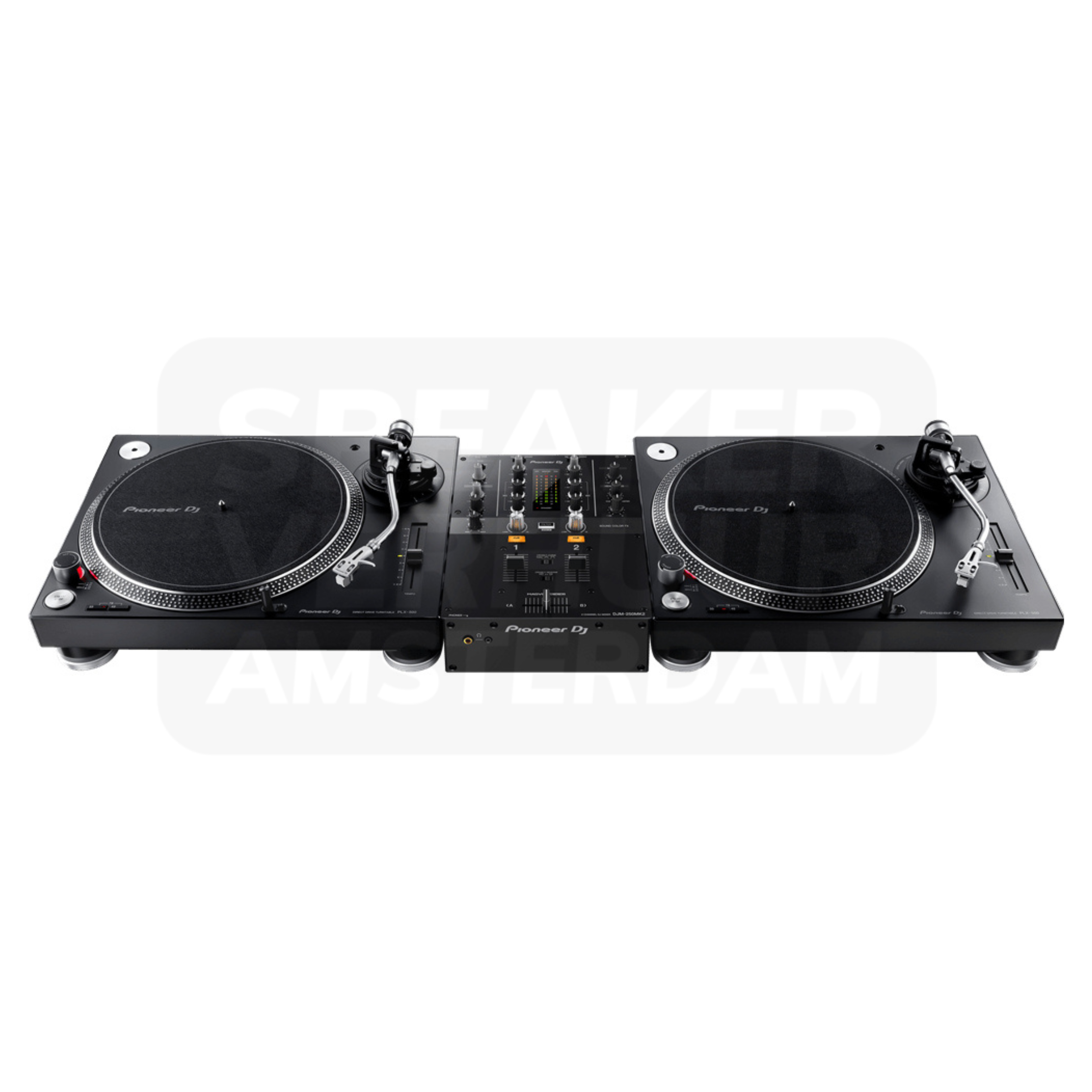
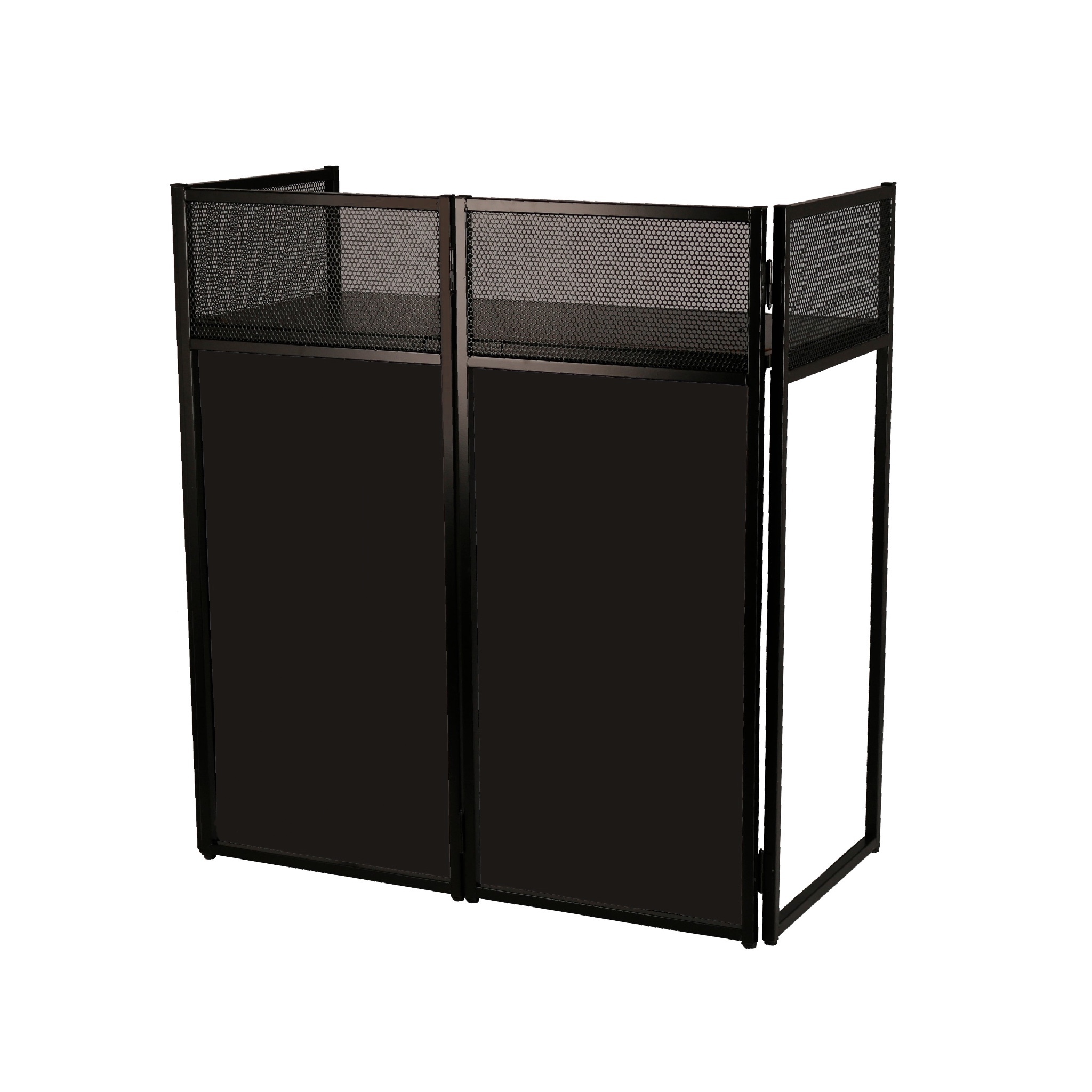
For turning with plates, compare the turntables, mixer and other parts. A booth or DJ table is a separate support. Measure the entire combination and the available place at the location in Haarlem. Turntable hire in Haarlem or ask for advice on this choice.
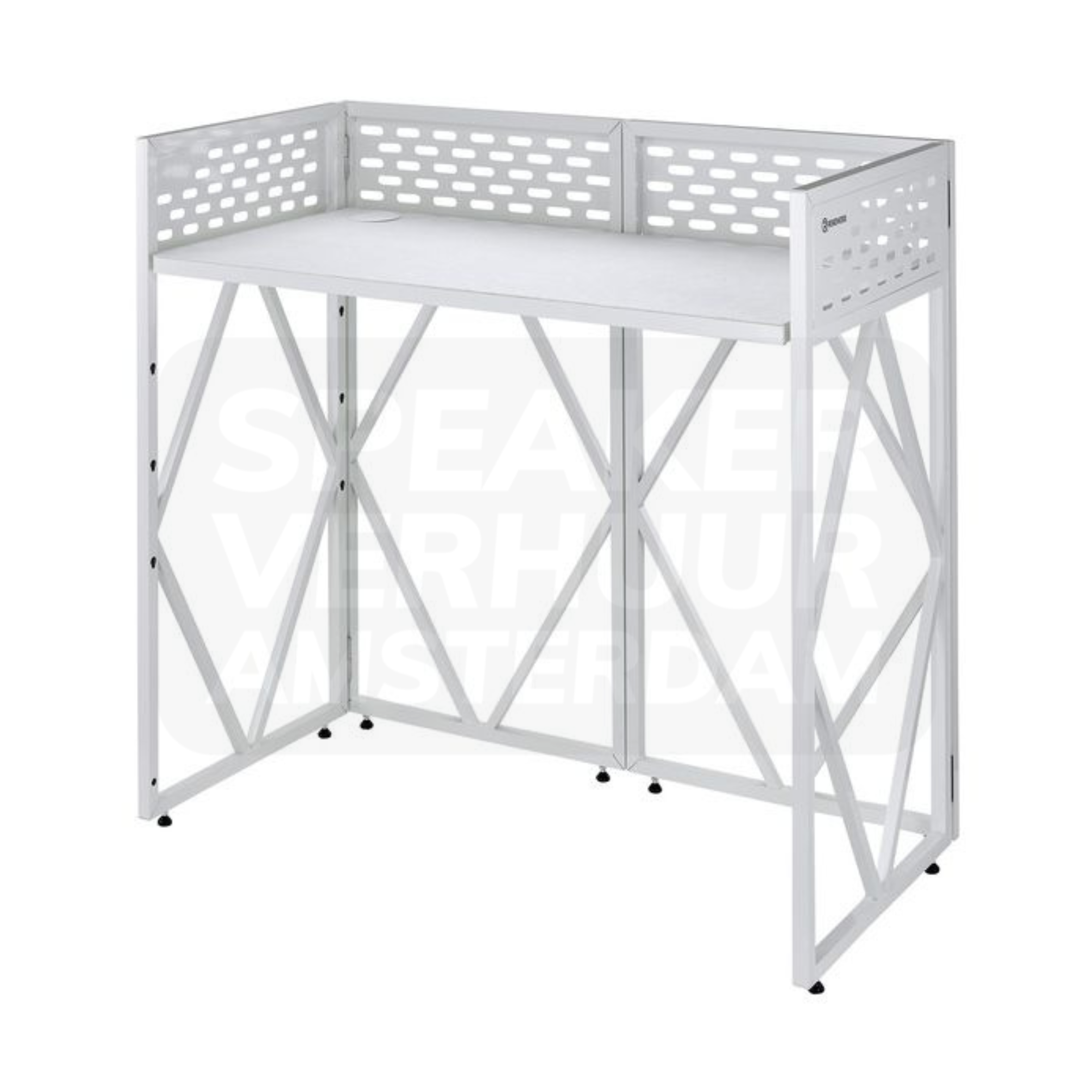
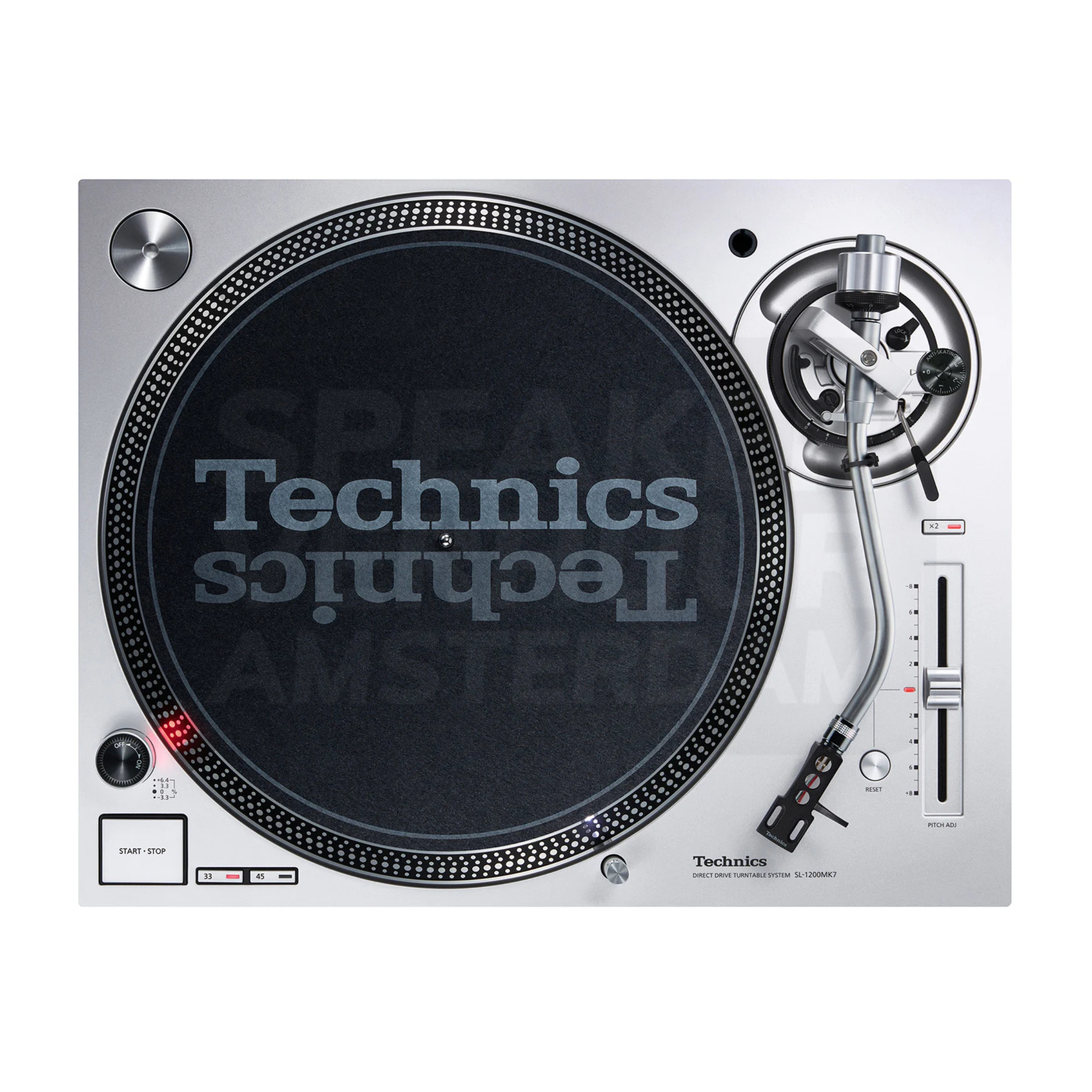
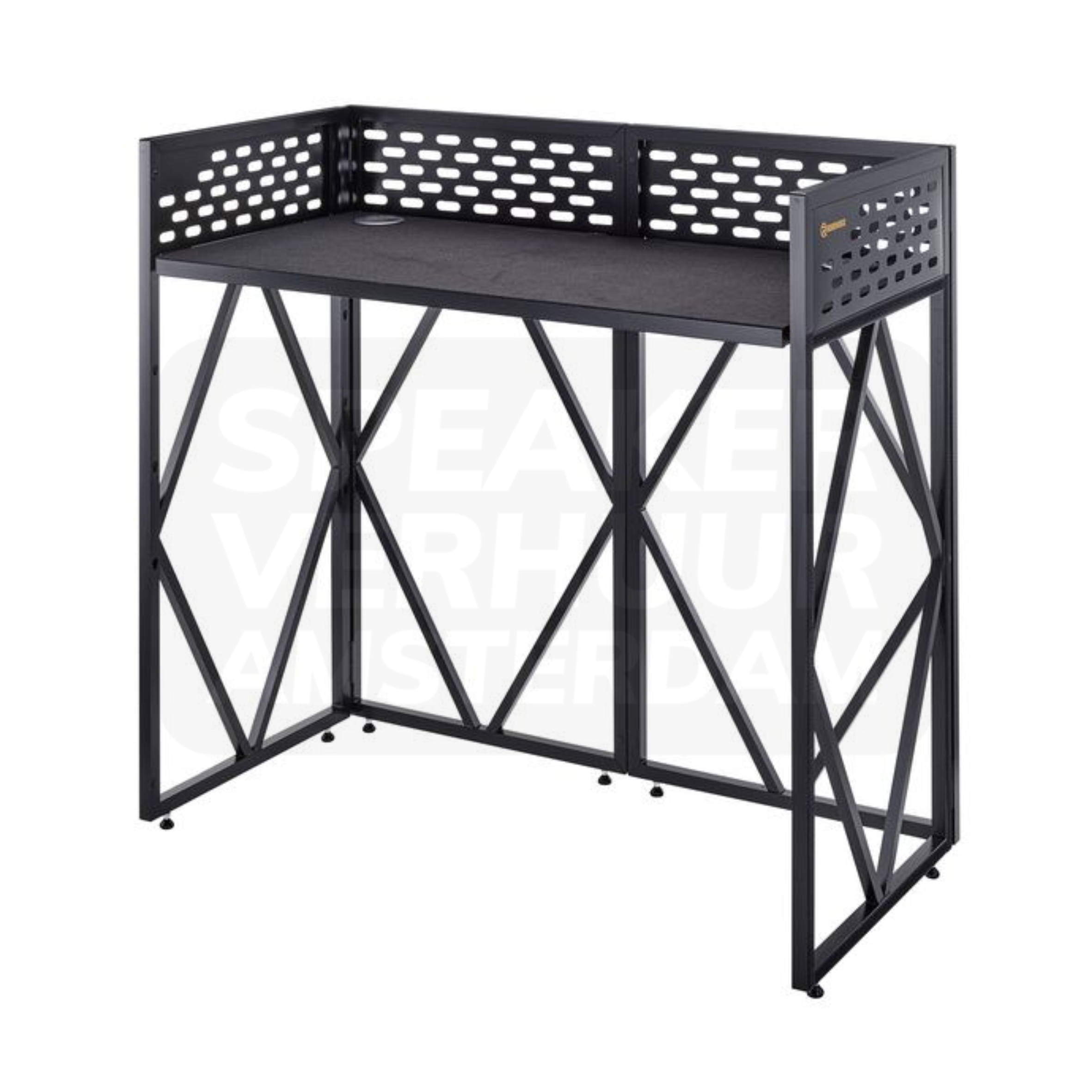
Ask for the concrete models and the preparation of the music. A player, mixer, controller and all-in-one system perform different roles. Do not just rely on the words Pioneer or DJ set. Check which source files, storage and any computer operation are required for the selected configuration.
The DDJ-400 is intended to be a controller for use with DJ software on a computer. This is a different setup than a system that supports the desired playback mode independently. Within the XDJ range, different functions and expansion. Check the capabilities of the exact model instead of applying a series feature to each version.
The DJ setup must be connected to the room sound with the right outputs. Take cable type, route and necessary control. Also check how the DJ hears the music via headphones or monitoring. A complete player mixer combination does not automatically mean that speakers and all connections for your room are included.
Measure equipment, booth and cable room together. Keep the control accessible and do not set up that blocks the walkway. Please pass through the access, available power points and any stage placement for a Haarlem room. A table that fits visually is not without the right support for the full selection.
Name the models that are already on the site and what the DJ takes with it. This allows you to compare missing players, mixer or connections with a focus. Check the actual rental content and test the complete setup before the program. Discuss installation or technical guidance separately if you need it.
See the design, applications and connection of this particular product.
Read the rental guideSee the design, applications and connection of this particular product.
Read the rental guideSee the design, applications and connection of this particular product.
Read the rental guideTalk to us about your setup
Tell us what you are organizing in Haarlem or around the world. We will help you with the choice of equipment, a quote and the delivery appointment. Do you need anything last-minute? Please contact us to discuss the possibilities.
Send your plans or ask your question right away.
Open WhatsAppinfo@speakerverhuuramsterdam.nl
Send an e-mail020 308 6033
Call usAnswer before you rent
Find answers about equipment choices, setup and rental arrangements.
Compare all-in-one systems, controllers, single players, mixers, turntables and DJ furniture. Choose the concrete models from the DJ's working method.
No. A controller may need a computer and software. Check the real playback mode of the chosen model.
The DDJ-400 is a computer controller for DJ software. Plan a suitable computer setup or compare a version that supports your desired standalone process.
No. A loose player and a set with two players plus mixer have a different content. Check the concrete composition.
Method, preparation and operation can vary per configuration. Therefore, record the real choice of models instead of just a brand name.
Only when explicitly in the chosen content. The connection to the room sound is part of the complete preparation.
This depends on the working method and existing sound setup. Discuss how the DJ should be able to listen back and what monitoring is already available.
Check the dimensions, support and free control area. A booth name or photo only is not a full size check.
Check the supported connections and desired functions of the concrete models. Please pass on your existing equipment.
Not automatic. Check the necessary software, accounts and computer operation of the configuration and arrange that preparation in time.
Delivery and installation are possible. Please pass on the full selection, location and technique and discuss guidance during the program separately.
Select the desired equipment and missing support with the same rental period. Also check monitoring, connections and services.
Continue Choosing
Plan your event
Check out the versions, choose your rental period and make your selection. Please pass on the space and your program if you want advice about the combination or installation.
Check out the versions, choose your rental period and make your selection. Please pass on the space and your program if you want advice about the combination or installation.