
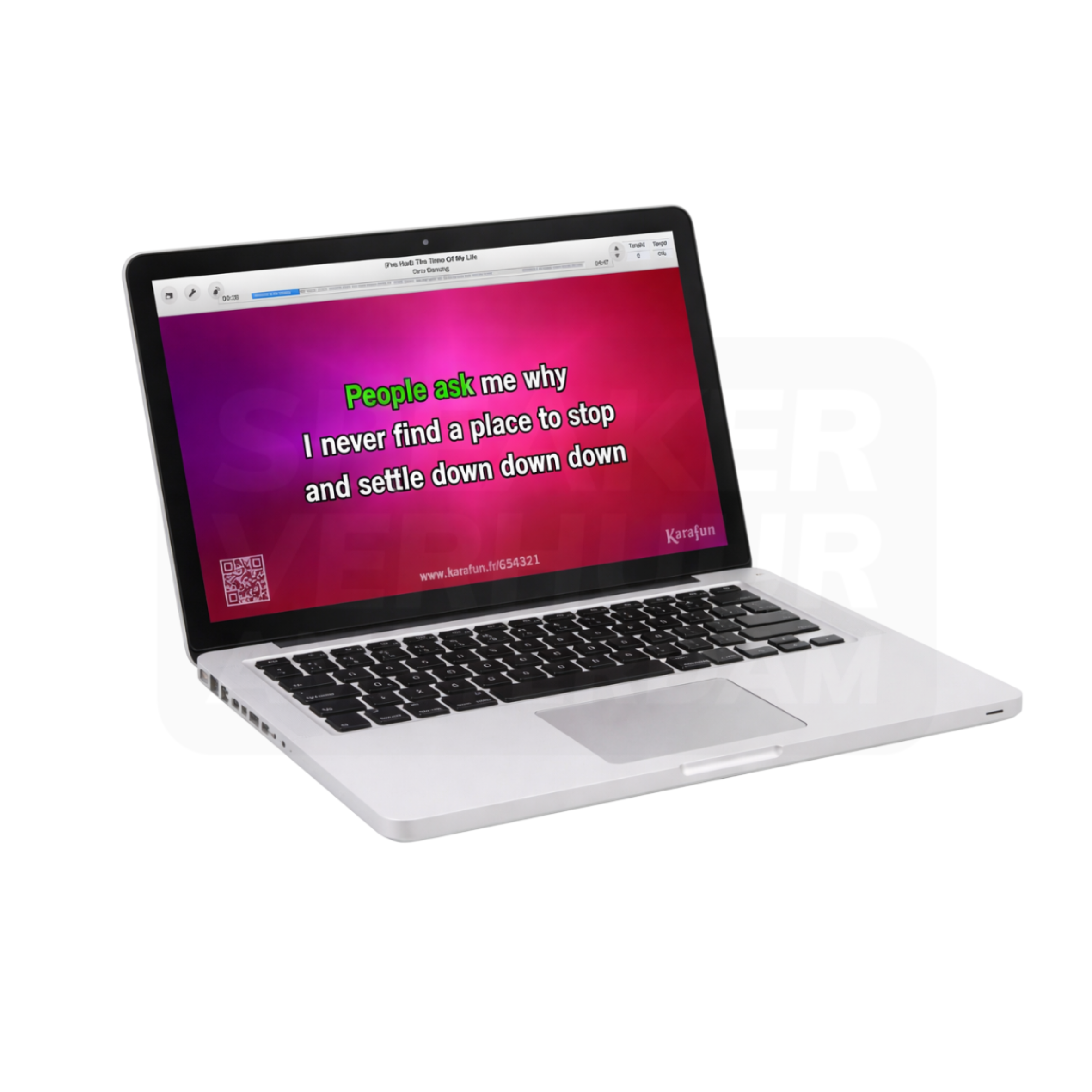
When should you hire Laptop with Karaoke software (KaraFun)?
When selecting Laptop with Karaoke software (KaraFun), start with its role in your complete setup. Establish the application first, then compare the version, connections and additional components.
With karaoke text, music and vocals must be useful at the same time. The screen position, microphones and used music or software source belong to the same setup.
Which version of Laptop with Karaoke software (KaraFun) do you need?
Choose how many people sing at once and who chooses the numbers. Also check that the screen, the connections and any software access are part of the chosen reservation.
What do the components in this rental set do?
These components belong to this configuration. Plan the complete chain from source to use rather than judging a package only by the number of devices.
1× Karaoke software (KaraFun)
This is a separately listed component of the configuration. Check its version and quantity alongside the rest of the package. Discuss its connection and position so that it suits the purpose for which you are hiring the package.
1× Apple MacBook Pro 14" M1 Pro 8-core 16GB RAM 512GB SSD
This is a separately listed component of the configuration. Check its version and quantity alongside the rest of the package. Discuss its connection and position so that it suits the purpose for which you are hiring the package.
How do you prepare Laptop with Karaoke software (KaraFun) for use?
Test one full song before the participants start. Keep microphones behind the speakers and set the ratio between music and vocals. Record a clear operating area.
Use the actual source device, planned programme and audience position during your test. Checking the complete setup during installation avoids searching for connections once your event has started.
Questions before hiring Laptop with Karaoke software (KaraFun)
What should I check when hiring Laptop with Karaoke software (KaraFun) for my venue?
Note the room, programme and other equipment. For Laptop with Karaoke software (KaraFun), start with the selected version and complete contents. Confirm the connection when adding your own equipment.
Is the internet needed for karaoke?
This depends on the chosen software and the available offline content. Please check account, network and usage conditions for your program in advance.
Are a screen and microphones included?
This varies per package. Check out the mentioned parts and pass on the number of singers and the desired text view before booking.
How do I book Laptop with Karaoke software (KaraFun) for Haarlem?
Open the product page, select start and end dates and check the current rental price and availability. Add the required version and quantity. The basket and checkout are handled by Speaker Verhuur Amsterdam; reading a guide or printing a quotation does not create a booking.
Laptop with Karaoke software (KaraFun) rental in Haarlem and the surrounding area
Planning an event in Haarlem, Beverwijk, Zandvoort or Bloemendaal? Allow time for setup, use and return when hiring Laptop with Karaoke software (KaraFun). Free collection and return are available by appointment at Theemsweg 40, 1043 BJ Amsterdam Sloterdijk. Arrange delivery, collection and any installation separately.
Laptop with Karaoke software (KaraFun) rental: current price, deposit and dates. Also browse Karaoke sets or ask Speaker Verhuur Haarlem for advice.