
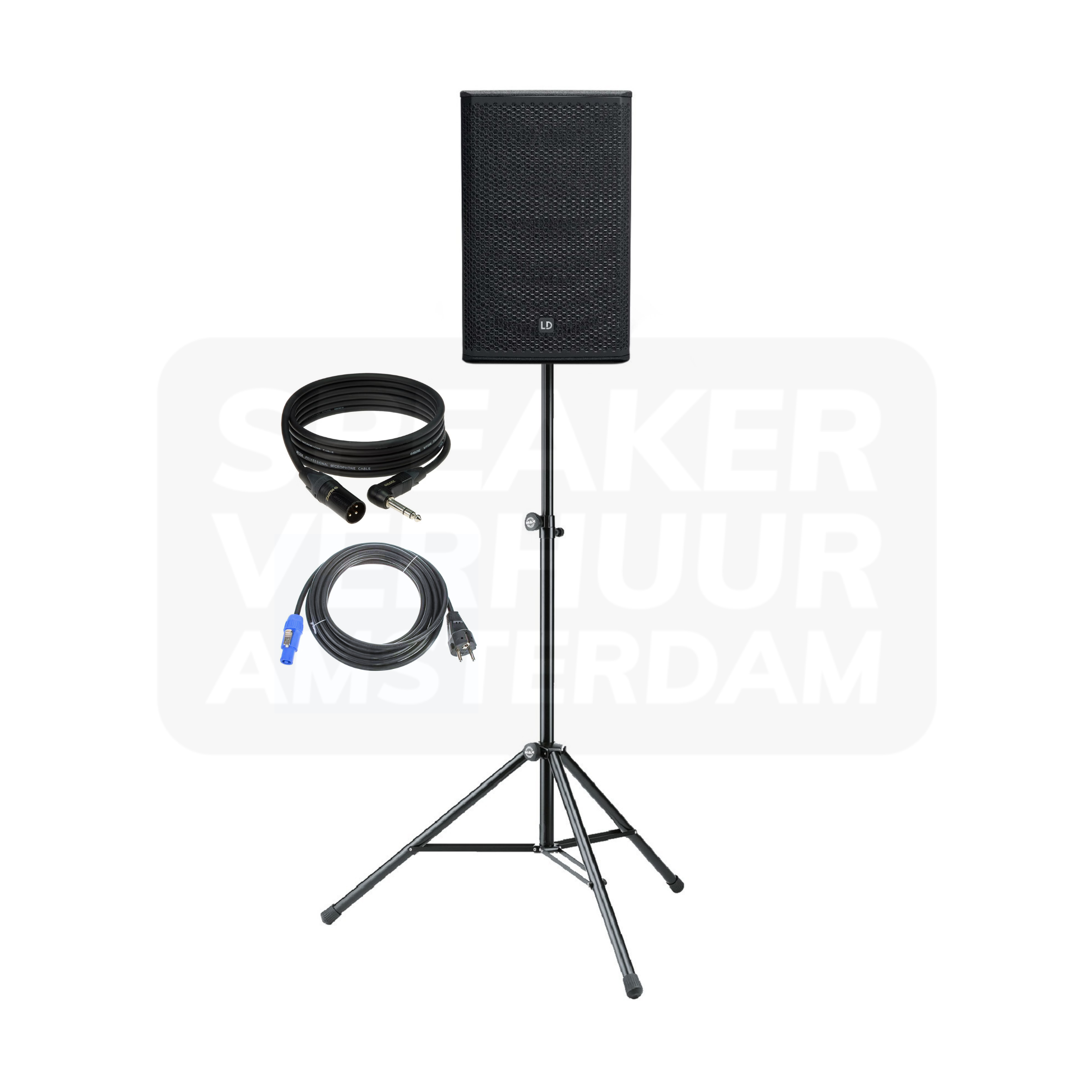
Sound rental
Compare products within sound. Search by model, filter by brand and open a product for its version, contents and price for your rental period.
Products and versions
18 products
No products found. Try a different search term or clear the filters.
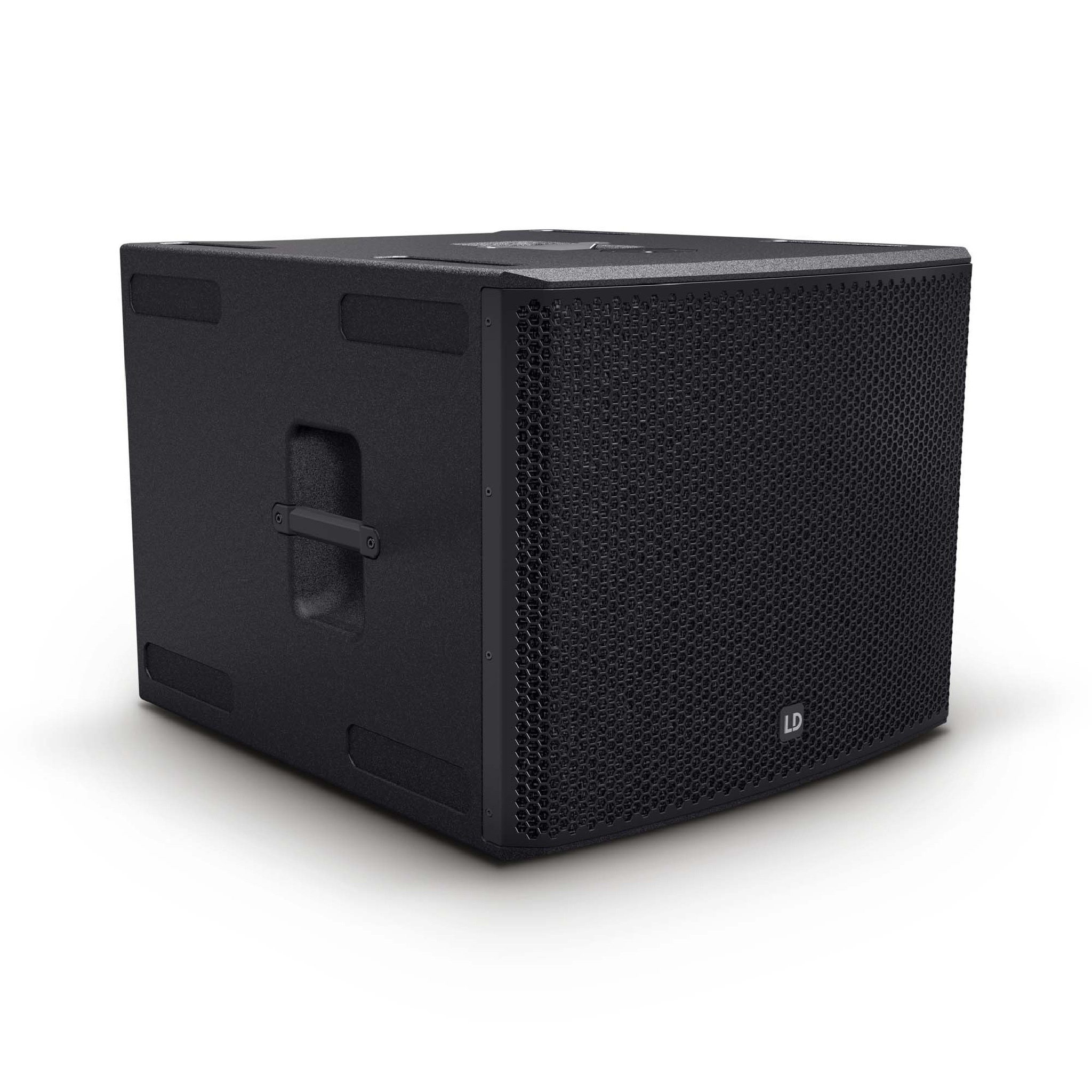
LD Systems Stinger 18a G3 subwoofer
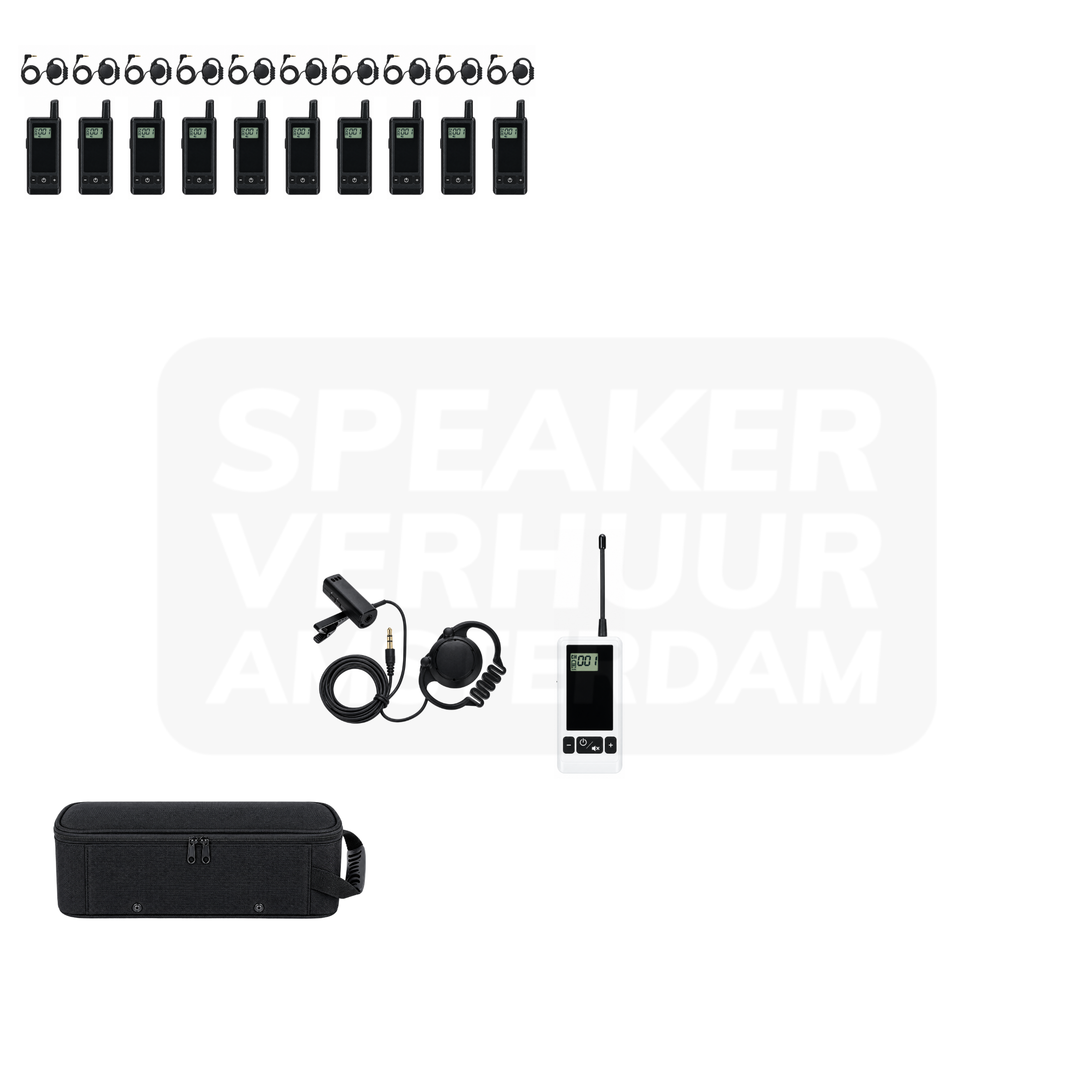
Whisper set 10 people tourguide system
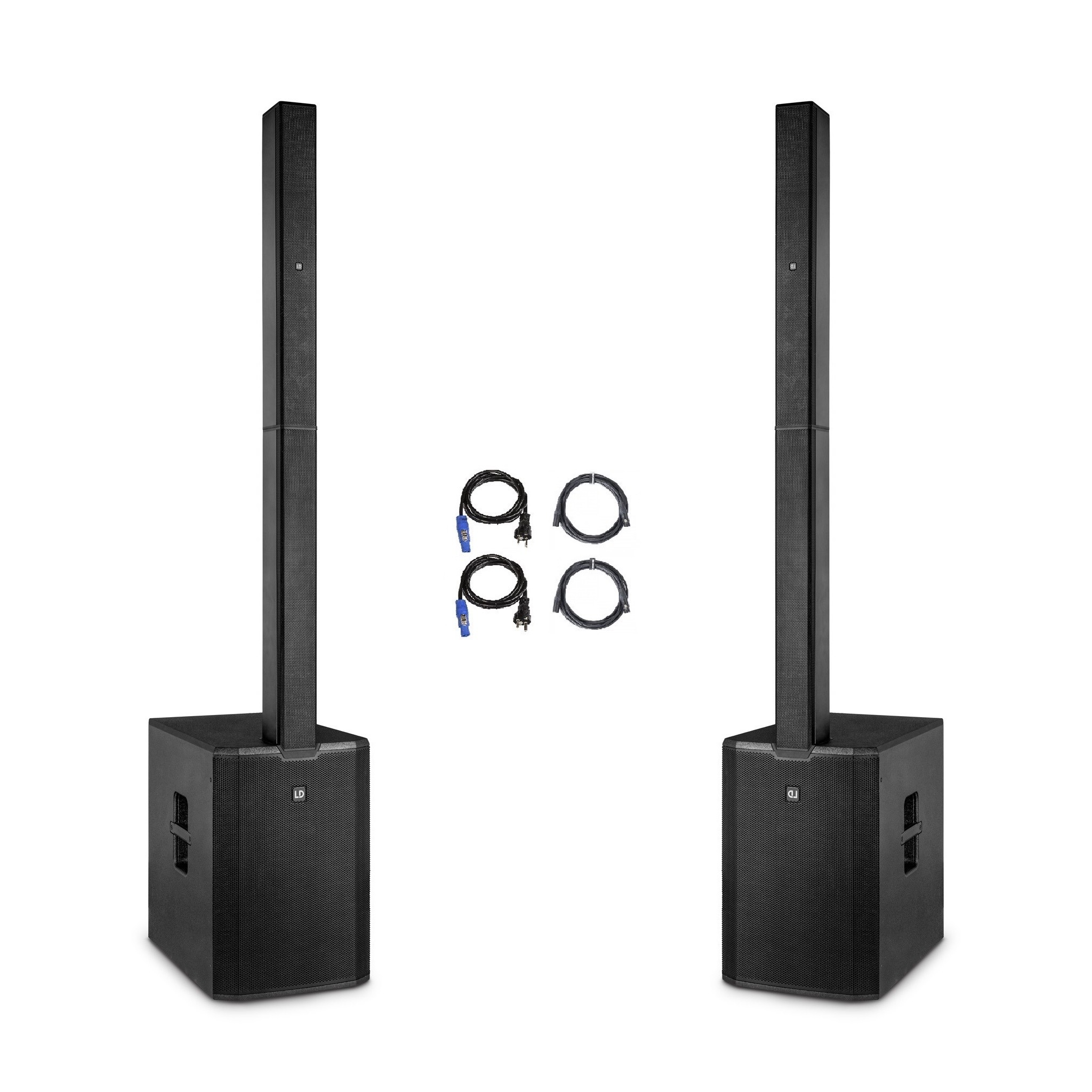
Speakerset 175 persons
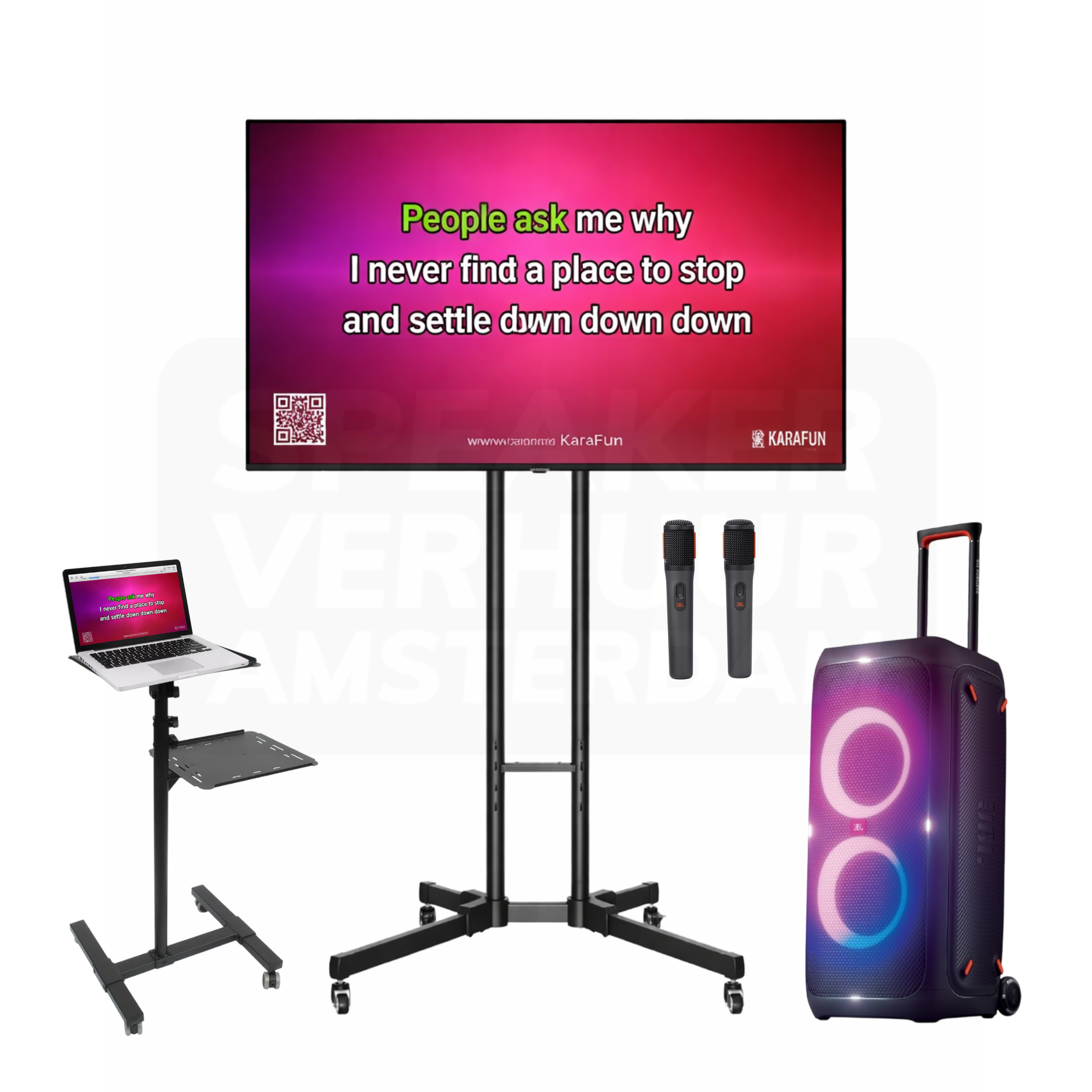
Complete karaoke set with KaraFun 20 persons
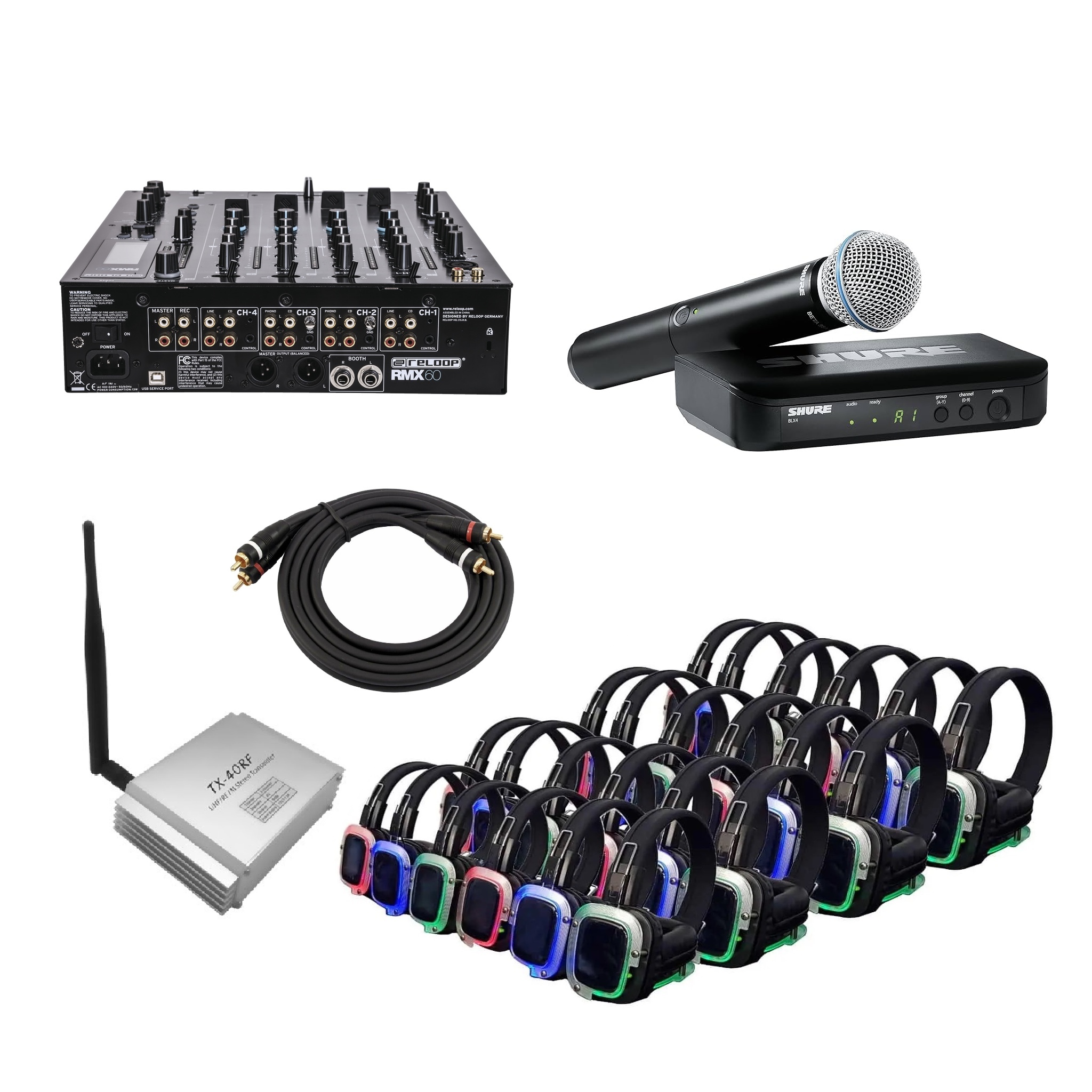
Silent presentation set 20 persons
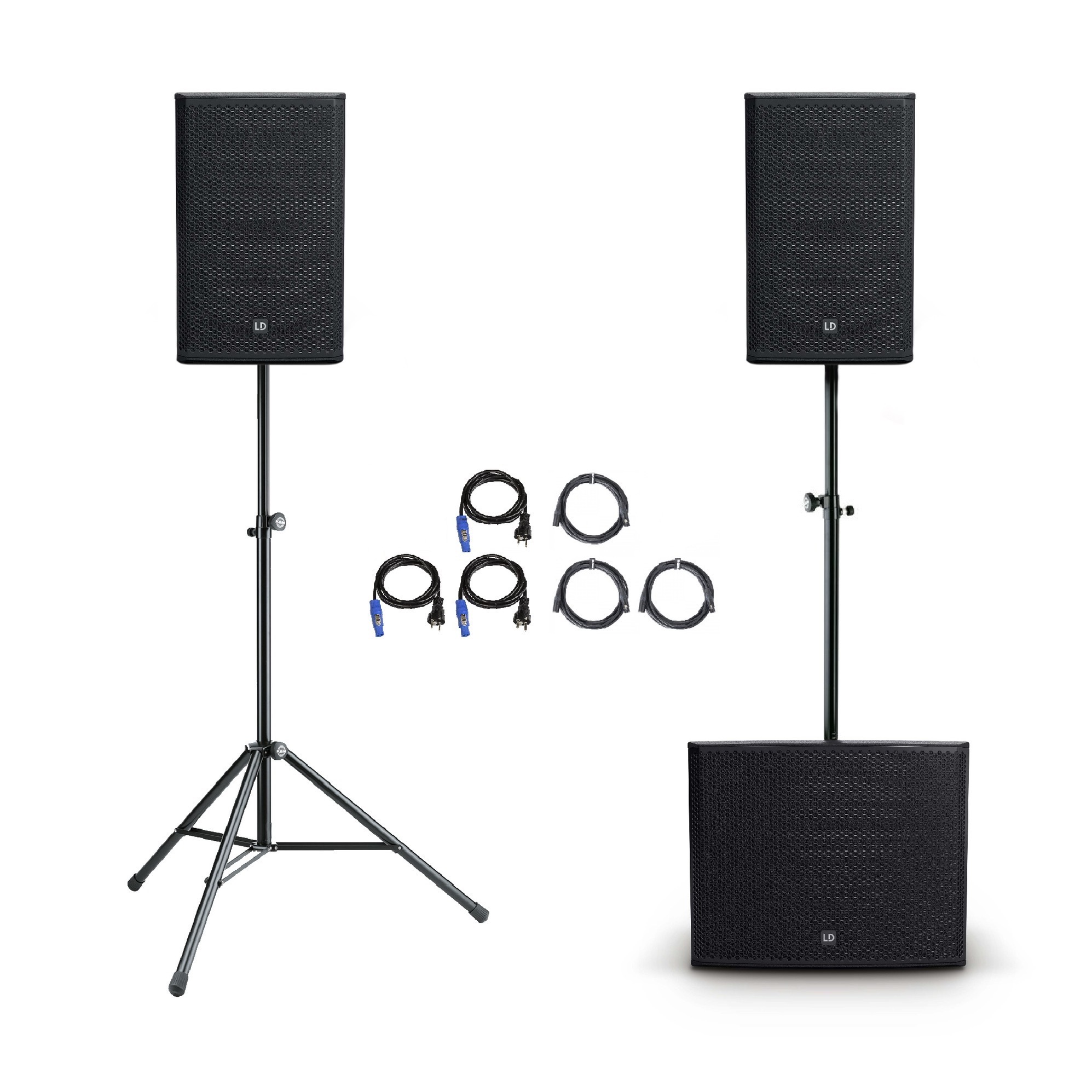
Speakerset 150 persons
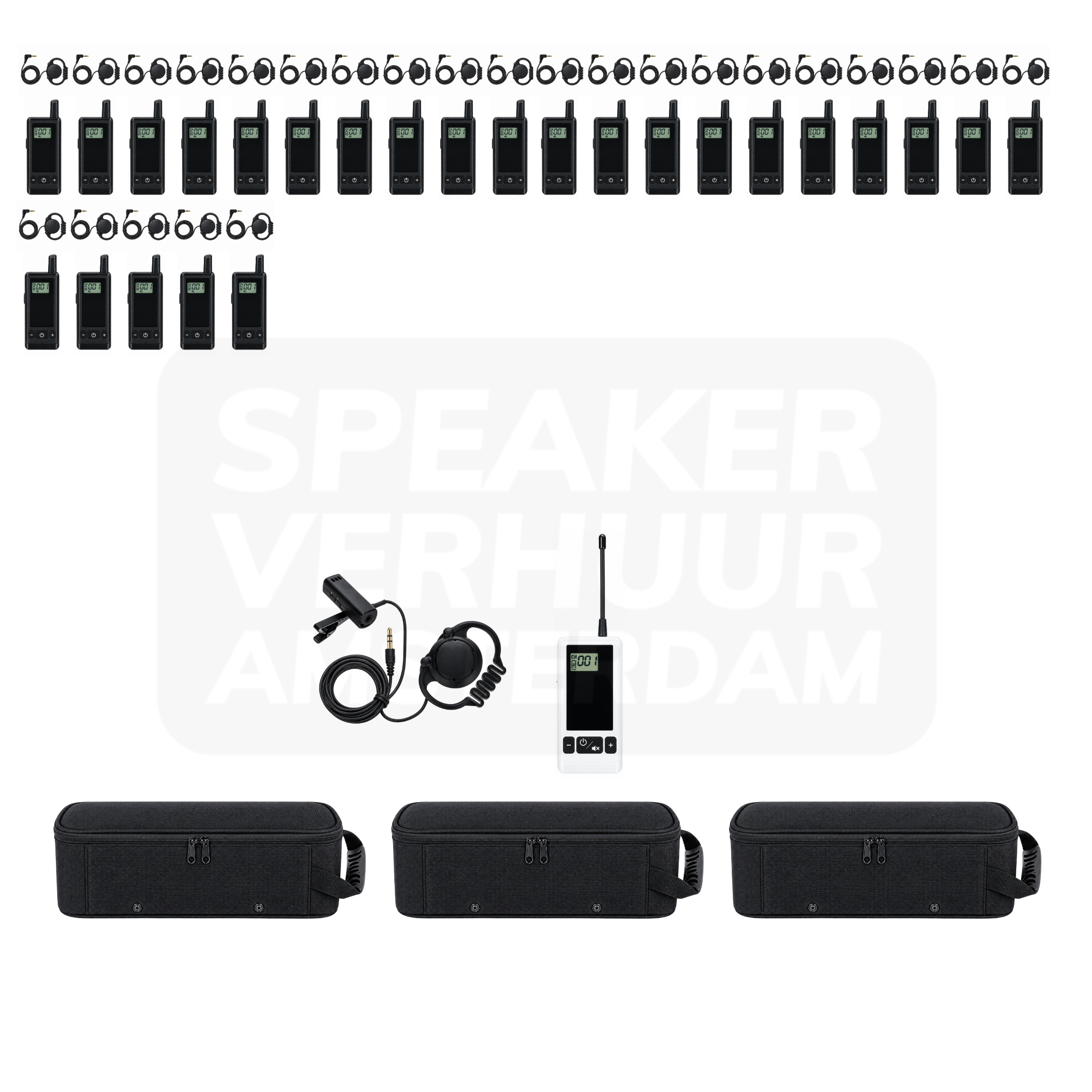
Whisper set 25 people tourguide system
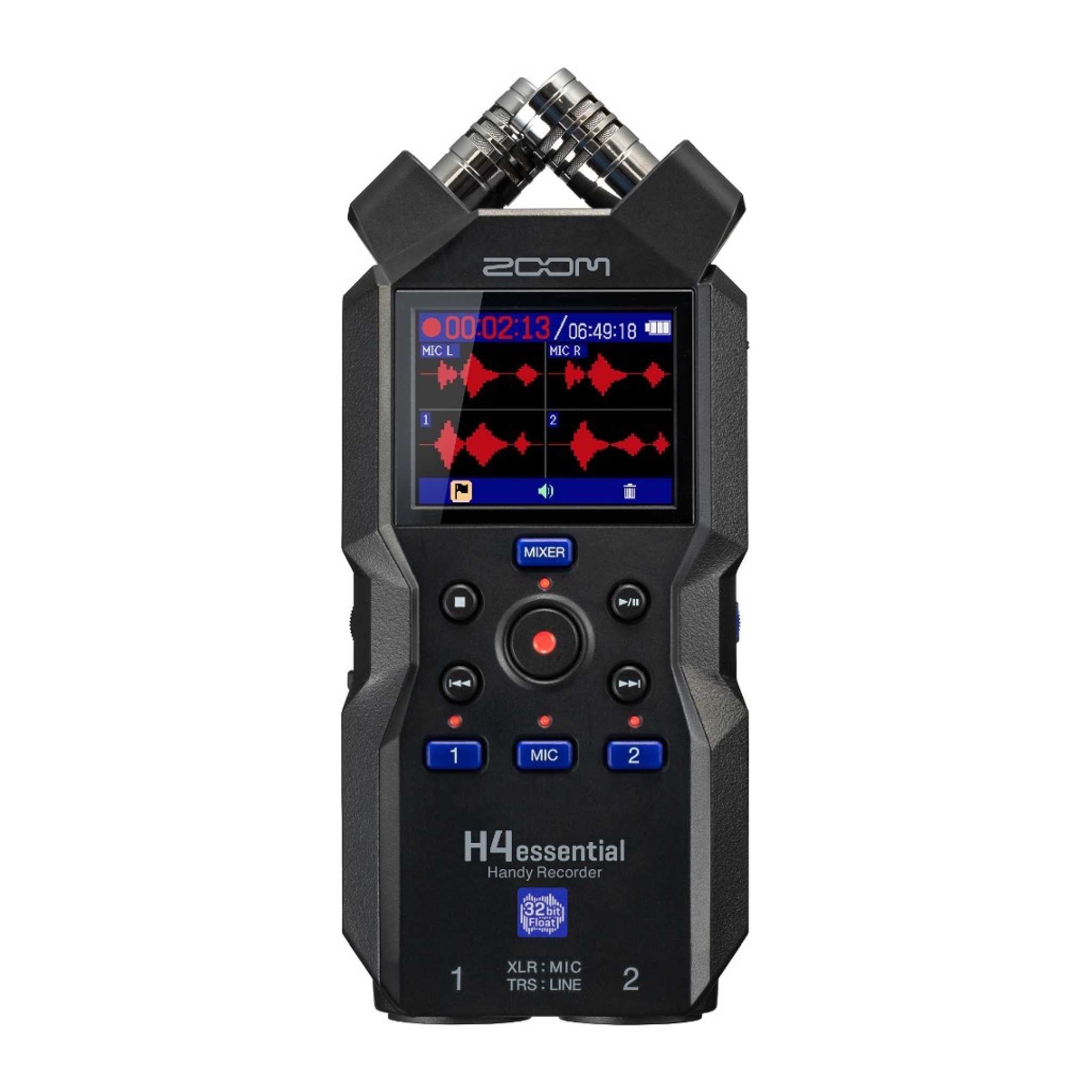
Zoom H4 essential recorder
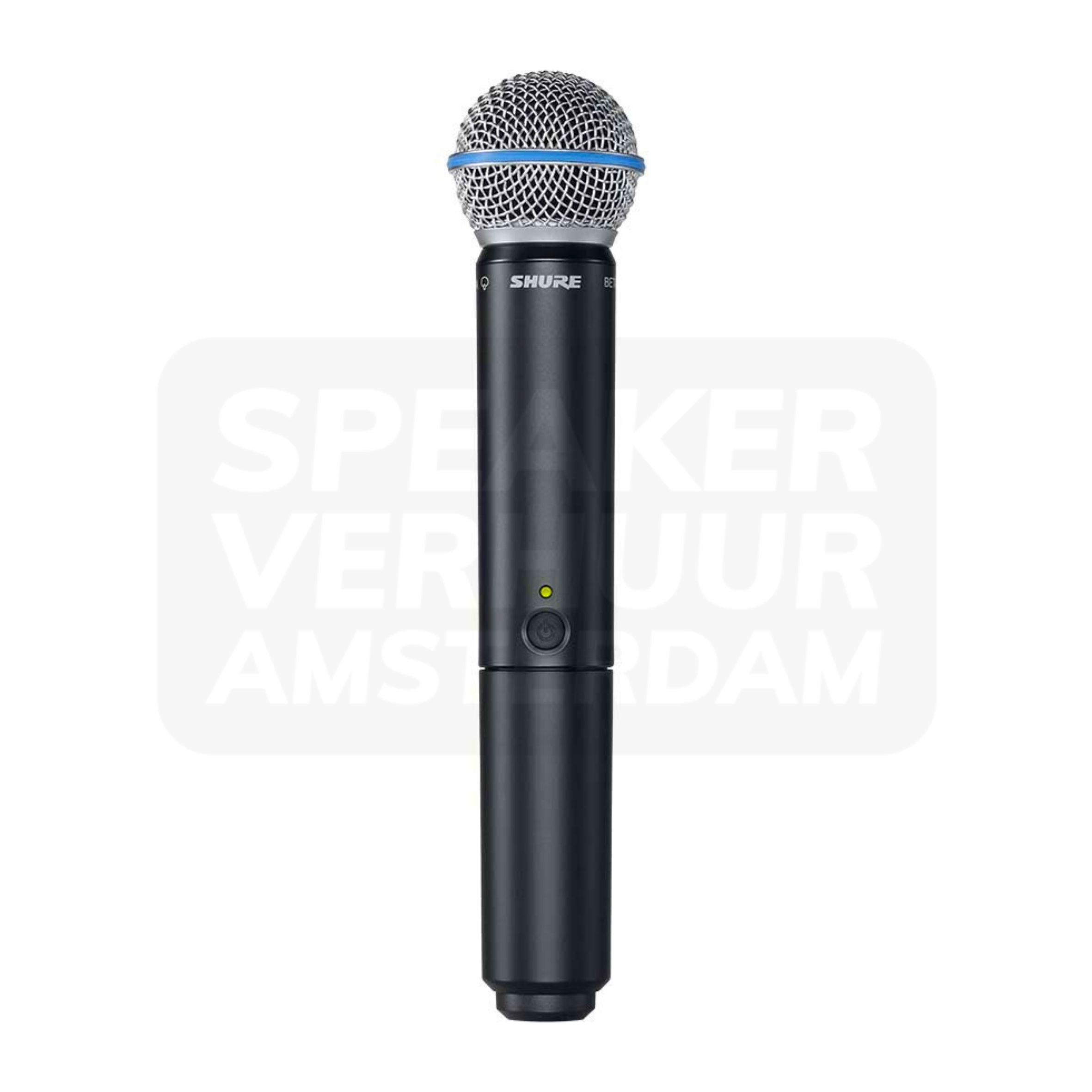
Shure BLX2/B58 wireless handheld microphone transmitter
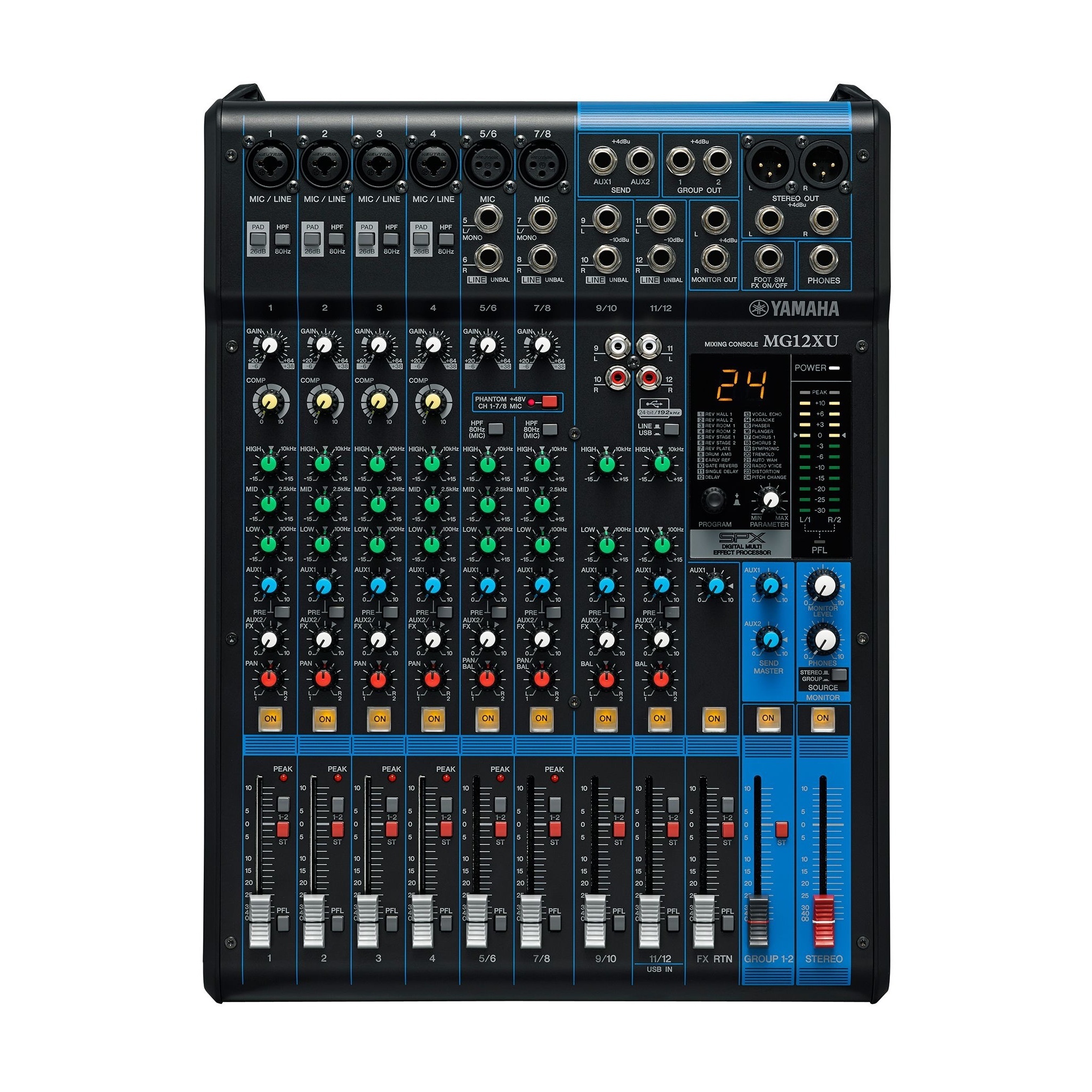
Yamaha MG12XU live mixer
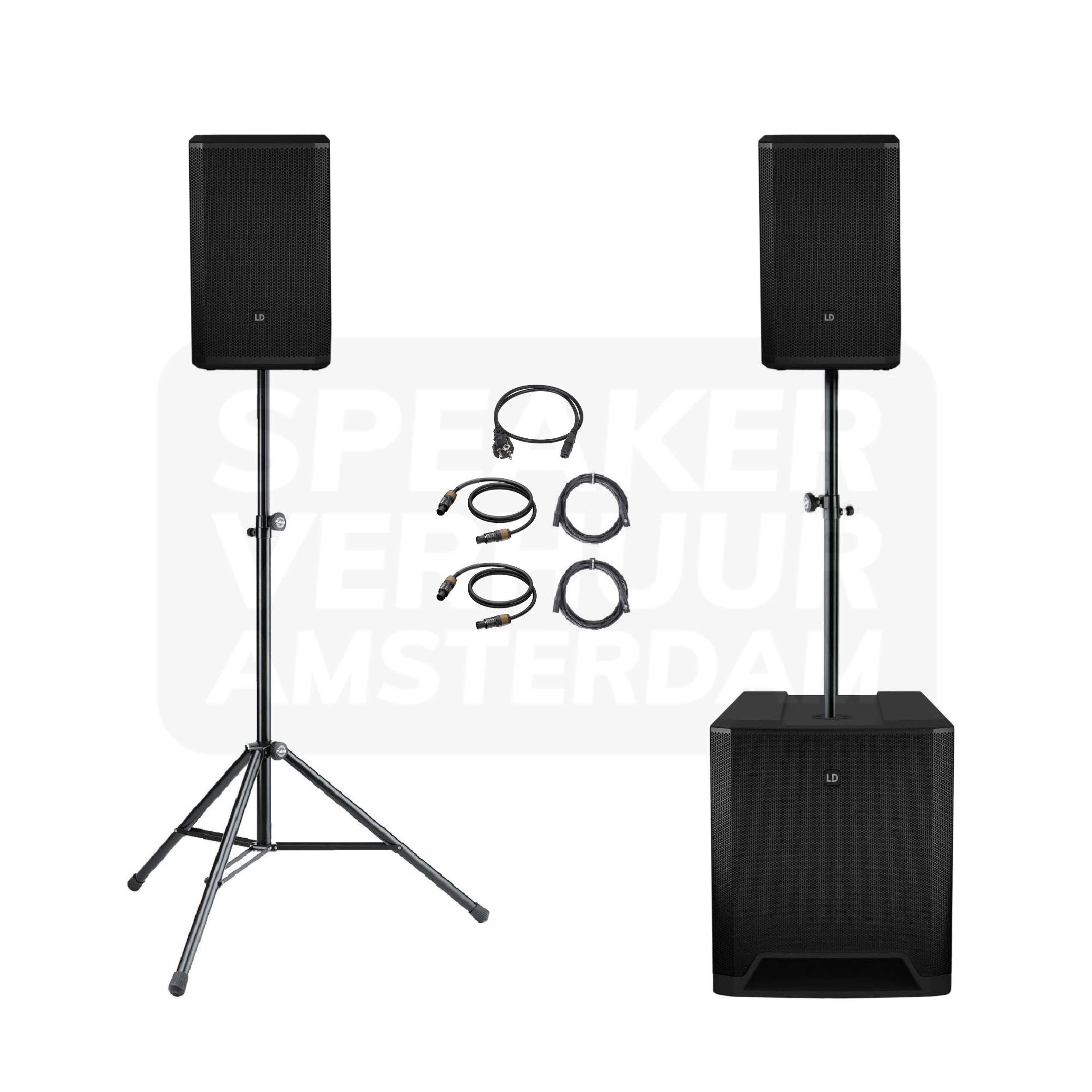
Speakerset 80 persons
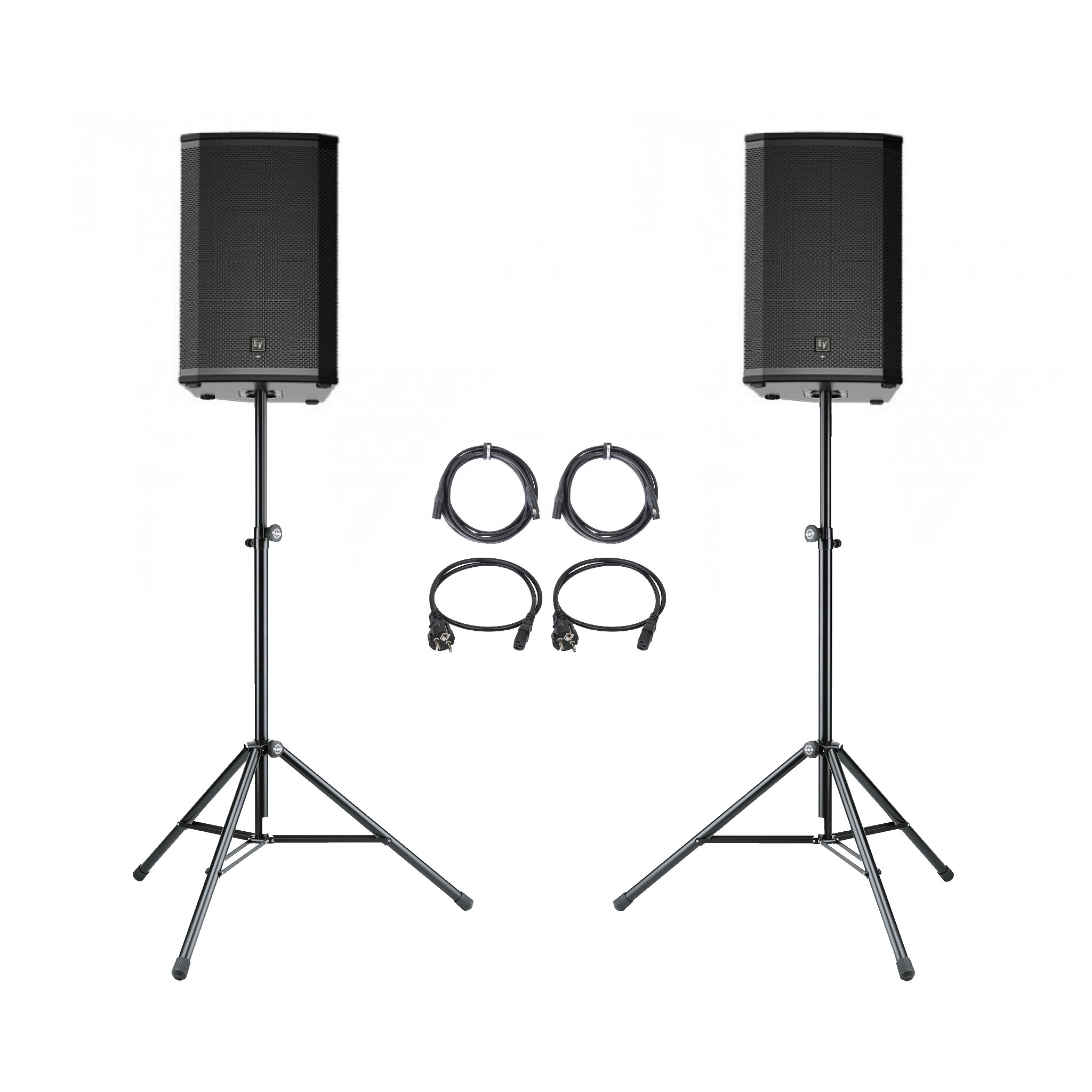
Speakerset 2x 15"
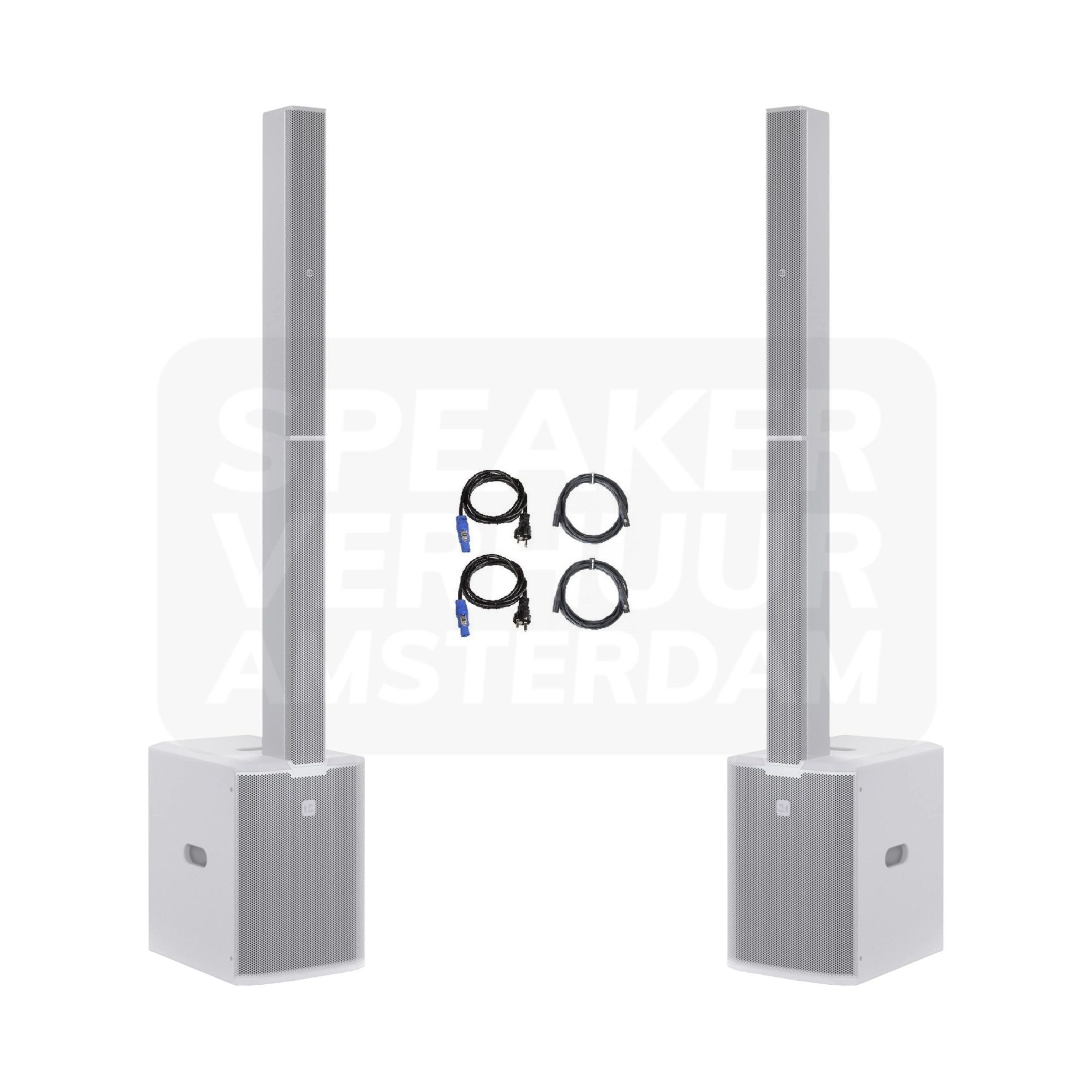
Speakerset 100 people white
LD Systems Dave 15 G4X speaker set
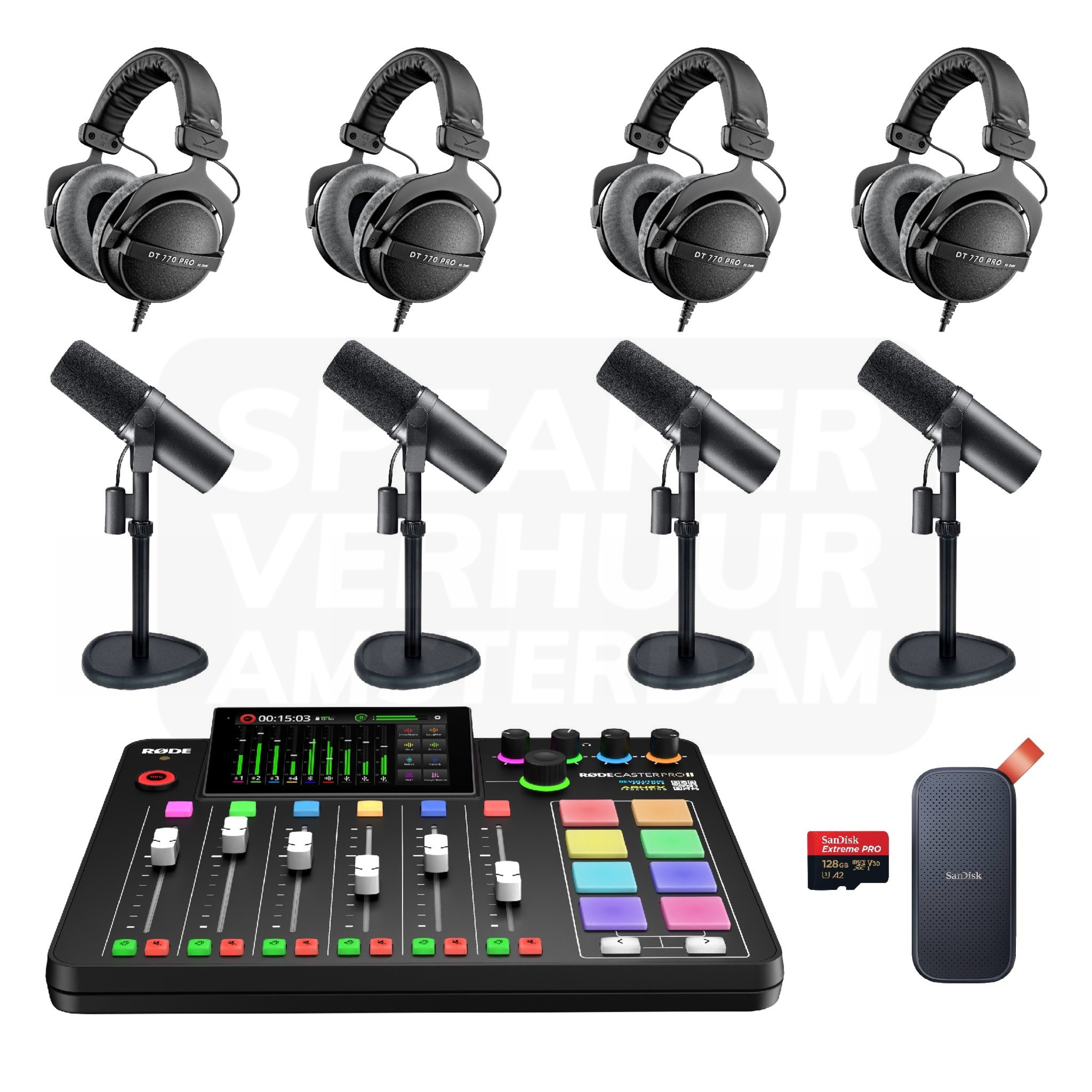
Complete 4 person Podcast set pro
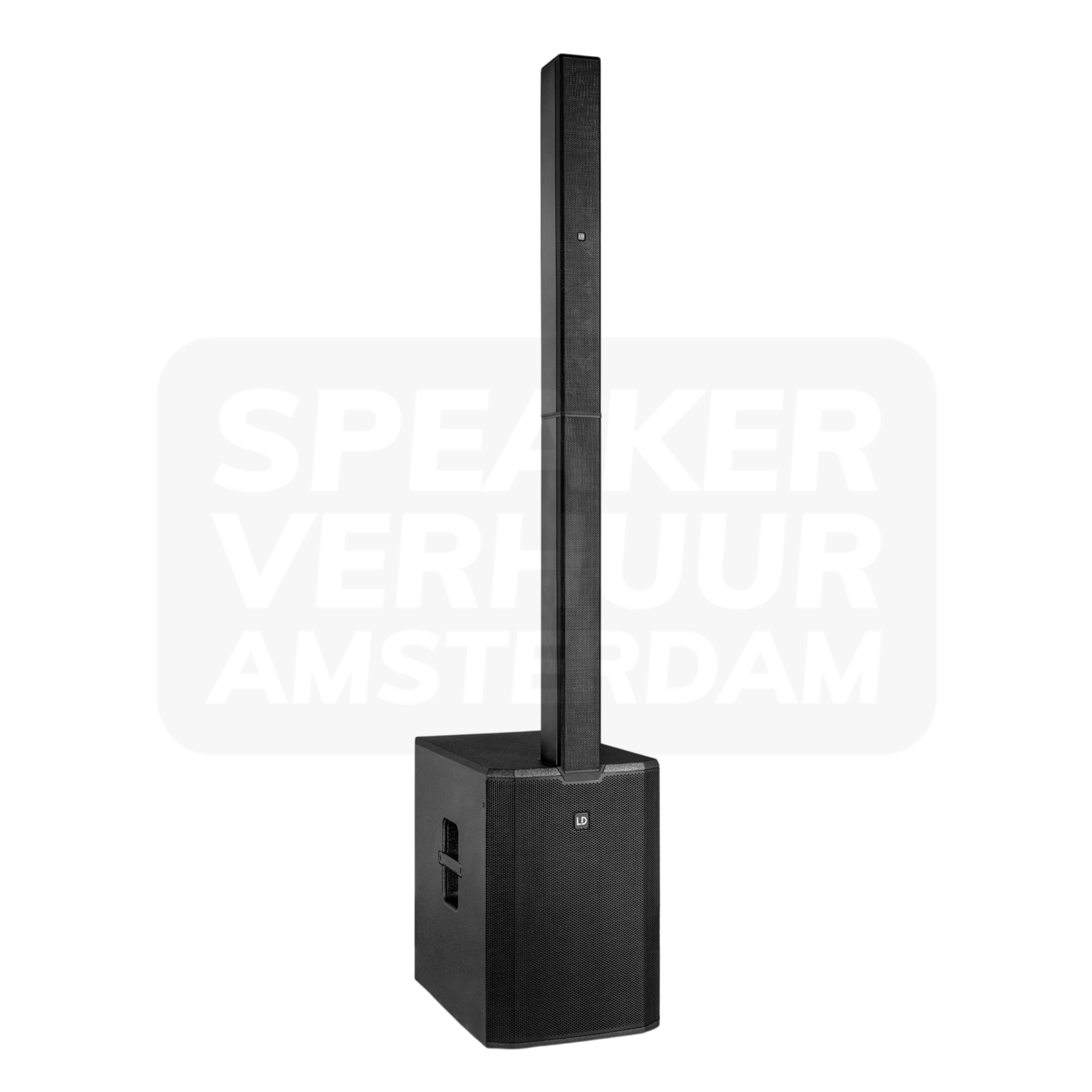
LD MAUI 44 G2 column speaker
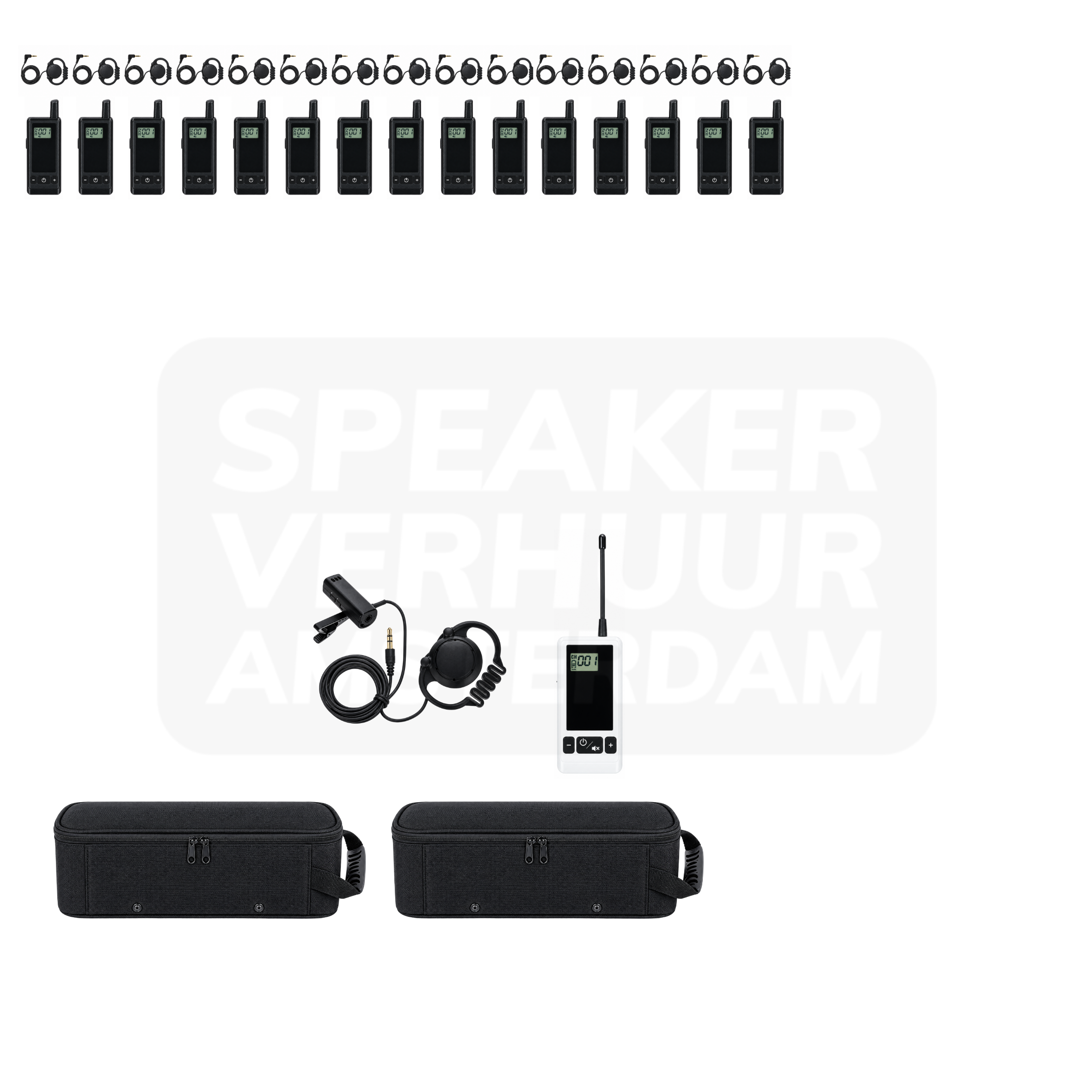
Whisper set 15 people tourguide system
Rental prices include 21% VAT. Choose your rental period for current pricing and availability. Deposits are shown separately on the product page.
What matters when renting sound?
Monitor speakers
A monitor lets a DJ, musician or speaker hear their own sound. The listening place on stage is central; that is a different task than the sound for the visitors of the event.
Choose who needs which mix. For a DJ, the master sound can be sufficient, while a singer wants to hear more own voice. Also count the number of individual monitor outputs of the mixer.
Point the monitor to the user and take into account the position of microphones. During the sound check, make a separate balance for stage and room. Lay cables so that no loop is created before the artist.
Subwoofers
A subwoofer complements the low part of a sound system. It supports kick and bass, while the top speakers display the rest of the sound. A bass cabinet does not replace a complete speaker setup.
Compare the subwoofer with the tops you already use. Available outputs, filtering and placement determine how the combination works. Discuss whether you are mainly running background music or a program with more emphasis on low.
Choose the location before the sound check and listen to the balance at multiple positions. Set the signal route and set the combination first at a low level. Also consider transport and free floor area.
Tourguide systems
A tour guide system gives a guide a personal connection with the listeners. On a tour the group moves, making the route and organisation of the recipients important.
Count the recipients for the participants and determine how many guides speak simultaneously. A separate receiver or a loading case is intended to be an extension and does not replace a complete system.
Check cargo and channel before departure. Test the route with the guide and agree on a clear point for issue and intake. Give participants a brief explanation about carrying and listening.
Speakers
A loudspeaker setup divides music and speech across the listening room. For a party, the space before the dance floor counts; for a presentation you want the last row to follow the voice.
First determine where people listen and where they talk to each other. One concentrated sound source works differently than multiple speakers spread through a long room. The guest number helps with the choice, but says without room layout and program insufficient.
Position the loudspeakers in front of the person using the microphone. Connect the music source with the levels low and then listen to multiple places in the room. Keep the power supply and audio cables outside the walkways.
Karaoke sets
With karaoke text, music and vocals must be useful at the same time. The screen position, microphones and used music or software source belong to the same setup.
Choose how many people sing at once and who chooses the numbers. Also check that the screen, the connections and any software access are part of the chosen reservation.
Test one full song before the participants start. Keep microphones behind the speakers and set the ratio between music and vocals. Record a clear operating area.
Silent presentations
A silent presentation sends the voice or program to participants' headphones, which helps to listen in a shared room, provided that the source and the transmitter are correctly linked.
Determine whether participants only hear a speaker or also sound from a video. In parallel sessions, there is a clear channel layout and a recognizable release per group.
Test the voice in normal ambient noise. Check the issue, channel selection and the return moment of the headphones. Let the speaker also practice with the real microphone.
Podcast equipment
A podcastopstation connects the voices around the table with a recording device or computer. A good distribution of microphones and listening spots helps to follow the conversation quietly.
Choose how many participants talk at the same time and whether you want to keep loose traces. The recording site counts: a reverberating room or fan cannot be solved with an extra microphone alone.
Before the call record a minute trial sound and listen back. Check per participant level and headphones. Capture the device on which the file is stored.
Wireless microphone components
This product is a part of a wireless microphone system. A transmitter, receiver or capsule only works with the right other system parts.
Check the frequency band and compatible transmitter and receiver models before booking. Products from the same brand may use different wireless systems, even when their connectors look identical.
Combine the components before the event and test all channels simultaneously. Check the user's power supply, channel selection and actual walking route.
Compare the actual version
DJ monitor speaker set mono on tripod lists its version and contents on the product page. Check this against your source equipment, venue and programme.
LD Systems Stinger 18a G3 subwoofer lists brand: LD Systems. Check this against your source equipment, venue and programme.
Whisper set 10 people tourguide system lists audience indication: 10 people; depends on use. Check this against your source equipment, venue and programme.
Speaker set 175 people lists audience indication: 175 people; depends on use. Check this against your source equipment, venue and programme.
Booking, collection and delivery
Choose rental dates that allow for setup and return. Pricing and deposits apply to the selected version. Collection and return at Theemsweg 40 in Amsterdam Sloterdijk are free by appointment. Arrange delivery, collection and installation separately; a quote or PDF does not reserve equipment. Booking is handled by Speaker Verhuur Amsterdam.
Questions about this rental category
Is a monitor also the sound set for the audience?
This is not the main task of a monitor setup. Visitors may need a separate room set, depending on the space and the program.
How do I create my own monitor mix?
To do this, you need a suitable output on the mixer, for example an aux or booth output. What cable and setting are required depends on the chosen mixer and monitor.
Can I connect this subwoofer to any speaker?
Not every combination connects directly. Active and passive components, available outputs and crossover settings must match. Please pass on the full models of your existing set.
Do I need any other speakers?
For a full music or speech system, suitable top speakers are normally required. Please check if you are reserving a single subwoofer or a multi-part package.
Can I add additional receivers?
This can be done when the additional receivers fit the same system version and channel layout. Pass on the existing models and the desired number of listeners.
Does the system work during walking?
This is the intended application of a tour guide setup, but buildings, distance and route influence the connection. Test the actual route before the group leaves.
Can I connect a DJ controller to this?
This depends on the output on the controller and the input of the selected speaker version. Please pass both model names; then the correct connections can be matched with the rental.
Is the number of persons mentioned a fixed capacity?
No. A quiet drink, a full dance floor and an outdoor location each require something different from the sound set. Describe the space and the program to make the choice appropriate.